Ola overview
Only available in US
Ola provides the communication and trust layer that lets you delegate more to your AI agents. Through Ola, you can talk to agents, set the agents' boundaries, and approve the agent's actions across mobile and desktop.
Ola connects to the agents you already run. Your agents work autonomously within boundaries you define, and stop for your approval before taking any actions requiring your review. Auto-approve the routine, sign off on the high stakes.
Built on the A2H (Agent-to-Human) protocol, an open standard published by Twilio.
- Communicate with every agent you run across platforms from one place, on any device
- Set the boundaries your agents act within, and require your explicit approval for consequential actions
- See every decision and action after the fact, without having to monitor your agent in real time
Every agent you run comes with its own interface. Whether it's a terminal, a platform-specific UI, or a channel built for human-to-human communication, each new agent adds another interface to configure and jump between.
When you want an agent to take a consequential action, your choices are to give it access to the systems it needs and live with whatever it does, to build and maintain patchwork governance out of markdown instructions, tool allowlists, containers, and custom scripts, or to not delegate the action at all.
Ola is the interface built for delegating real actions to your agents. Every agent you run, whatever platform it's on and whatever machine it's running on, reaches you in the same place and requests approval for any action outside the boundaries you set for it.
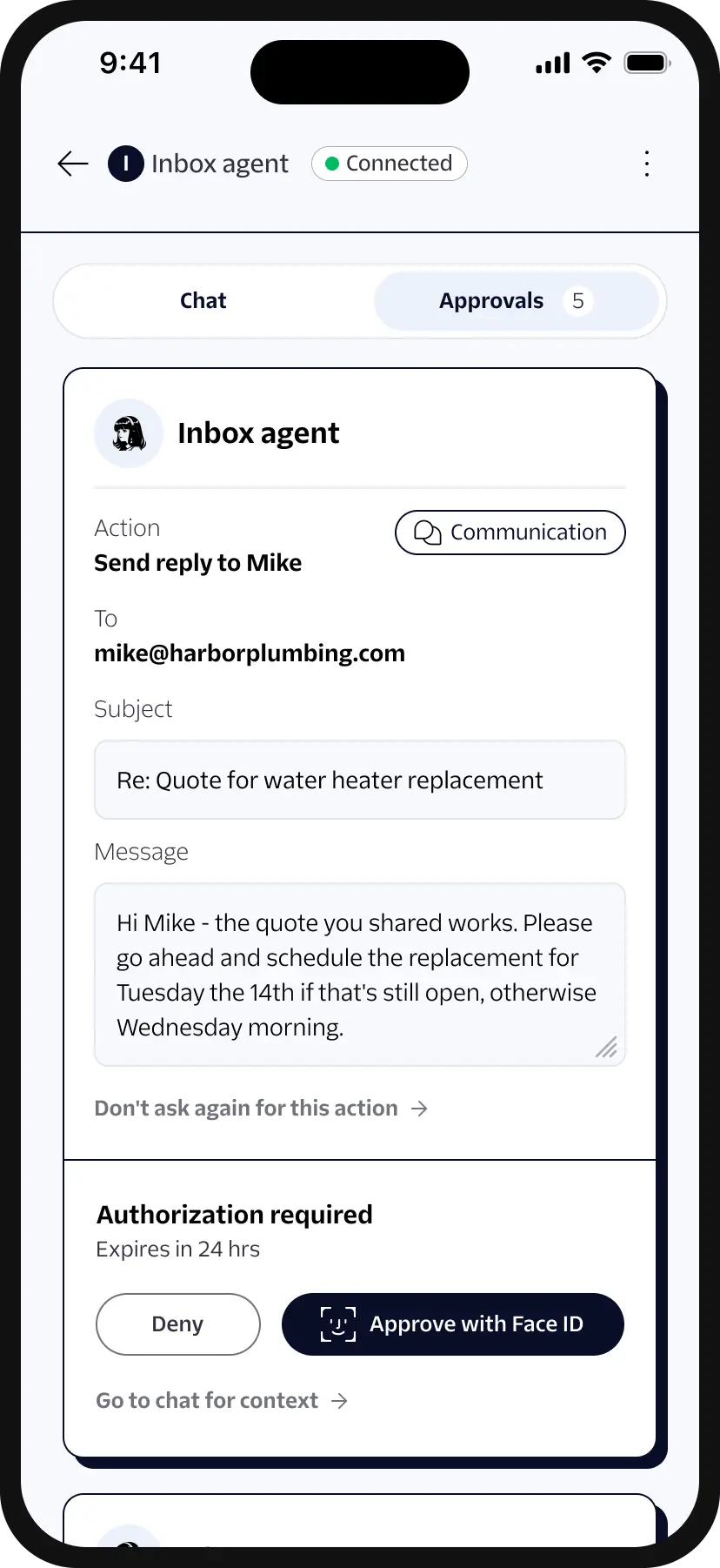
Your agent continuously monitors your inbox and drafts replies on your behalf. When the agent creates a draft, you can review the recipient, the subject, and the full text in Ola. Make any changes, then send it when you believe it's ready. Nothing leaves your account until you approve it.
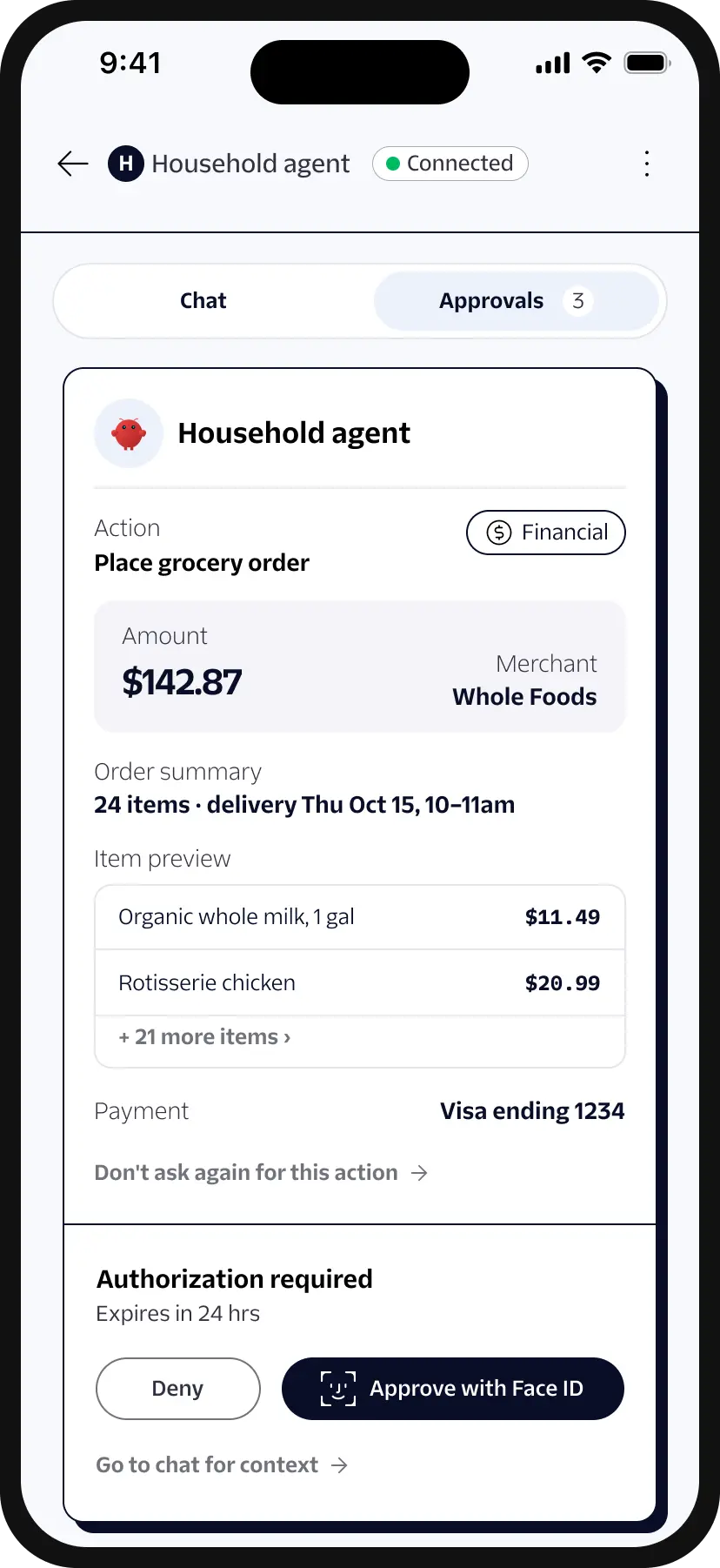
Your agent handles the legwork you'd rather not: the weekly grocery order, the flight that fits your calendar, the investment you asked it to monitor. When it comes time to pay, the order arrives in Ola with the amount, the recipient, and what you're purchasing. Your approval and Face ID release the payment.
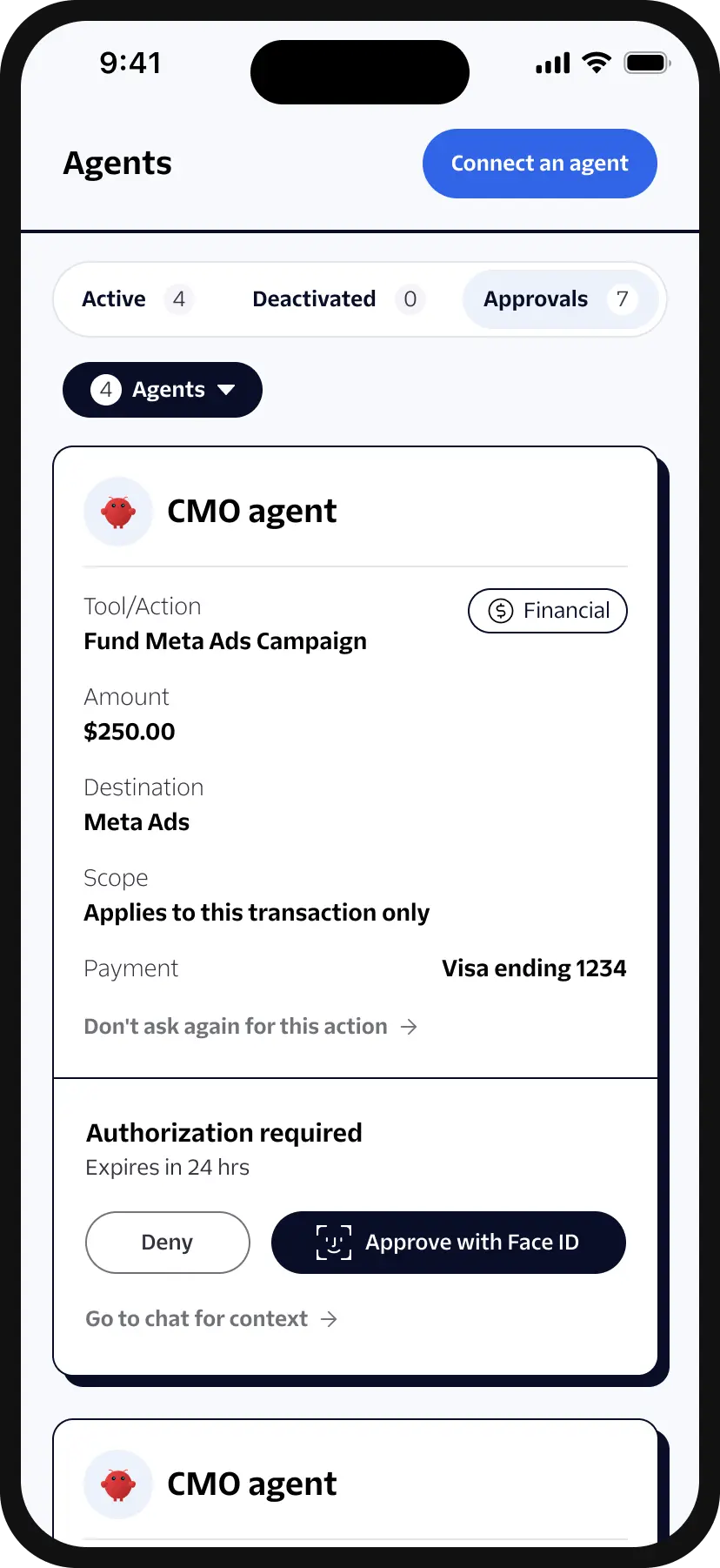
Your agents turn out the work all day: blog posts, prospect emails, client deliverables, deploys. The actions that need your approval stop and wait, arriving in one place regardless of which agent or machine produced them. You review the post, the diff, or the document itself from any device, so your agents keep making progress without you having to babysit them from your desk.
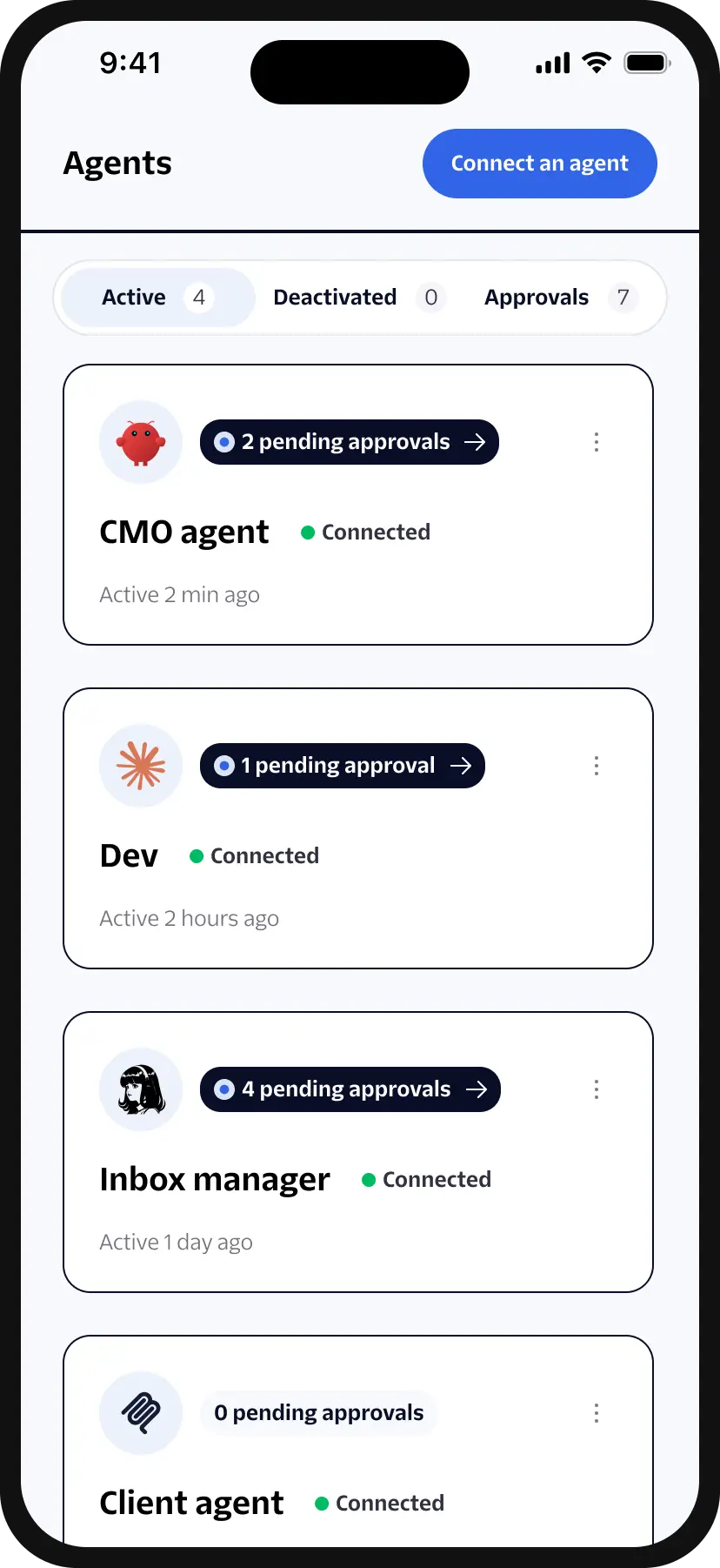
Ola connects to running AI agents. Agents on Hermes, OpenClaw, and Claude Code connect through a plugin. Any other agent runtime or framework connects over the Model Context Protocol (MCP).
Twilio supports Ola according to the Twilio Ola Beta Terms and the Twilio Privacy Notice.
Direct your support issues to twilio_forward_support@twilio.com.