Display and Video 360 (Actions) Destination
Destination Info
- Accepts Track calls.
- Refer to it as Display and Video 360 (Actions) in the Integrations object
- This destination is only compatible with Twilio Engage.
Google's Display & Video (DV360) service is an end-to-end campaign management tool that enables enterprise customers to plan, measure, and run display and video advertisements. Display and Video 360 (Actions) operates using third-party cookies, and its match rates are influenced by the extent to which these cookies are supported by browsers.
Segment's integration with DV360 enables Segment customers to sync audiences created in Engage with DV360 for centralized audience management and improved retargeting. For users detected to originate from US states with privacy restrictions, using a Google User ID to populate user lists is deprecated. Segment recommends that bidders populate user lists with their hosted match data for these users.
Consent mode
Google enforced consent on March 6, 2024 for European Economic Area (EEA) users. Learn more about consent mode and how to set it up.
Keep the following settings and requirements in mind as you set up your DV360 (Actions) Destination.
Implementation prerequisites
- For web traffic, you must have a client-side
analytics.jssource. - For mobile app traffic, you must have a mobile source.
- Audience appears as: An audience list with the name of your Engage Audience on the DV360 All Audiences screen
- Destination rate limit: None
- Lookback window allowed: 30 days
- Historical backfill supported: No
- Identifiers required (one of the following):
idfa(iOS) Since the release ofanalytics-iosversion 4, Segment no longer collects IDFA automatically. To collect and pass IDFA to your DV360 integration, follow the steps for Ad Tracking and IDFA in the Analytics-iOS mobile source documentation.advertisingId(Android)anonymousId(Web)
- Connection type:
- Client-side (DoubleClick Floodlight)
- Server-side (DV360)
- Aliasing supported: No
- Requirements:
- Business tier Segment customers with Engage
- One of the following sources:
- For web: Analytics.js
- For mobile app: A mobile source that passes an advertising identifier.
- A Google Marketing Platform or Google Ad Manager account
Connect to Google Ad Manager
For more information about connecting to Google Ad Manager, see Create an audience and finish DV360 configuration. Set User-Role Granted to Publisher if you plan to connect to Google Ad Manager.
The Segment DV360 integration uses two components, the DoubleClick Floodlight tag and Display & Video 360 (Actions) integration.
Segment users must add this tag to their web properties. The tag performs several functions, but when enabled for the DV360 integration, it allows Segment to send information about users directly to Google client-side.
Info
This component is required only if you want to sync audiences based on web traffic.
The DV360 Destination syncs audience data between Segment and Google Display & Video 360. For more information about enabling the DV360 Destination, view the setup instructions below below.
Configuring this integration requires action by both you in your Segment workspace, and Google in your Google Marketing Platform account. As a result, the time required to finish configuration and setup can vary.
This step is optional for those using mobile identifiers
This step is necessary only if you want to use Google User IDs to build audiences based on website traffic. If you plan to use mobile identifiers only, continue to Enable and configure the DV360 Destination.
Segment requires the DoubleClick Floodlight tag on your website to enable the creation of audiences based on website traffic. This allows Segment to send Google the appropriate identifier (typically anonymousId) for users that are in an audience. Google stores these identifiers on its servers and matches them against google_id.
To configure DoubleClick Floodlight:
Warning
Prerequisite: Create a JavaScript Website source in your Segment workspace if one does not exist. Ensure that this source is configured to track visitors to your website. For more information about configuring Javascript sources, see the Analytics.js Quickstart guide.
- In your workspace, visit the Catalog and search for the DoubleClick Floodlight Destination.
- Connect your JavaScript website source to the DoubleClick Floodlight destination, and configure the following settings:
- Get DoubleClickID:
On - Google Network Id:
segment - Your Segment write key. You can retrieve your write key from the Settings tab in the source.
- DoubleClick Advertiser ID
- If you use DoubleClick Floodlight for DV360 only, enter
DV360. - If you use DoubleClick Floodlight for other use cases in addition to DV360, enter the Advertiser ID from your Doubleclick Floodlight account.
- If you use DoubleClick Floodlight for DV360 only, enter
- Get DoubleClickID:
- Switch the toggle to enable the destination.
- From your Segment workspace, navigate to Engage > Engage Settings > Destinations > Add Destination, then search for Display and Video 360 (Actions).
- Switch the toggle to enable the destination.
- Navigate to the Mappings tab, click Add Mapping, and select Add to Audience.
- Click Save and enable the mapping.
- On the Mappings tab, click Add Mapping and select Remove from Audience.
- Click Save and make sure you enable the mapping.
Authentication
This destination doesn't ask you to sign in with Google or authorize access using OAuth. Segment authenticates with Google using Segment DMP credentials.
Before Segment can sync audiences to your account, a partner-level DV360 user must link Segment as an external data partner. In Partner Settings or Advertiser Settings, go to Linked accounts, click Link new account > External data partner, select Segment DMP, and create the link. For more information, see Google's Linking External Data Partners to Display & Video 360 documentation.
Info
The destination does not have configurable settings until you create an audience. For more information about creating an audience, see the Create an audience and finish DV360 configuration documentation.
Create an audience in a new or existing Engage space. After you create the audience, you can select the Display & Video 360 (Actions) Destination you created before.
Info
These settings are tied to a single audience. Each additional audience you send to DV360 requires you to input these values.
When you select the destination, you're prompted to enter the destination settings:
| Setting | Description |
|---|---|
| Account Type | The type of DV360 account used to sync. Either Advertiser, Partner, or Publisher. Note: Select Publisher only if you plan to connect to Google Ad Manager. |
| Advertiser ID | The ID of your DV360 Advertiser account. Can be found in your Google Account under Advertiser Settings > Basic Details > Advertiser ID. |
You'll also need to toggle on the Send Track setting.
After you complete the set up process, allow up to 24 hours for Google to create the new audience list. Once the list is created, Segment can begin to sync users to that list. Google may require additional time to process the initial audience additions. The entire first sync to DV360 may require 24-48 hours to complete. As a result, the first few audience syncs after you create the audience may fail.
Real-time to batch destination sync frequency
Real-time audience syncs may take six or more hours for the initial sync to complete. Upon completion, a sync frequency of two to three hours is expected.
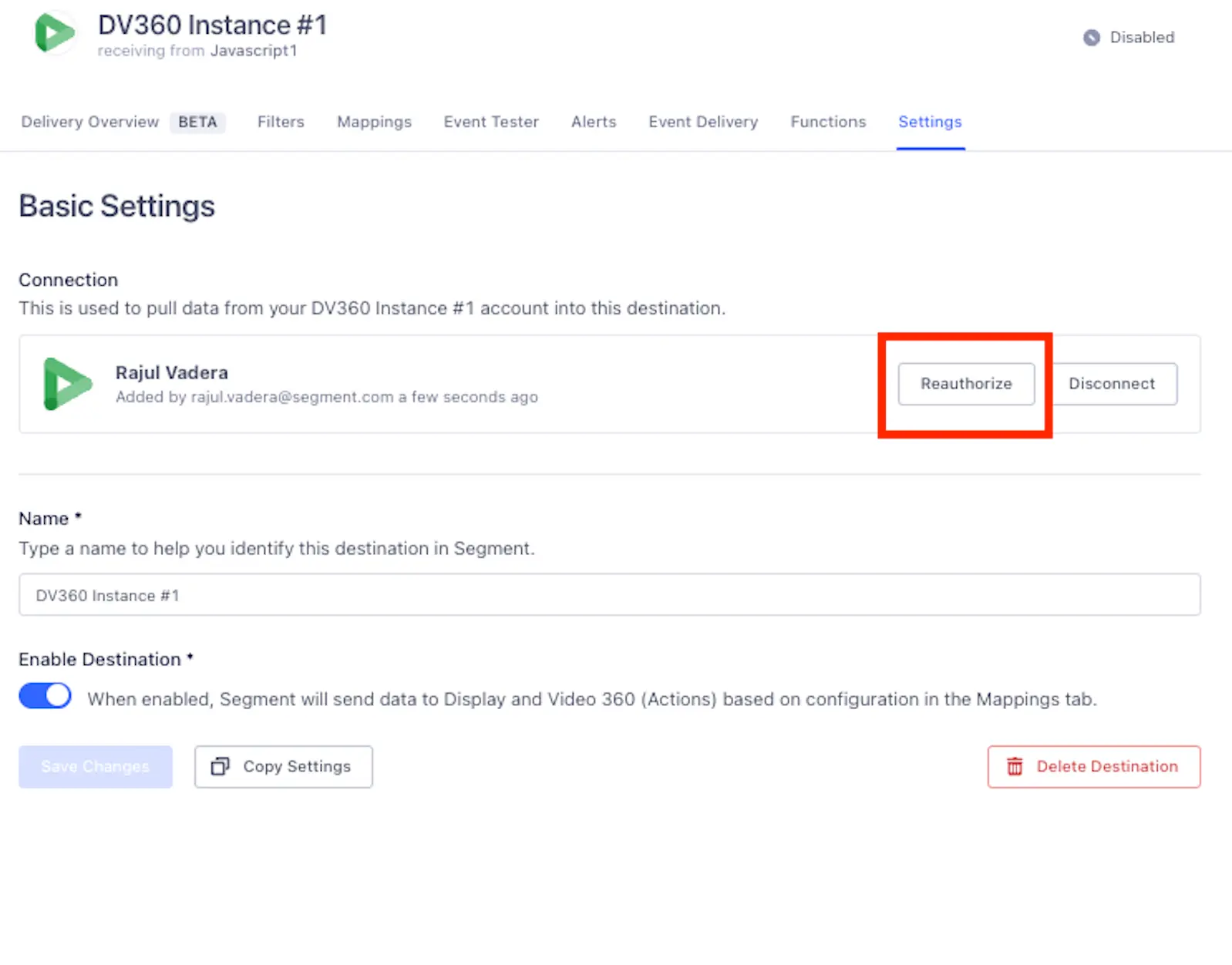
As of April 2, 2024, Segment no longer requires you to re-authenticate for existing Personas Display & Video 360 destinations. Segment, as an External Data Partner, now uses a set of Segment DMP credentials to authenticate on your behalf. To add Segment as an External Data Partner, open Advertiser Settings, navigate to Linked Accounts, and then enable "Segment DMP".
Segment is disabling all existing Personas Display and Video 360 destinations. You can still access your existing configuration, but please refrain from enabling the destination, as it is set to be deprecated. You will no longer be able to create new instances of Personas Display and Video 360.
Consent mode is a feature provided by Google in the context of its products, particularly the Gtag library and Google Analytics. As of March 6, 2024, Google announced that consent mode must function for European Economic Area (EEA) users, otherwise data from EEA users won't process.
Consent mode in the Gtag library and Google Analytics is designed to help website owners comply with privacy regulations, such as the General Data Protection Regulation (GDPR) in the European Union. It allows website owners to adjust how these tools use and collect data based on user consent.
With consent mode, you can configure your website to dynamically adjust the tracking behavior of the Gtag library and Google Analytics based on the user's consent status. If a user provides consent to data processing, both the Gtag library and Google Analytics can collect and use that data for analysis. If a user doesn't provide consent, both tools limit data collection to essential functions, helping businesses respect user privacy preferences.
Segment automatically sends consent as TRUE for this destination. Segment uses the bulk-uploader workflow which requires consented data. Ensure all audiences and journeys are connected to consented audiences.
Build your own Mappings. Combine supported triggers with the following Display and Video 360-supported actions:
Mapping limits per destination
Individual destination instances support a maximum of 5 mappings.
Remove users from an audience
Remove from Audience is a Cloud action. The default Trigger is event = "Audience Exited"
Optional
Mobile Advertising ID. Android Advertising ID or iOS IDFA.
Optional
Google GID - ID is deprecated in some areas and will eventually sunset. ID is included for those who were on the legacy destination.
Optional
Partner Provided ID - Equivalent to the Segment Anonymous ID. Segment Audience must include Anonymous Ids to match effectively.
Add a user to a Display & Video 360 audience.
Add to Audience is a Cloud action. The default Trigger is event = "Audience Entered"
Optional
Mobile Advertising ID. Android Advertising ID or iOS IDFA.
Optional
Google GID - ID is deprecated in some areas and will eventually sunset. ID is included for those who were on the legacy destination.
Optional
Partner Provided ID - Equivalent to the Segment Anonymous ID. Segment Audience must include Anonymous Ids to match effectively.
Sync users to a Display & Video 360 audience. This action is currently in beta.
Sync Audience [Beta] is a Cloud action. The default Trigger is type = "track"
Optional
Mobile Advertising ID. Android Advertising ID or iOS IDFA.
Optional
Google GID - ID is deprecated in some areas and will eventually sunset. ID is included for those who were on the legacy destination.
Optional
Partner Provided ID - Equivalent to the Segment Anonymous ID. Segment Audience must include Anonymous Ids to match effectively.
Google considers Segment to be a DMP or Data Onboarder. Audience information pushed from Segment to your DV360 account is considered to be First-Party data.
When you complete the connection between Segment and DV360, it can take from 24 to 48 hours for Google to create the user list. This must complete before Segment can begin to sync users into that list.
Google's documentation provides information about the accepted identifiers for this integration.
- To use DV360 with web traffic, you must collect
anonymous_idthrough the client-sideanalytics.jssource. - To use DV360 with mobile traffic, you must collect
IDFAs through Segment's mobile sources.
Match rates may differ between Engage and DV360 for the following reasons:
When you first preview and create an audience in Engage, the audience may contain many audience members. This is more likely if you select the Historical Backfill option. This does not reflect the audience that syncs to DV360 for the following reasons:
- During an audience sync, Segment sends a list of
anon_idvalues to Google. Google attempts to match those values in their match table, to find an associatedgoogle_user_id. - To complete this lookup, Google must have both the
anon_idand have it store along side a matchedgoogle_user_id. This occurs when a user visits your website with both the Doubleclick Floodlight tag installed, and the DV360 integration completed.
As a result, you must have Doubleclick Floodlight and the DV360 integration in place before Google can match users and make them available for retargeting.
To help reduce the difference between Engage and DV360 audience sizes, Segment recommends that you deselect the Historical Backfill option when you create the audience that syncs to DV360.
Apple's privacy policy impacts the way businesses collect IDFA data, reducing the percentage of users for which IDFA data is collected. This results in lower match rates, as both Segment and Google see a decline in the number of IDFA values sent by Segment and matched by Google.
Sometimes, Google denies IDFA or google_user_id values when they consider them to be invalid or inactive.
Any changes to a DV360 list's configuration (for example, modifying the membership expiration from 540 days to a value that matches the time window on the audience) is very risky and will likely cause mismatches between Engage audiences and the lists in Google. Segment ensures that the integration works successfully only if there are no changes made to the configurations in DV360. DV360 lists are created with parameters that are known to be compatible with Engage. Configurations that differ from Segment's can cause mismatches by removing more users than intended, or by not accepting valid uploads.
Engage syncs every IDFA or anonymous_id value for each user in an audience. When DV360 receives this data, it does not de-duplicate in the event that multiple identifiers map to the same unique user. This may result in a larger audience list in Google compared to Engage.
The most common cause of matches not appearing in DV360 is an error with Doubleclick Floodlight. From the website where tracking is enabled, open the Network inspector, and confirm that outgoing requests to idsync.segment.com appear.
No. YouTube (through DV360) does not support the type of lists that Segment provides.
The DV360 Destination works on a per-audience basis. This enables you to:
- Send data from different audiences to different DV360 accounts.
- Send data to Google Ad Manager with the same destination.
You can send computed traits and audiences generated using Engage to this destination as a user property. To learn more about Engage, schedule a demo.
For user-property destinations, an identify call is sent to the destination for each user being added and removed. The property name is the snake_cased version of the audience name, with a true/false value to indicate membership. For example, when a user first completes an order in the last 30 days, Engage sends an Identify call with the property order_completed_last_30days: true. When the user no longer satisfies this condition (for example, it's been more than 30 days since their last order), Engage sets that value to false.
When you first create an audience, Engage sends an Identify call for every user in that audience. Later audience syncs only send updates for users whose membership has changed since the last sync.
Real-time to batch destination sync frequency
Real-time audience syncs to Display and Video 360 (Actions) may take six or more hours for the initial sync to complete. Upon completion, a sync frequency of two to three hours is expected.