Identity Resolution ExternalIDs
The steps in this guide pertain to spaces created before September 27th, 2020
For spaces created after September 27th, 2020, please refer to the Identity onboarding guide.
The Identity Graph creates or merges profiles based on externalIDs. ExternalIDs will become the identities attached to a user profile in the Profile explorer.
Success!
Navigate to Unify > Profile explorer to view identities attached to a profile, along with custom traits, event history, and more.
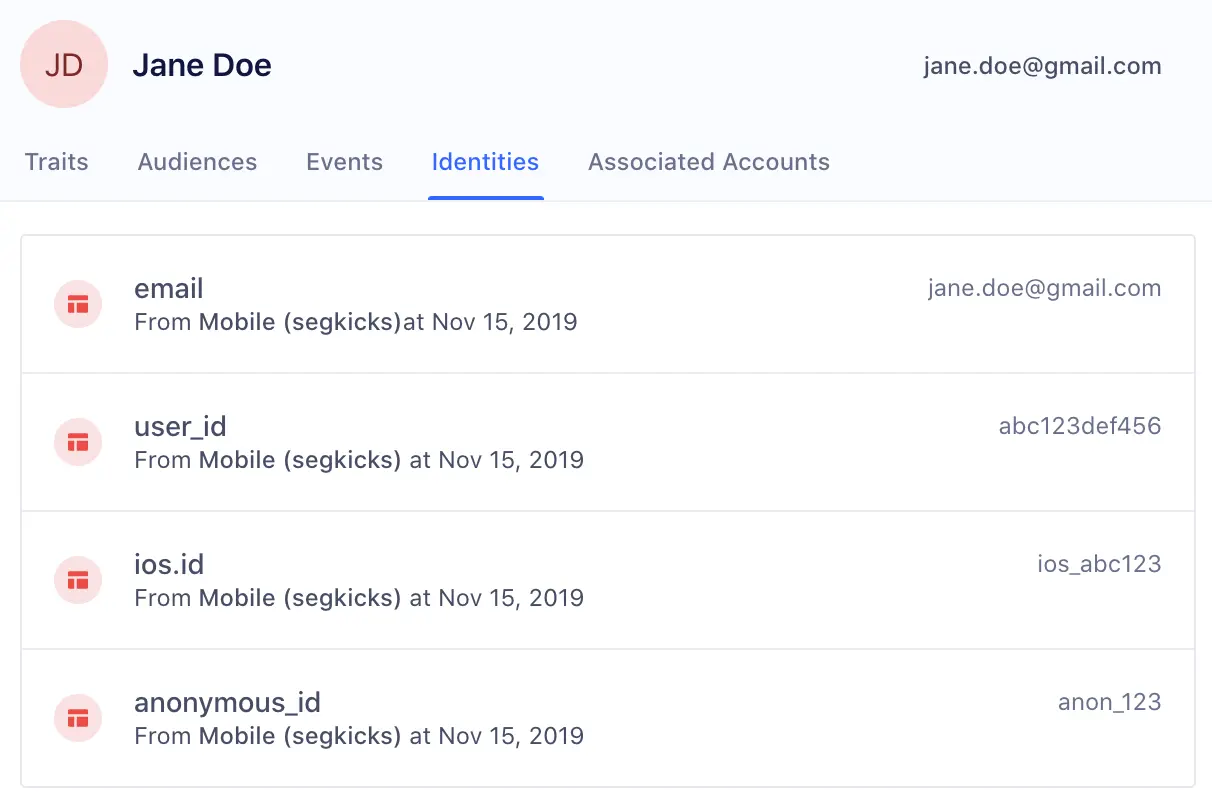
Segment automatically promotes the following traits and IDs in track and identify calls to externalIDs:
| External ID Type | Message Location in Track or Identify Call |
|---|---|
| user_id | userId |
| traits.email, context.traits.email or properties.email | |
| android.id | context.device.id when context.device.type = 'android' |
| android.idfa | context.device.advertisingId when context.device.type = 'android' AND context.device.adTrackingEnabled = true |
| android.push_token | context.device.token when context.device.type = 'android' |
| anonymous_id | anonymousId |
| ga_client_id | context.integrations['Google Analytics'].clientId when explicitly captured by users |
| ios.id | context.device.id when context.device.type = 'ios' |
| ios.idfa | context.device.advertisingId when context.device.type = 'ios' |
| ios.push_token | context.device.token when context.device.type = 'ios' |
Info
The Google clientID (ga_clientid) is a unique value created for each browser-device pair and will exist for 2 years if the cookie is not cleared. The analytics.reset() call should be triggered from Segment end when the user logs off. This call will clear the cookies and local Storage created by Segment. It doesn't clear data from other integrated tools. So on the next login, the user will be assigned with a new unique anonymous_id, but the same ga_clientid will remain if this cookie is not cleared. Hence, the profiles with different anonymous_id but with same ga_clientid will get merged.
Unify resolves identity for any other externalIDs that you bind to users - such as a phone number or any custom identifier that you support.
As long as you've configured custom externalIDs, such as phone, in your Space's Identity Resolution rules, you can include it with the context.externalIds array, the properties object, or the context.traits object.
As seen in the example below, you can send custom externalIds in the context object of any call to Segment's API.
The four fields below (id, type, collection, encoding) are all required:
| Key | Value |
|---|---|
| id | value of the externalID |
| type | name of externalID type (app_id, ecommerce_id, shopify_id, and more) |
| collection | users if a user-level identifier or accounts if a group-level identifier |
| encoding | none |
As an example:
1analytics.track('Subscription Upgraded', {2plan: 'Pro',3mrr: 99.994}, {5externalIds: [6{7id: '123-456-7890',8type: 'phone',9collection: 'users',10encoding: 'none'11}12]13})
Additionally, adding phone with the properties object gets picked up by Unify and applied as an externalID:
analytics.track('Subscription Upgraded', { plan: 'Pro', mrr: 99.99, phone: '123-456-7890'})
You can also include phone using the context.traits object and Unify adds it as an externalID to the profile.
analytics.track('Subscription Upgraded', { plan: 'Pro', mrr: 99.99}, {traits : {phone_number: '123-456-7890'}})
Unify creates a user (user_id: use_123) with the custom externalID (phone: 123-456-7890). Query the user's phone record by using the externalID (phone: 123-456-7890), or update the profile with that externalID going forward. (Note: externalIDs must be lower-case.)
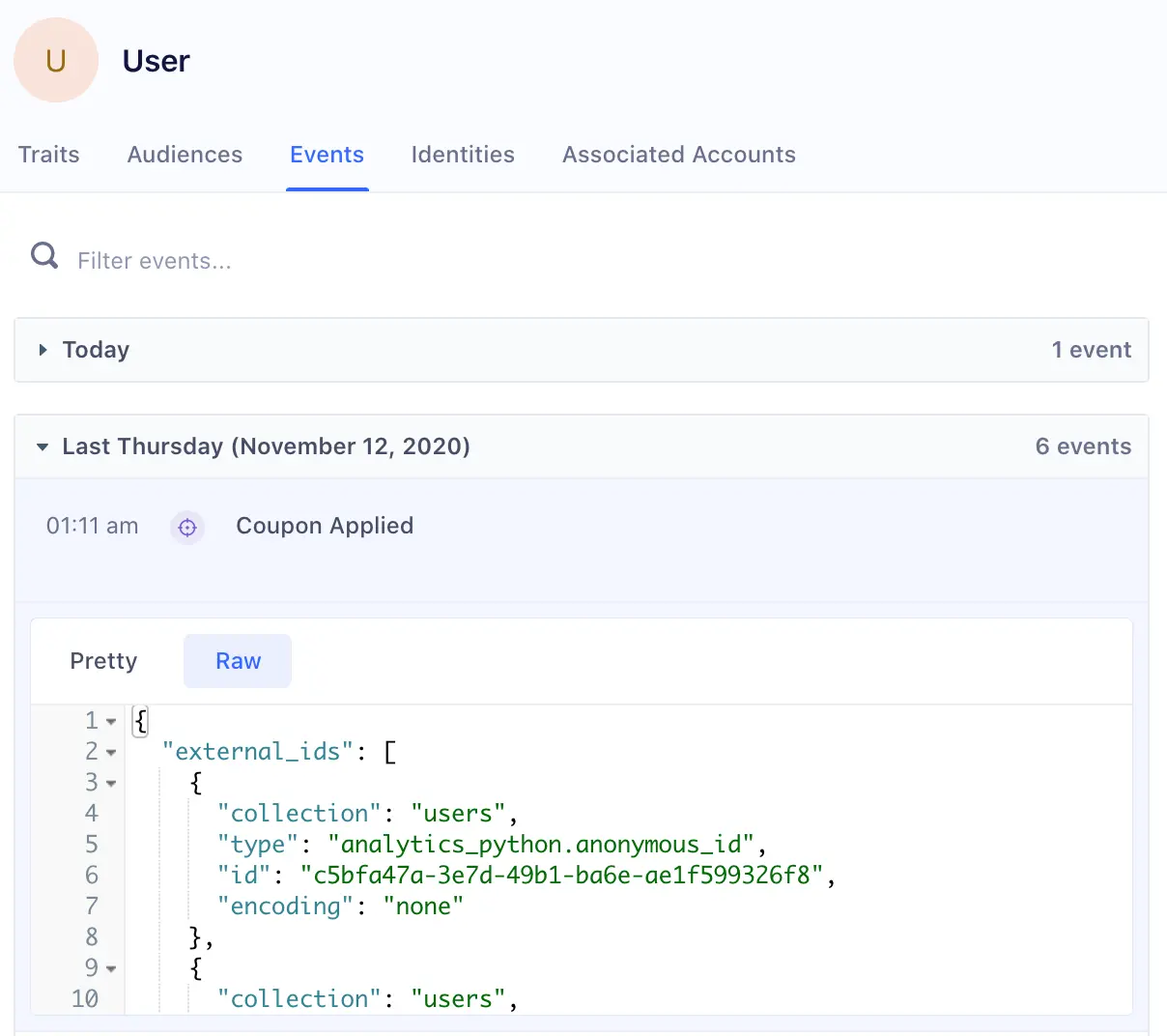
Users can view which externalIDs are promoted on each event by viewing the raw payload on Events in the User Profile in the "external_ids" object.
For example, the following user had anonymous_id and user_id promoted as identifiers from the Course Clicked track call:
For example, a new anonymous user visits your Pricing page:
1analytics.page('Pricing', {2anonymousId: 'anon_123'3title: 'Acme Pricing',4url: 'https://acme.com/pricing',5referrer: 'https://google.com/'6});
At this point, the Identity Graph will create a new user with external id (anonymous_id: anon_123) and a persistent and globally unique segment_id, in this case: use_4paotyretuj4Ta2bEYQ0vKOq1e7.
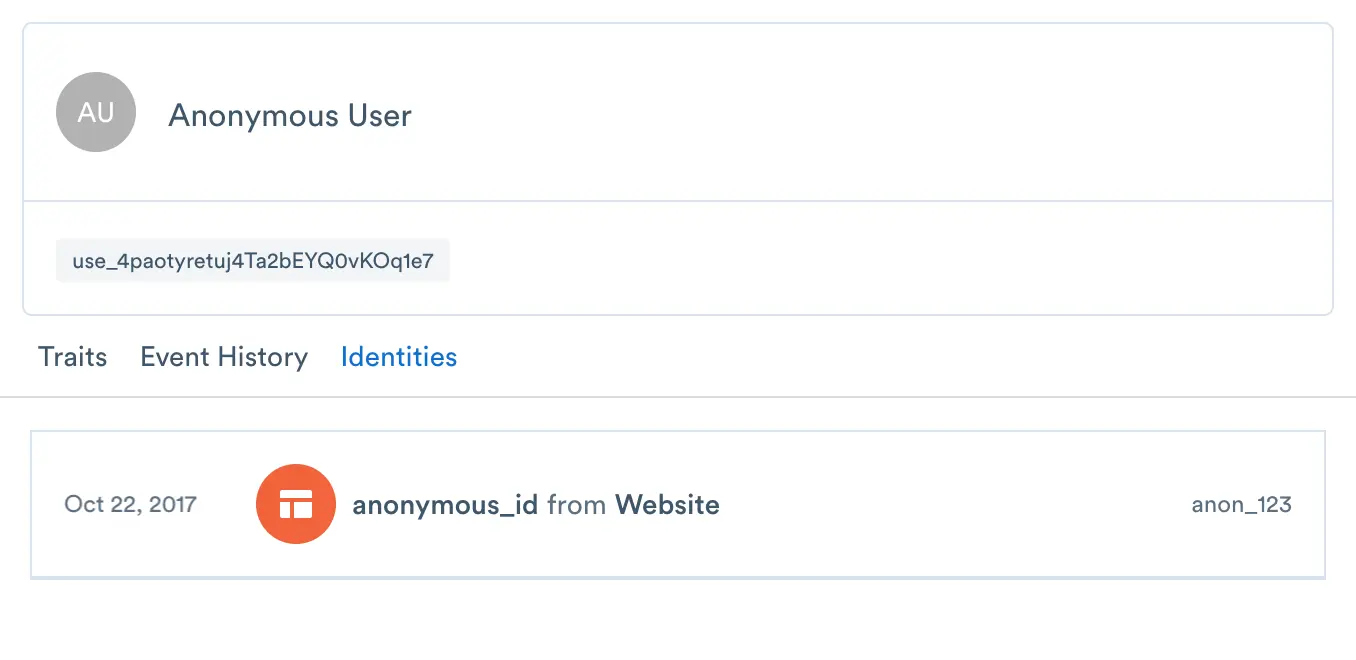
Any new events received with the same external id (anonymous_id: anon_123) are appended to same user use_4paotyretuj4Ta2bEYQ0vKOq1e7.
Next, the user goes to a sign up form and signs up:
1analytics.track('User Signup', {2userId: 'use_123',3anonymousId: 'anon_123'4});
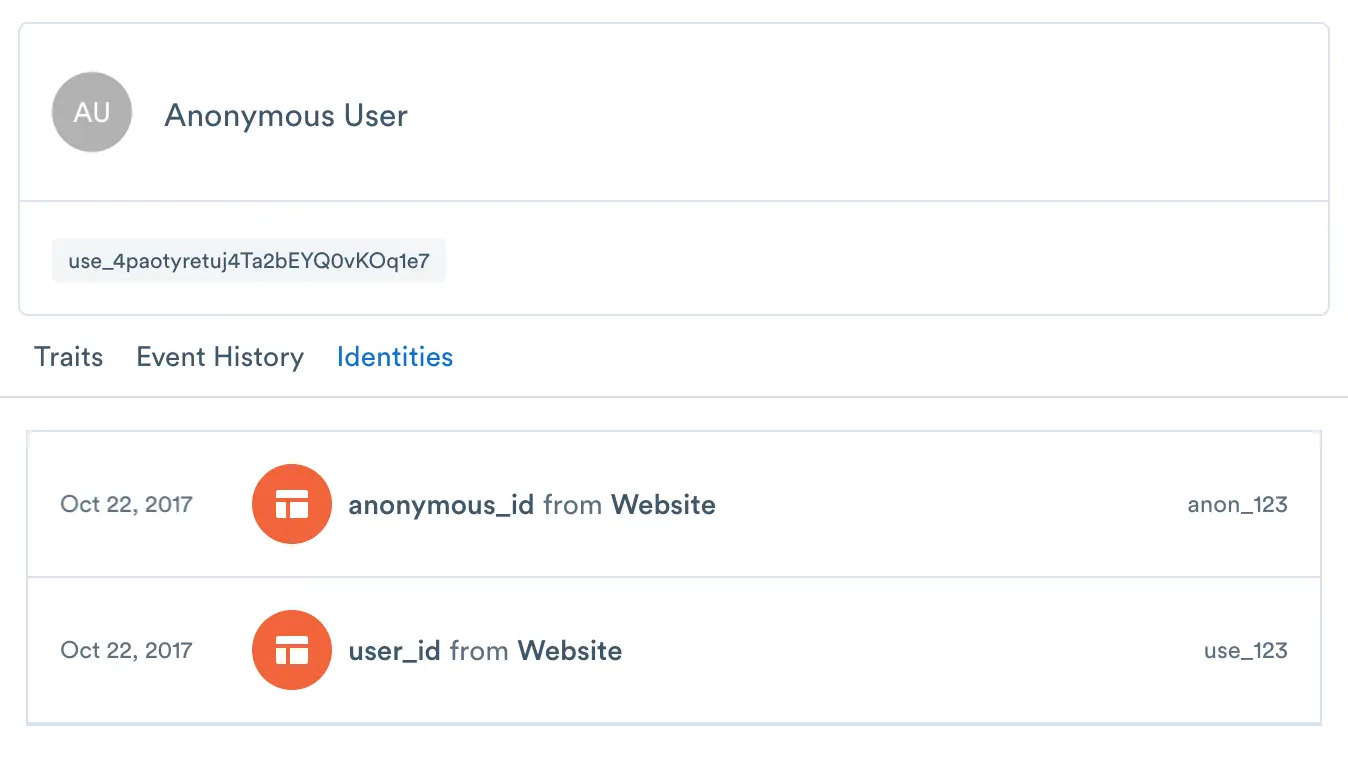
At this point, the Identity Graph associates external ID (user_id: use_123) with the same user use_4paotyretuj4Ta2bEYQ0vKOq1e7.