Forward Blocked Events
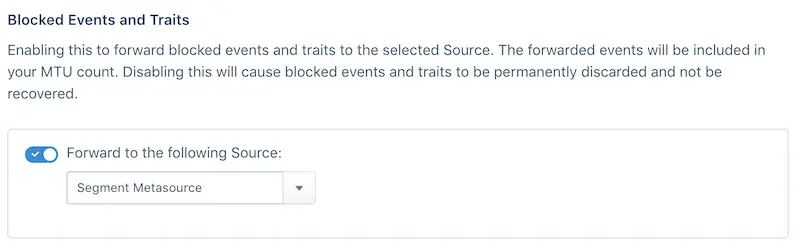
If you're concerned about permanently discarding blocked events, you can enable blocked event forwarding on a Segment Source. To set up forwarding, navigate to the settings tab of the Source, then Schema Configuration.
Select the source to forward events to from the Blocked Events and Traits dropdown. Segment recommends that you create a new Source for forwarded events to avoid contaminating production data and enable blocking only when you are confident about the quality of your data.
Since forwarding happens server to server, Segment recommends creating a HTTP Tracking API source, though any server-side source will work.
Blocked events and MTUs
Only blocked events are forwarded to the source, and count toward your MTU limits. Events with omitted traits are not forwarded, and do not contribute to your MTU counts. Instead, Segment inserts a context.protocols object into the event payload which contains the omitted properties or traits.