Free trial
Start building with Twilio for free
Sign up and start building your ideal customer engagement experience today.

Developers
Explore technical topics, solutions, and resources for building with Twilio – and beyond.
-
 How to Detect SIM Swaps in Rust With Twilio's Lookup APIMatthew Setter
 -
 How to Build a Voice AI Agent with OpenAI's GPT-Live, Twilio Agent Connect, and TypeScriptWen Zhu Xinghao Huang
 -
 How to Retrieve a Phone Number's SMS Pumping Score in RustMatthew Setter
 -
 Cyber Week Readiness: A Developer's Guide to Scalable CommsEsther Balta
 -
 Building a Multi-Channel AI Agent with Twilio Conversations and eveMarius Obert
 -
 Avoid Sending SMS to Landlines in PHP with Twilio's Lookup v2 APIMatthew Setter
 -
 Avoid Sending SMS to Landlines with the Lookup v2 API and GoMatthew Setter
 -
 My Voice AI Demo Was Hit by a $982 Traffic-Pumping Attack! Here’s What I LearnedRishab Kumar
 -
 How to Track Opt-Outs in PHPMatthew Setter
 -
 How to Create and Send vCards with GoMatthew Setter
 -
 How to Get Started With WebRTC: Intro to Browser APIsJesse Sumrak
 -
 Augment Voice Calls with Twilio Conversation Intelligence Using Node.jsMatthew Setter Dhruv Patel
 -
How to Augment Voice Calls with Twilio IntelligenceMatthew Setter
-
 How to Augment Voice Calls with Twilio Intelligence in C#Amanda Lange Matthew Setter
 -
 How to Build an RCS Business Messaging Campaign with Twilio in PHPDhruv Patel Matthew Setter
Industry Insights
Explore the latest trends, best practices, and expert tips shaping the future of customer engagement.
-
 How to handle token limits in long AI support conversationsJesse Sumrak
 -
 9 top conversational AI platforms in 2026Jesse Sumrak
 -
 What is an email blast? (how to do it right)Jesse Sumrak
 -
 19 best email fonts that won't let you down in 2026Jesse Sumrak
 -
 How to modernize CX without ripping and replacing your stackJesse Sumrak
 -
 What is agentic identity? Securing AI agents in 2026Ravleen Kaur
 -
 September 2026 Fraud Update: Phishing Trends, Third-party Safety and Latest ReleasesDan Nieters Rohit Agarwal
 -
 Peak Season Deliverability: Why Quality Beats Quantity This Holiday SeasonAdam Morales
 -
How to design an AI agent for resolution instead of rapportJesse Sumrak
-
 Your customers don't want an AI friend. They want an answer.Jesse Sumrak
 -
 86% of brands think their AI works. Only 51% of customers agree.Jesse Sumrak
 -
 Building Localised, Enterprise-Grade AI Voice AgentsMichelle Duke
 -
Scaling Beyond Borders: The 2026 Communication Blueprint for Chinese BrandsTwilio
-
Best AI solutions for contact center in Philippines: a 2026 buyer’s guideAliakbar Lokhandwala
-
Best AI solutions for contact center in India: a 2026 buyer’s guideAliakbar Lokhandwala
Product News
Get the scoop on Twilio’s latest innovations—from upcoming betas to the latest product launches and feature updates.
-
 Twilio Video Media SDK Powers Smarter Customer EngagementAndy O'Dower
 -
 Now in GA: Power Live Conversations with Segment Conversation Memory IntegrationValaree Landry
 -
 Twilio Reaches Branded Calling Milestone Across AT&T, T-Mobile, and Verizon NetworksMelissa Blassingame Robert McCulley
 -
 Prioritize your messages at scale with the Twilio Traffic Optimization EngineWill McKenzie
 -
 Twilio’s 2026 Heightened Awareness Period: Ensuring Reliable Messaging for Peak Season
 -
 The architecture of enterprise trust: Twilio US Branded Calling is now generally availableJason Spulak
 -
 WhatsApp just changed how customers identify themselves. Here's what to do about itSebastian Del Aguila Fiocco
 -
 Overcoming the Spam Epidemic: Twilio Branded Calling Enters Public Beta in the UK, Canada, and GermanyVinodhan Kaleeswaran
 -
 Announcing Twilio Lookup Line Status Public Beta: Verify Number Deliverability Before You SendCatie Kolander
 -
 Twilio's Compliance Toolkit now Generally AvailableWill McKenzie
 -
 Announcing Data Residency for SMS (EU): Local control, global trustBill Higbee
 -
The Power of the Grey Bubble: Why Apple Messages for Business is a game changerChris Cadotte Sebastian Del Aguila Fiocco
-
 Infrastructure for the agentic era: A new conversation layer for the Twilio PlatformDisha Rustogi
 -
 What Is Twilio Conversation Memory? How to Give Your AI Agents Context Across ConversationsSean Spediacci
 -
 Introducing Conversation Orchestrator: Connected Conversations with Conversation OrchestratorShanelle Thadani
Events & Community
Learn about upcoming opportunities to connect with fellow builders and developers.
-
 [Webinar] Master automated journeysTwilio
 -
 Conversations in the AI Era: Manchester Meetup RecapRyan Britnell
 -
 [Webinar] Elevating customer engagement with WhatsAppTwilio
 -
 [Webinar] Voice AI that connectsTwilio
 -
 From Idea to Index: How Twilio Voice and AI Helped Bring the Guinness Price Index to LifeTwilio
 -
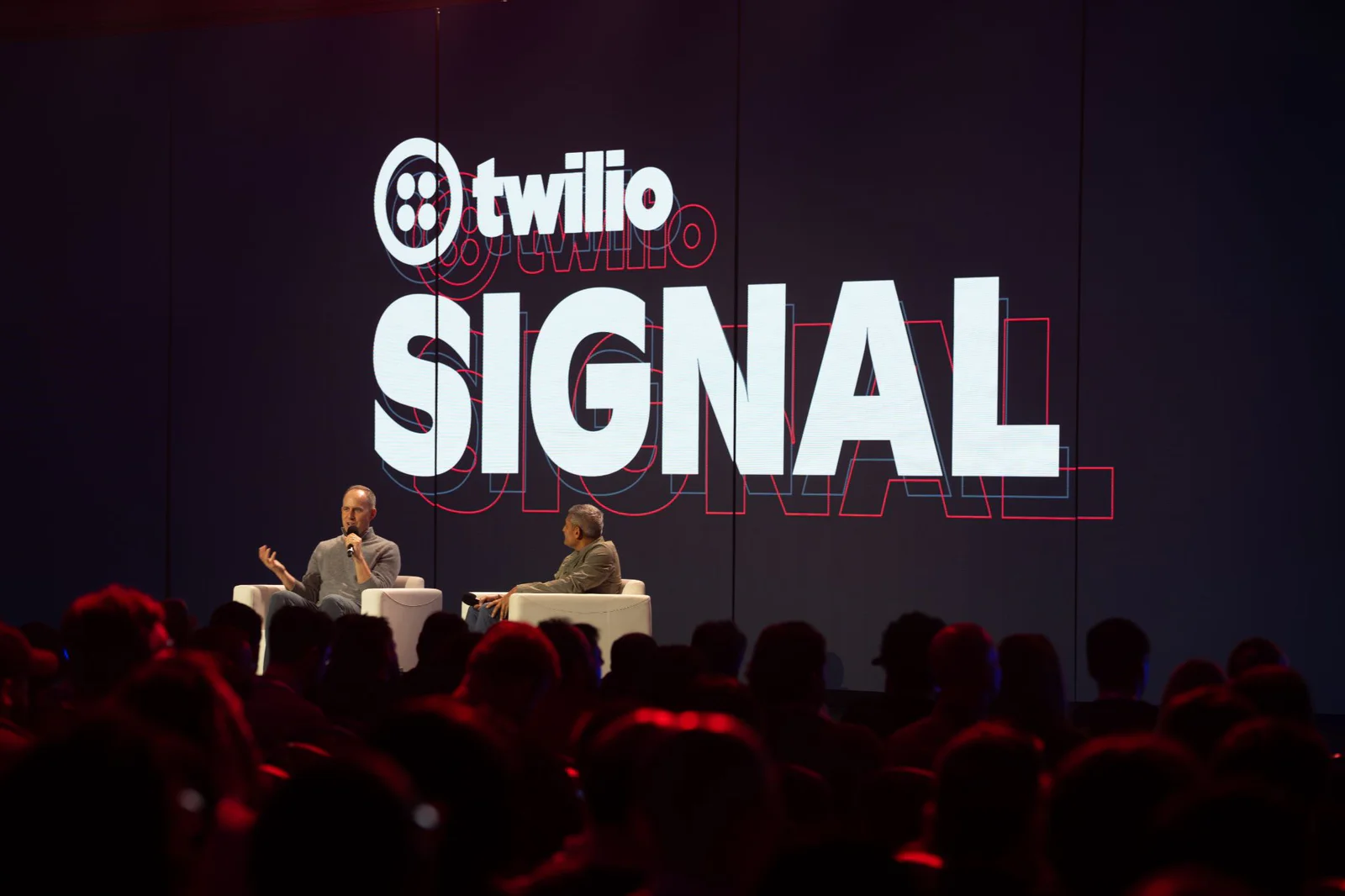 Systems of Agency and Engineering Grit: What You Missed at SIGNAL San Francisco 2026Lisa Eagleson
 -
 Five Reasons You Should Attend SIGNAL San Francisco 2026Leah Lengel
 -
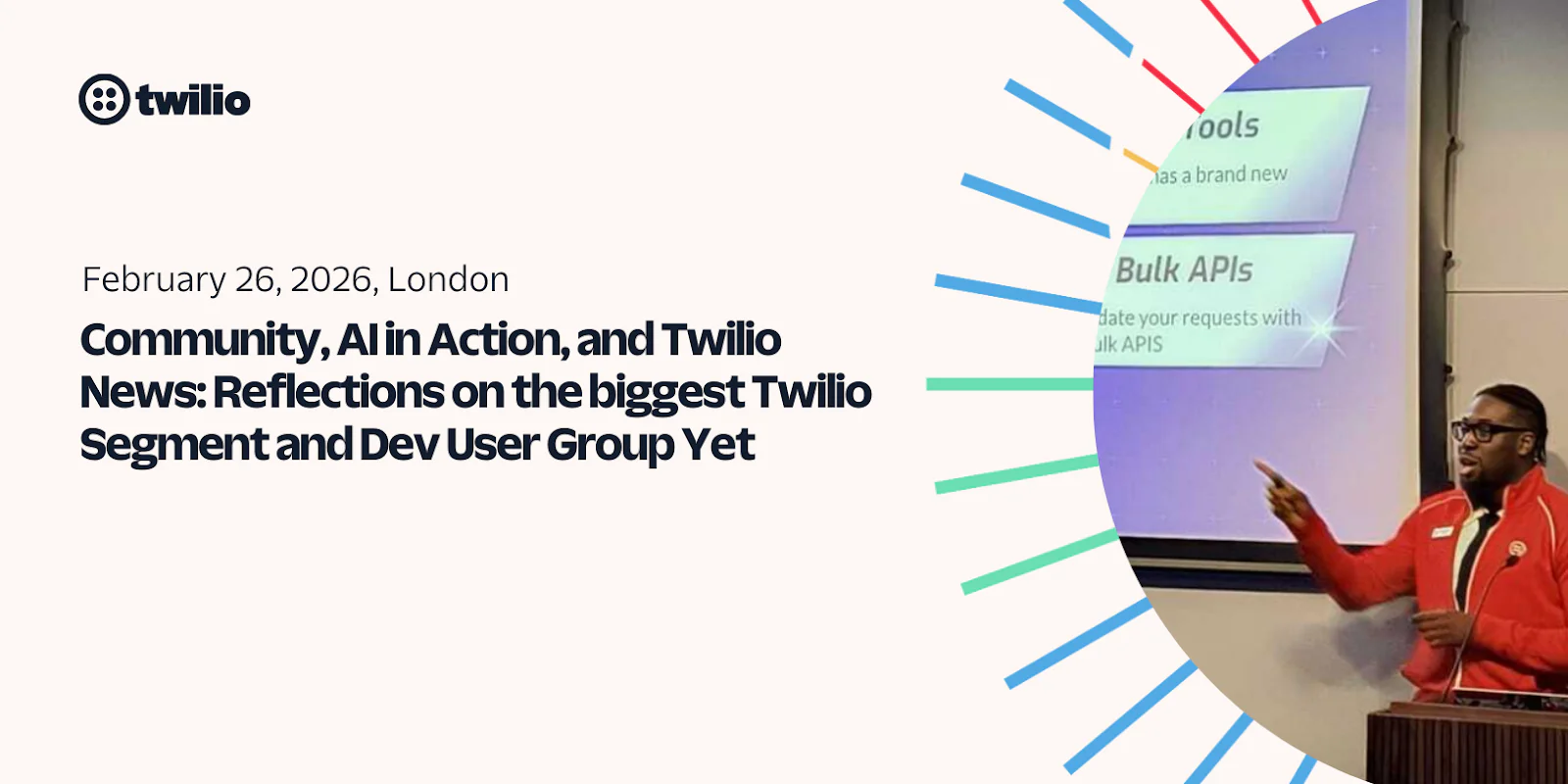 Community, AI in Action, and Twilio News: Reflections on Our Biggest User Group YetPayam Taghizadeh
 -
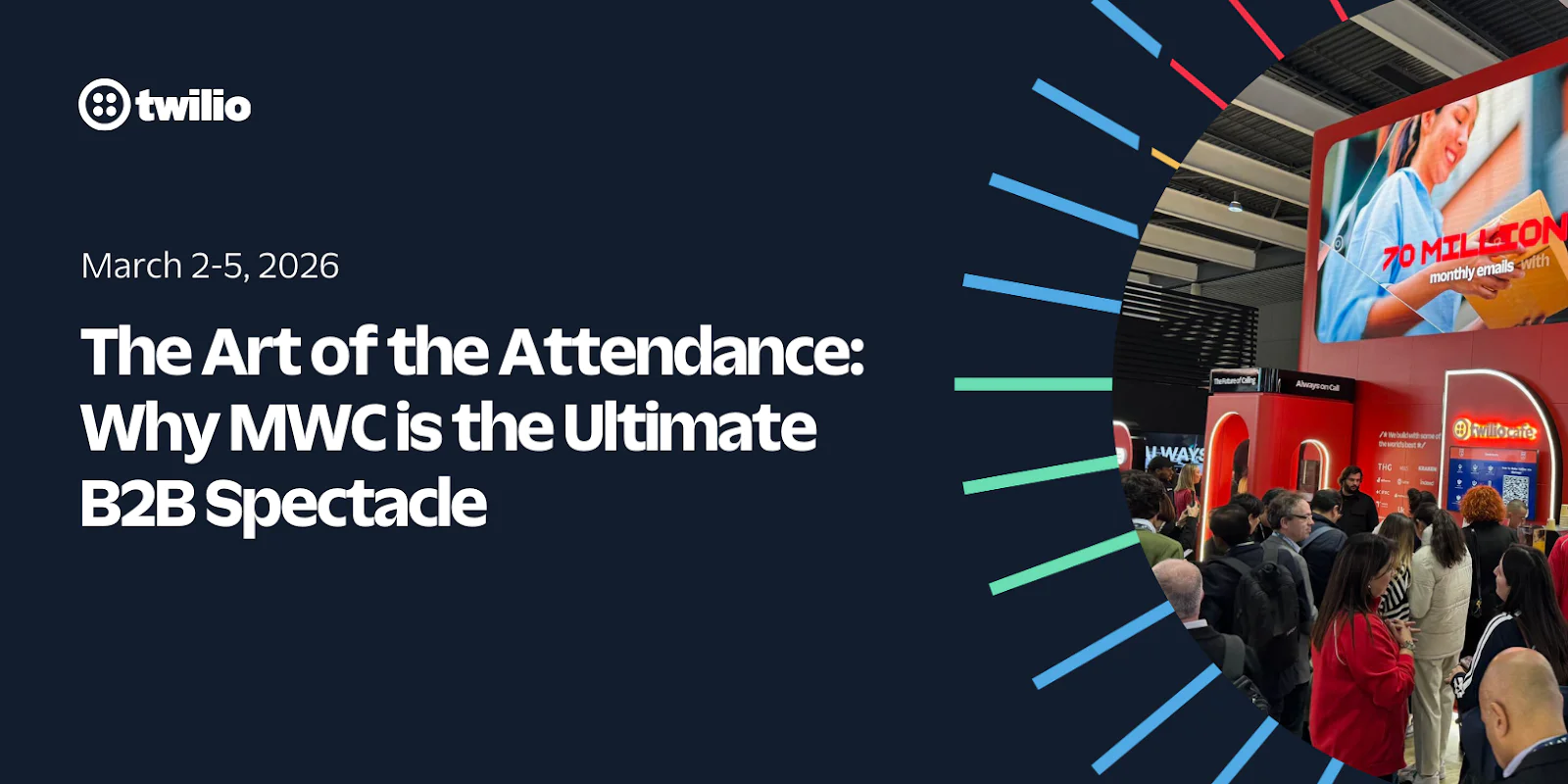 The Art of the Attendance: Why MWC is the Ultimate B2B SpectaclePeter Bell
 -
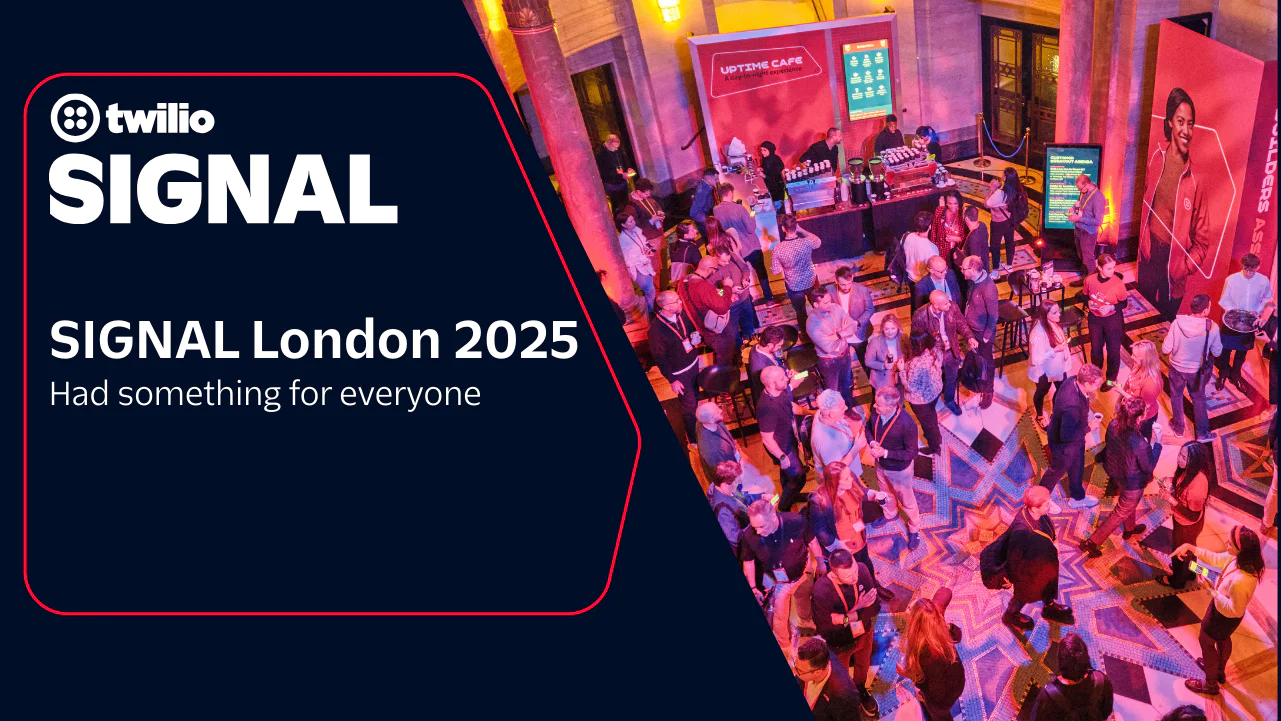 SIGNAL London 2025 had something for everyoneLeah Lengel
 -
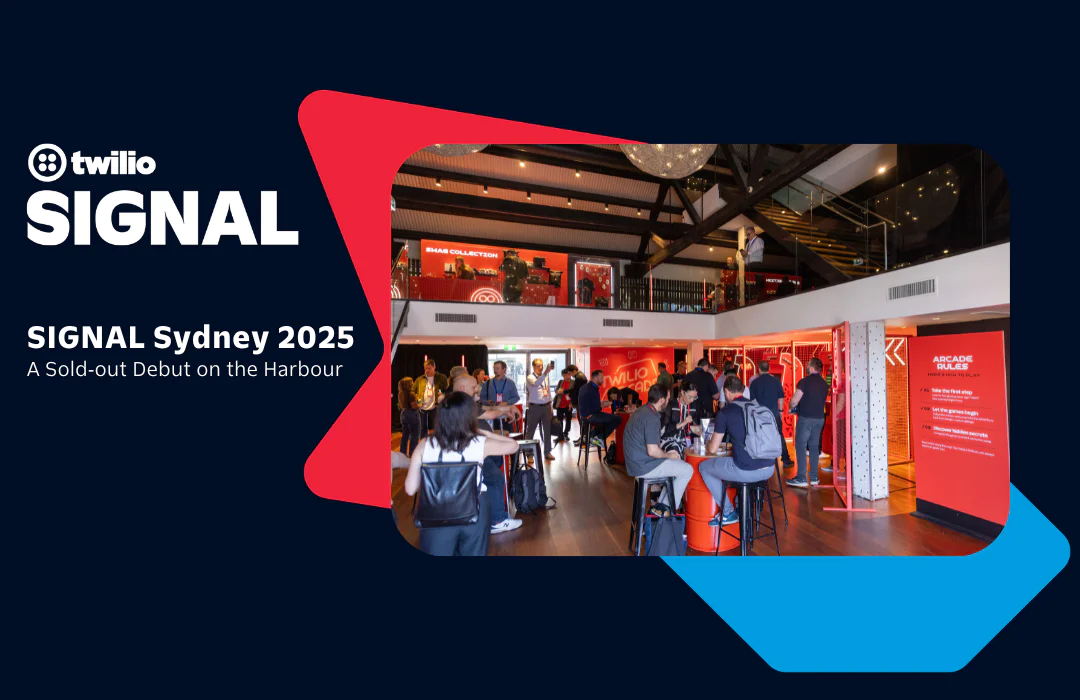 SIGNAL Sydney 2025: A Sold‑out Debut on the HarbourRobin Elrod
 -
 Welcome to the Builder’s Arcade at SIGNAL Sydney 2025Michelle Duke
 -
 What Brand Builders Need Most Right Now? Smarter Data, Real-Time Personalization, and AI That Actually Works | AdWeek 2025 Recap
 -
 Tackling the data management challenge: Insights from Enterprise ConnectRakesh Bhatia
 -
 SIGNAL Singapore 2024: Fulfilling the promise of customer engagement AI through communications and contextual dataRobin Elrod
Partners & Ecosystem
See how Twilio partners and platform integrations are powering innovation. Explore success stories and new collaborations.
-
 Unified Customer Communications: Twilio Voice, SMS, and WhatsApp meet SalesforceHadijah Creary
 -
 From Customer Intelligence to Customer EngagementStillman Wong
 -
 Twilio Brings Customer Engagement Workflows into Claude by AnthropicRikki Singh Seline Chen
 -
 A New Platform Chapter — And Why Partners Are at the Center of ItKevin Wagner
 -
 From Data to Daily Wins: Driving Voice AI ROI with Twilio and SpokeJason Spulak Stillman Wong
 -
 Headless Provisioning via CLI for Twilio with Stripe ProjectsSeline Chen Ryan Ferguson
 -
 Building an Outbound Voice Agent with Twilio and DeepgramCorey Weathers
 -
 Building an Inbound Voice Agent with Twilio and DeepgramCorey Weathers
 -
 Building the Future Together: Introducing the Twilio Partner Advisory BoardKevin Wagner
 -
 Empowering Partners for the AI Era: Twilio AI Certification ProgramStillman Wong
 -
 Rooted in Tradition, Powered by Tech: One Acre Fund’s Digital TransformationClaire FitzGerald
 -
 Innovation Spotlight: How Datadog's integration keeps your Cloud Communications safe while prioritizing uptime
 -
 Twilio Segment Joins the MACH Alliance: Embracing the Future of Extensible ArchitectureKevin Harris
 -
 Experience an out-of-the-box, no-code texting solution powered by SalesmsgWill McKenzie
 -
 Braze: expanding the reach of customer engagement for impactful resultsTwilio
Company
Get the latest updates from inside Twilio—including leadership announcements, culture highlights, and more.
-
Twilio Wins Modern Consumer Award for Excellence in Customer Service
-
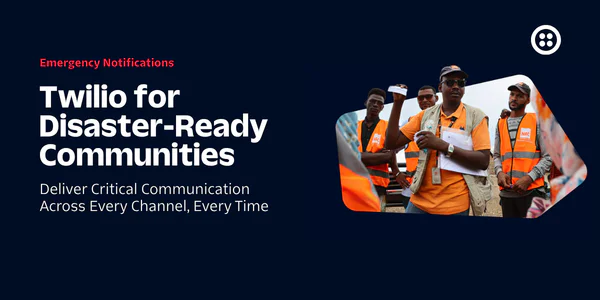 Twilio for Disaster-Ready Communities: Our 2030 GoalErin Reilly
 -
The Total Economic Impact™ of the Twilio Platform
-
 Calling All AI Startups: Twilio’s Startup Searchlight 2026 Is HereFrank Yaw-Owusu Bianca St Louis
 -
 Meet the 2026 finalists of our Excellence in Engagement Awards
 -
 Behind the builder: Dalia Molina, Sr. Manager, Documentation PlatformTwilio Employer Brand Team
 -
 Bringing SendGrid and Segment to Twilio.com: A More Unified Web ExperienceJesse Sumrak
 -
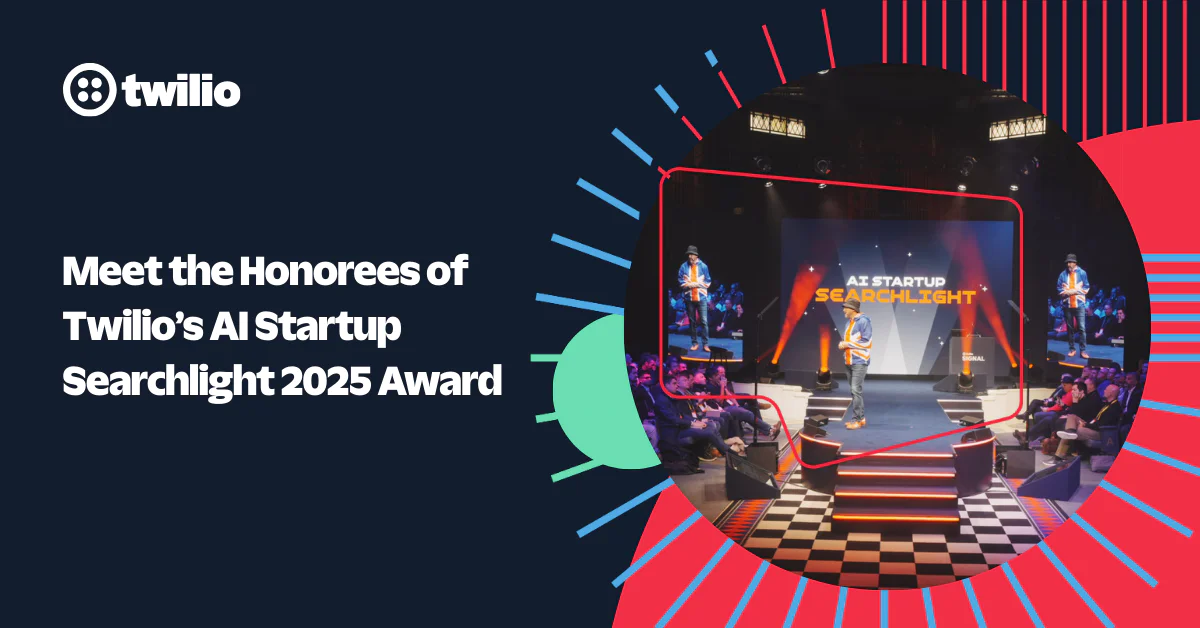 Meet the Honorees of Twilio’s AI Startup Searchlight 2025 Award ProgramFrank Yaw-Owusu Bianca St Louis
 -
 Behind the Builder: Justinus Kho, Staff Product Data AnalystTwilio Employer Brand Team
 -
 Building Holiday Magic: Twilio Powers Real-Time Calls for ‘NORAD Tracks Santa’Kevin Wagner
 -
 Behind the Builder: Stefany Millstein, Director of Sales, Commercial
 -
 Building Trust in the Age of AI: Why Identity Is the Foundation of Customer EngagementInbal Shani
 -
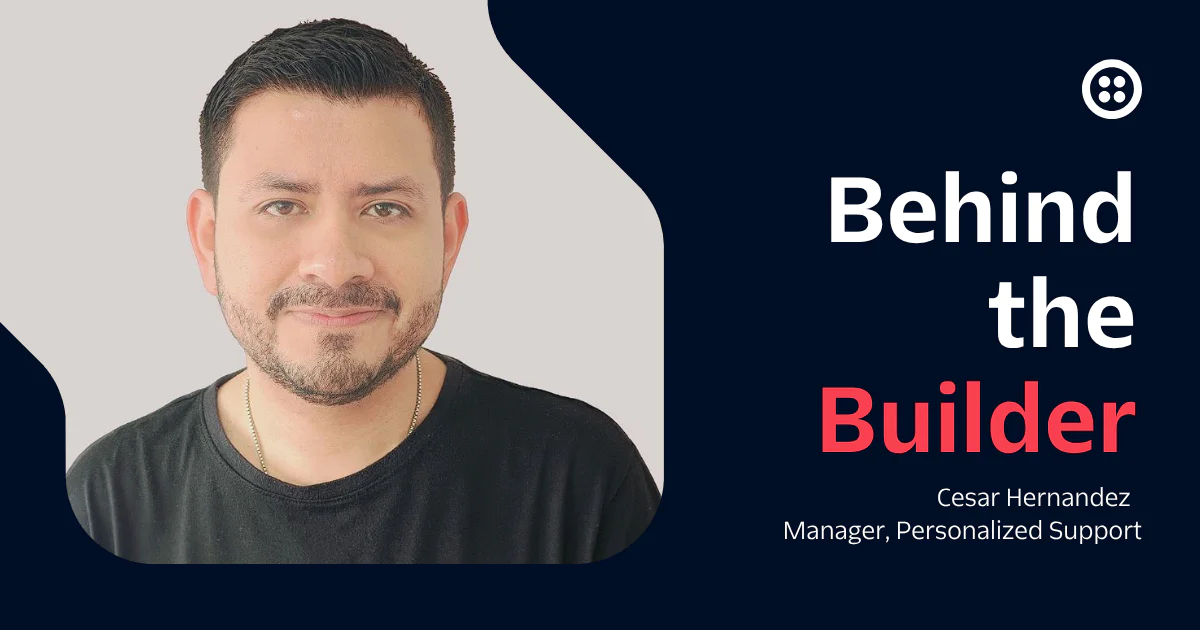 Behind the Builder: Cesar Hernandez, Manager, Personalized SupportTwilio Employer Brand Team
 -
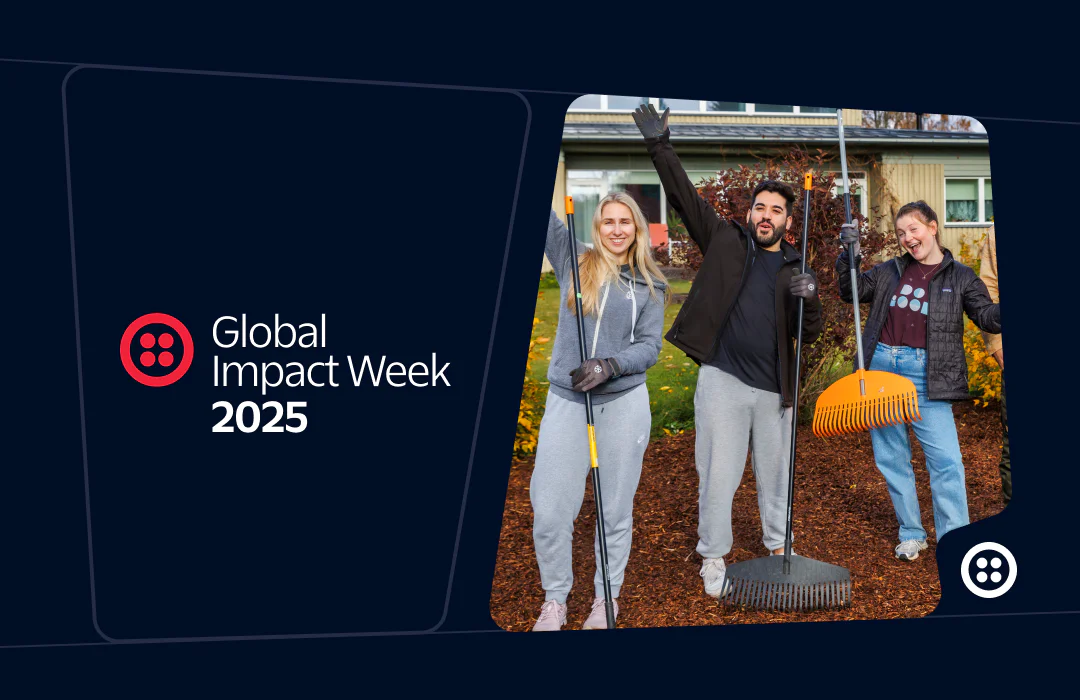 2025 Global Impact Week RecapTanise Love
 -
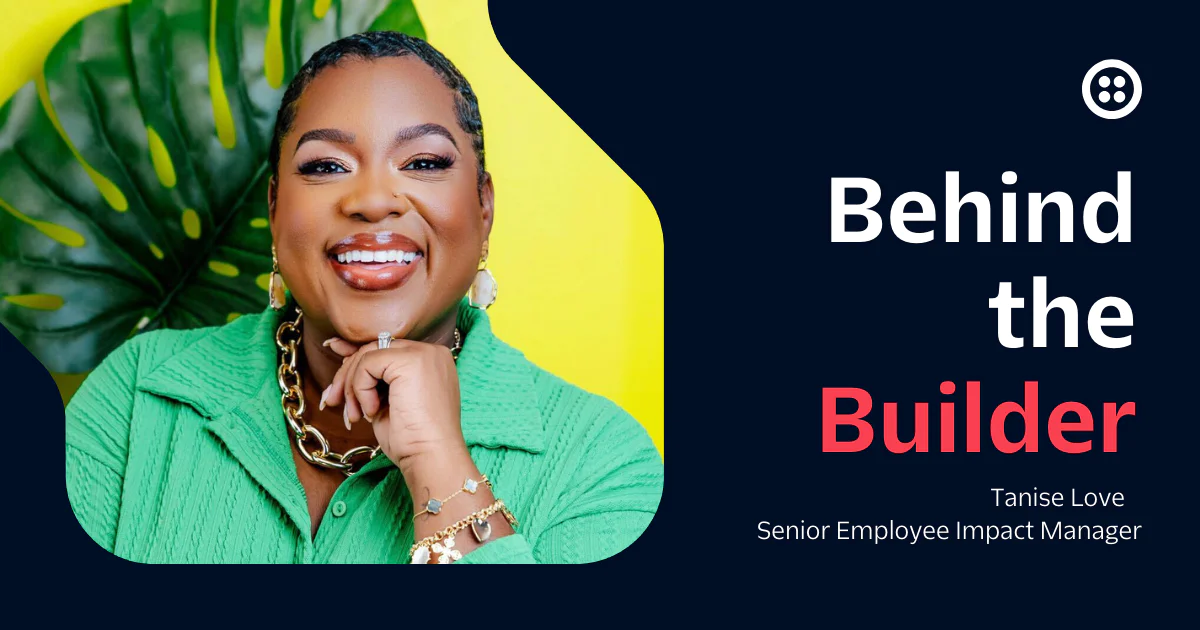 Behind the builder: Tanise Love, Senior Employee Impact ManagerTwilio Employer Brand Team
Archive
Jump into our vault for a look back at past posts and retired content.