Free trial
Start building with Twilio for free
Sign up and start building your ideal customer engagement experience today.

Developers
Explore technical topics, solutions, and resources for building with Twilio – and beyond.
-
 Orc-estrating an Optimized Workflow for Quickly Prototyping on Twilio with Claude Code PluginsMichael Carpenter
 -
 Build An Interactive Voice Response System With PHPMatthew Setter
 -
 How to determine if a phone number still belongs to someone with the Twilio Lookup APIKelley Robinson
 -
 How to create a promotional campaign with RCS and SendGrid in C#Amanda Lange
 -
 Getting Started with Podman QuadletsDylan Frankcom
 -
 How to Bring Your Own Keys for Okta Telephony with Twilio VerifyKelley Robinson
 -
 How to Enable Branded Calling with TwilioDhruv Patel
 -
 How to Use Google Sheets as a Database for Your PHP AppMatthew Setter
 -
 Building a Greeting Card Generator with the Lovable Twilio ConnectorChiara Massironi
 -
 How to Handle No-Answer/Pickup Scenarios with Voicemail and Callback using Twilio VoiceAmanda Lange Niels Swimberghe
 -
 How to Approve Real Users and Block Fake Accounts at Sign Up with Lookup and VerifyKelley Robinson
 -
 Build a WhatsApp AI Agent with Node.js, Twilio Messaging, and OpenAI’s GPT-5Chris Gargotta
 -
 How To Containerize A Twilio App With DockerDylan Frankcom
 -
How to Block Spam Calls with Twilio Voice in Node.jsDhruv Patel
-
 Send Bulk SMS With PHP and TwilioMatthew Setter
Industry Insights
Explore the latest trends, best practices, and expert tips shaping the future of customer engagement.
-
 7 steps to build a savvy email marketing strategy in 2026Jesse Sumrak
 -
 How to take data governance from compliance burden to competitive advantageZachary Hanif
 -
 The fraud-friction paradox: Why stronger security should feel invisibleAnurag Dodeja Reed Mcginley-Stempel
 -
 Omnichannel customer engagement: Strategies for connecting every step of the journeyJulie Griffin
 -
 What is a customer engagement platform and why does your business need one?Julie Griffin
 -
 March 2026 Fraud Update: AIT Tactics, Weaponized Trust, and a New Fraud Response GuideDan Nieters Alena Eissman
 -
 Customer lifetime value: formula, calculation & examplesJesse Sumrak
 -
 13 email marketing KPIs to watch closely in 2026Grant Olsen
 -
 AI Email Marketing: Tools, Benefits & Best Practices in 2026Jesse Sumrak
 -
 Data activation: what it is & how to do itKelly Kirwan
 -
 What is RCS on iPhone? How to enable & use itJesse Sumrak
 -
 What is data collection? Methods, types & examplesKelly Kirwan
 -
 RCS vs. iMessage: Everything you need to know in 2026Jesse Sumrak
 -
 How to use AI on WhatsApp to improve your company’s customer service?Sebastian Del Aguila Fiocco
 -
 Self-service in the age of AI: Virtual agents that actually resolveJulie Griffin
Product News
Get the scoop on Twilio’s latest innovations—from upcoming betas to the latest product launches and feature updates.
-
 No Rip and Replace. Add AI to Your Contact Center for Instant ROIApoorva Singh Hadijah Creary
 -
Activate Warehouse Data Faster with New Advanced Audiences features in Twilio SegmentKyle Turcotte
-
 Sunsetting Twilio Segment’s Legacy Analytics LibrariesWenxi Zeng
 -
 Introducing A2H: A Protocol for Agent-to-Human CommunicationRyan Ferguson Rikki Singh
 -
 New Twilio Interconnect Location - São PauloBill Harrison
 -
 Twilio Health Score for Messaging and Personalized Recommendations are now GAWill McKenzie
 -
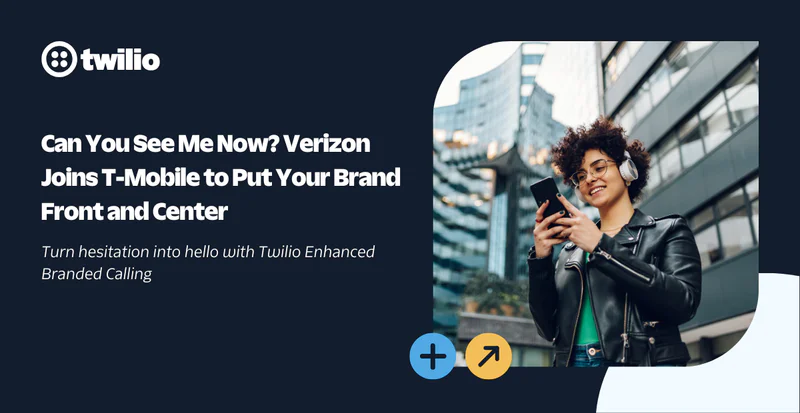 Can You See Me Now? Verizon Joins T-Mobile to Put Your Brand Front and CenterJason Spulak Robert McCulley
 -
 Launch WhatsApp faster with Twilio: Senders API GA, plus Typing Indicators, Flows, and a smoother ISV experienceSebastian Del Aguila Fiocco
 -
 Announcing General Availability of <Start><Recording> for Voice RecordingJessica Rabin
 -
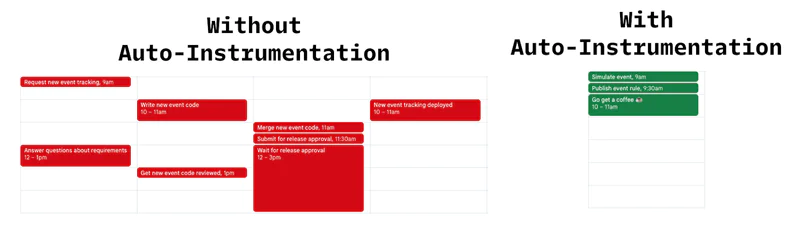 Auto-Instrumentation: The End of Manual TrackingMax Milhan Rahul Lalmalani
 -
 Introducing Email Logs: Search, Filter, and Troubleshoot Email EventsTaylor Ferguson Kim Castings
 -
 Complete US Carrier Coverage for RCS with AT&T IntegrationWill McKenzie
 -
 Take command of your customer data with the latest Twilio platform releasesKalyan Nistala Kathleen Velasquez
 -
 From Traffic Jams to Green Lights: Faster, Smarter Messaging with Twilio’s Traffic Optimization Engine
 -
Introducing Customer Intelligence for AdvertisersTwilio Segment
Events & Community
Learn about upcoming opportunities to connect with fellow builders and developers.
-
 Five Reasons You Should Attend SIGNAL San Francisco 2026Leah Lengel
 -
 Community, AI in Action, and Twilio News: Reflections on Our Biggest User Group YetPayam Taghizadeh
 -
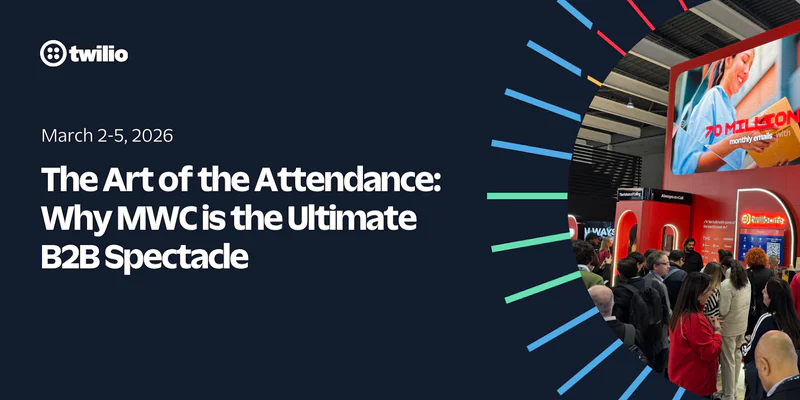 The Art of the Attendance: Why MWC is the Ultimate B2B SpectaclePeter Bell
 -
 SIGNAL London 2025 had something for everyoneLeah Lengel
 -
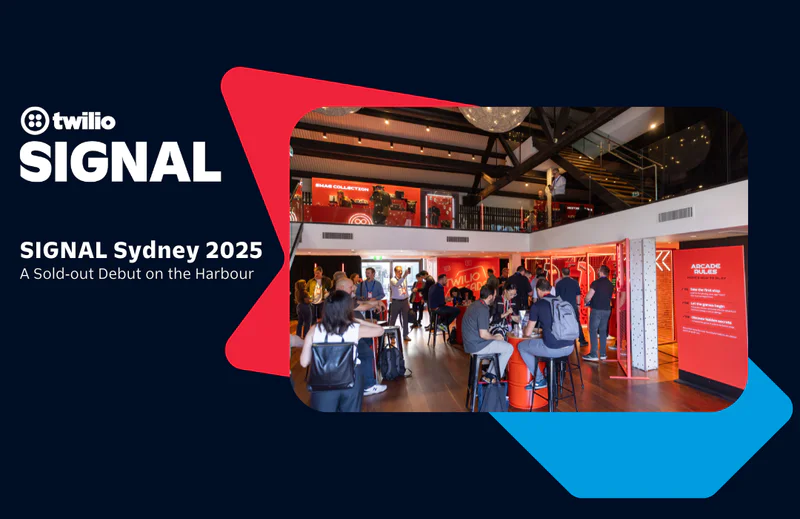 SIGNAL Sydney 2025: A Sold‑out Debut on the HarbourRobin Elrod
 -
 Welcome to the Builder’s Arcade at SIGNAL Sydney 2025Michelle Duke
 -
 What Brand Builders Need Most Right Now? Smarter Data, Real-Time Personalization, and AI That Actually Works | AdWeek 2025 Recap
 -
 Tackling the data management challenge: Insights from Enterprise ConnectRakesh Bhatia
 -
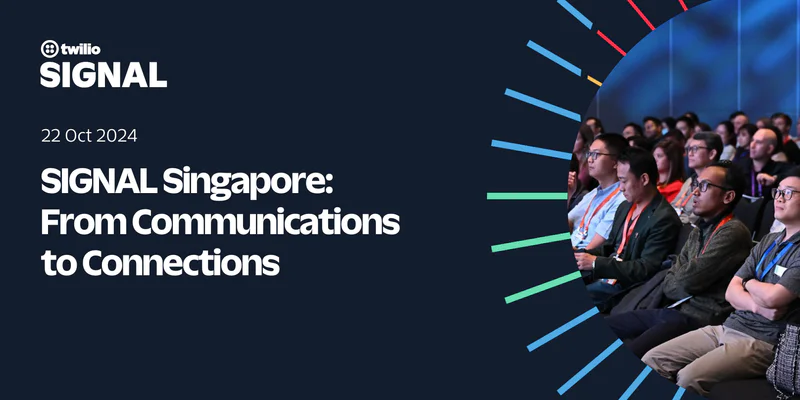 SIGNAL Singapore 2024: From Communications to ConnectionsAnthony
 -
 SIGNAL Singapore 2024: Fulfilling the promise of customer engagement AI through communications and contextual dataRobin Elrod
 -
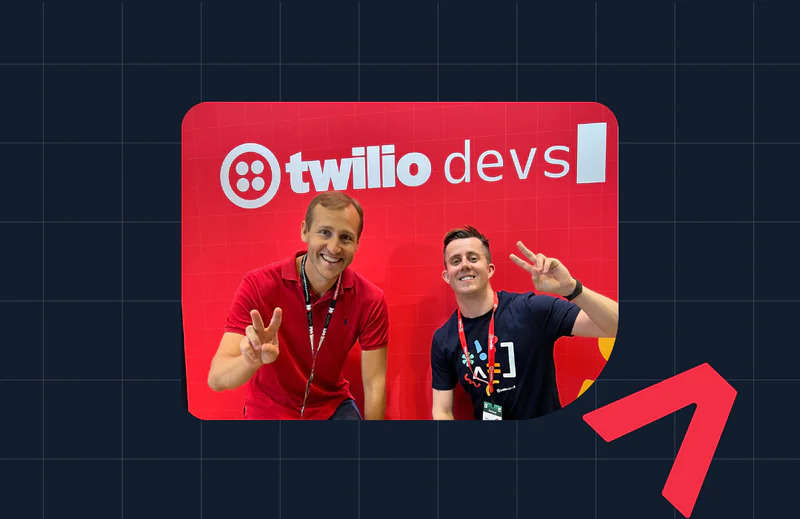 Reflecting on WeAreDevelopers World Congress 2024Marius Obert
 -
 3 Things We Learned at Transform LondonGeoffrey Keating
 -
 SIGNAL London and SIGNAL Singapore 2023: News for DevelopersMatthew Gilliard
 -
 Reflections from DEFCON 31 | InfoSec @TwilioSecurity
 -
 SIGNAL 2023: Twilio's Latest Announcements for DevelopersTwilio Amanda Garcia
Partners & Ecosystem
See how Twilio partners and platform integrations are powering innovation. Explore success stories and new collaborations.
-
 Building the Future Together: Introducing the Twilio Partner Advisory BoardKevin Wagner
 -
 Empowering Partners for the AI Era: Twilio AI Certification ProgramStillman Wong
 -
 Rooted in Tradition, Powered by Tech: One Acre Fund’s Digital TransformationClaire FitzGerald
 -
 Innovation Spotlight: How Datadog's integration keeps your Cloud Communications safe while prioritizing uptime
 -
 Twilio Segment Joins the MACH Alliance: Embracing the Future of Extensible ArchitectureKevin Harris
 -
 Experience an out-of-the-box, no-code texting solution powered by SalesmsgWill McKenzie
 -
 Braze: expanding the reach of customer engagement for impactful resultsTwilio
 -
 Twilio Flex Announces Public Beta of Compatibility with Microsoft Azure Virtual DesktopHitesh Manwar
 -
 Unlocking the Power of Facebook's Conversions API with Twilio Segment: A Guide to First-Party Data RetargetingGlenn Vanderlinden
 -
 How to achieve personalization and customer retention with Twilio Segment and SnowflakeTwilio Segment
 -
 Twilio Startup Labs Founder Spotlight: Gbolade Emmanuel, TermiiFrank Yaw-Owusu
 -
 Twilio Startup Labs Founder Spotlight: Alex Levin & Rebecca Greene, Regal.ioFrank Yaw-Owusu
 -
 Twilio Startup Labs Founder Spotlight: Karan Kashyap & Matt McEachern, PoshFrank Yaw-Owusu
 -
 Twilio Startup Labs Founder Spotlight: Erwan Baynaud & Franck Sousa, AlobeesFrank Yaw-Owusu
 -
Twilio Startup Labs Founder Spotlight: Chris Dolinski, VibehutFrank Yaw-Owusu
Company
Get the latest updates from inside Twilio—including leadership announcements, culture highlights, and more.
-
 Meet the 2026 finalists of our Excellence in Engagement Awards
 -
 Behind the builder: Dalia Molina, Sr. Manager, Documentation PlatformTwilio Employer Brand Team
 -
 Bringing SendGrid and Segment to Twilio.com: A More Unified Web ExperienceJesse Sumrak
 -
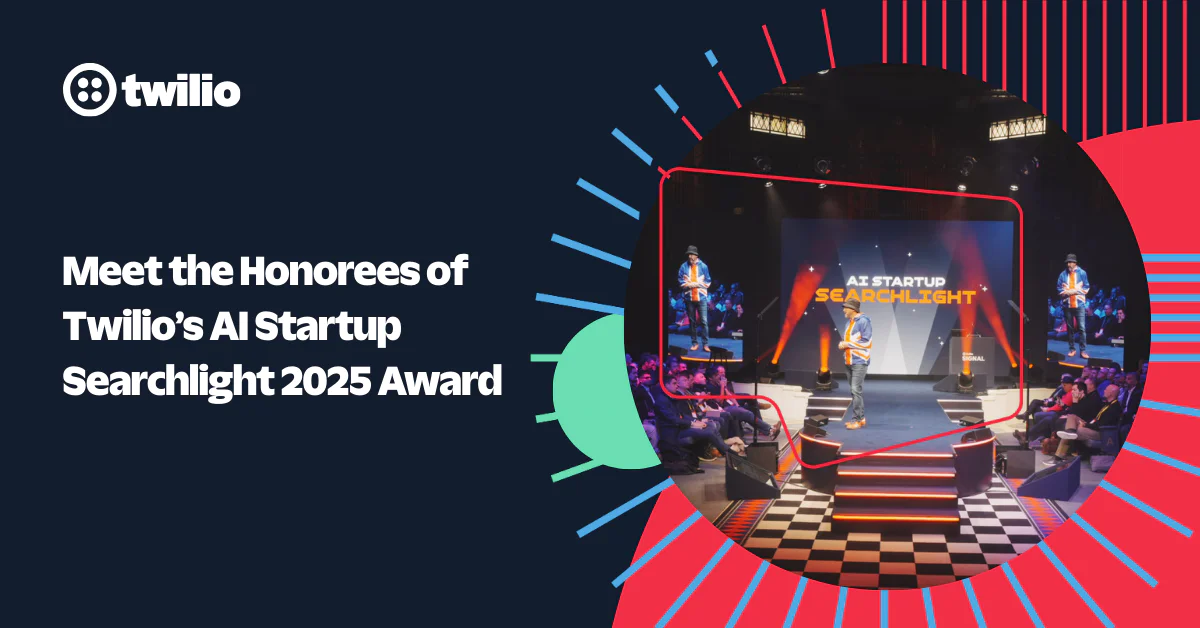 Meet the Honorees of Twilio’s AI Startup Searchlight 2025 Award ProgramFrank Yaw-Owusu Bianca St Louis
 -
 Behind the Builder: Justinus Kho, Staff Product Data AnalystTwilio Employer Brand Team
 -
 Building Holiday Magic: Twilio Powers Real-Time Calls for ‘NORAD Tracks Santa’Kevin Wagner
 -
 Behind the Builder: Stefany Millstein, Director of Sales, Commercial
 -
 Building Trust in the Age of AI: Why Identity Is the Foundation of Customer EngagementInbal Shani
 -
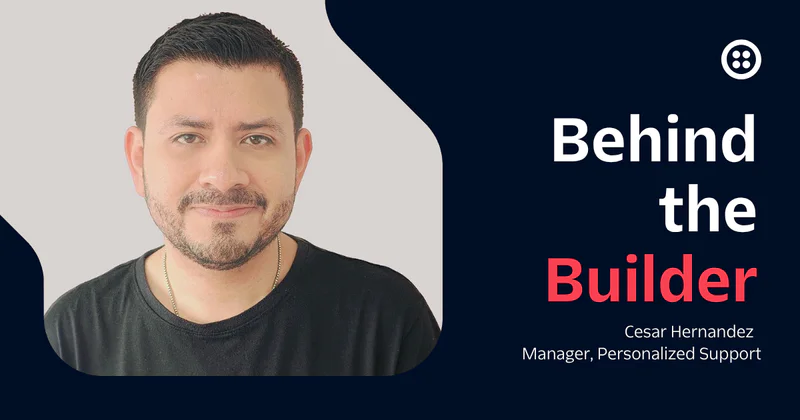 Behind the Builder: Cesar Hernandez, Manager, Personalized SupportTwilio Employer Brand Team
 -
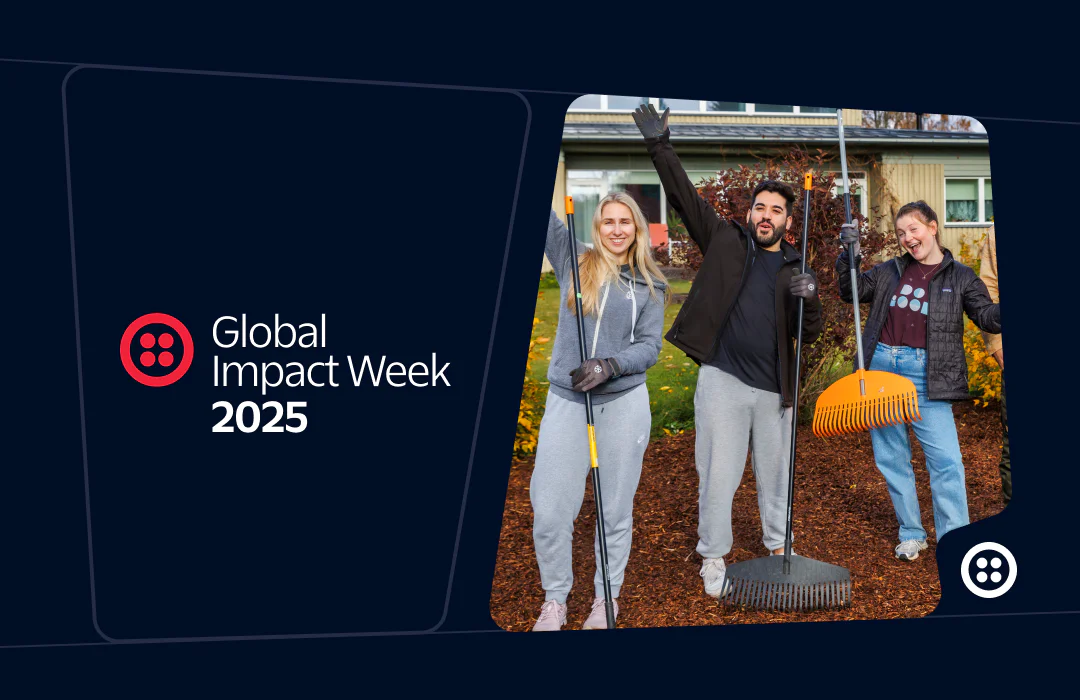 2025 Global Impact Week RecapTanise Love
 -
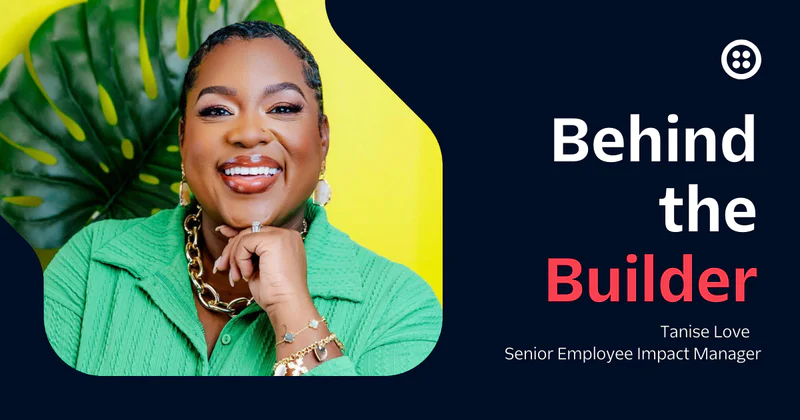 Behind the builder: Tanise Love, Senior Employee Impact ManagerTwilio Employer Brand Team
 -
 A Heartfelt Thanks to Our Community of BuildersInbal Shani
 -
 Behind the builder: Kate Molony, Software EngineerTwilio Employer Brand Team
 -
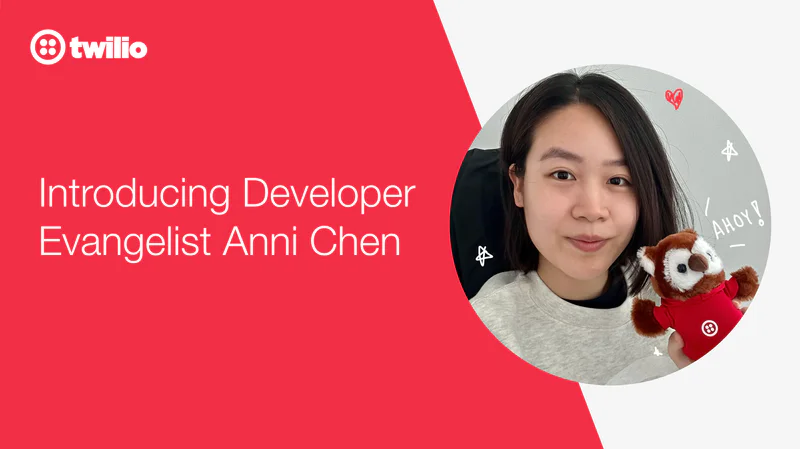 Introducing Developer Evangelist Anni ChenAnni Chen
 -
 How to test Twilio Verify without getting rate limitedKelley Robinson
Archive
Jump into our vault for a look back at past posts and retired content.