Free trial
Start building with Twilio for free
Sign up and start building your ideal customer engagement experience today.

Developers
Explore technical topics, solutions, and resources for building with Twilio – and beyond.
-
 Integrating Twilio Agent Connect with Twilio Flex for Human HandoffSimran Aishwarya
 -
Passkeys 101: What they are and how they workKelley Robinson Ravleen Kaur
-
 Answer Support Calls, Then Handle Them Using SMS in PHPMatthew Setter
 -
 Building with AI? Why You Should Connect Twilio's MCP ServerElmer Thomas
 -
 Building with AI? Why You Should Connect Twilio's AI SkillsKelley Robinson
 -
 How to Deploy a Vibe Coded ProjectAmanda Lange
 -
 What are AI Agents?Kelley Robinson
 -
 Script Adherence Using Real-time Conversation Intelligence with Twilio FlexCurtis Swartzentruber Ruma Nair
 -
 Build a Voice and SMS AI Agent with Twilio Agent Connect and Microsoft AzurePaul Kamp
 -
 Modern Bot Defense for Media Wiki InstallsAmanda Lange
 -
 Introducing Ola: An Agent-Native Communication Channel and Oversight Platform from Twilio ForwardRikki Singh Ryan Ferguson
 -
 Orchestrate an AI-to-Human Agent Handoff with Twilio Agent Connect, Conversations Orchestrator, Studio, and FlexKinshuk Kar Sarang Shah
 -
 Introducing the Twilio MCP Server and Skills: Give Your Coding Agents Native Access to 1,800+ Twilio APIsSeline Chen Christopher Lintz
 -
 Build an Omni-Channel AI Agent with Twilio Agent Connect and Amazon Bedrock AgentCoreAkshay Dhawale Rachel Baskin
 -
 Build a WhatsApp Fact-Checking Bot with Twilio, OpenAI, and Node.jsCharles Oduk
Industry Insights
Explore the latest trends, best practices, and expert tips shaping the future of customer engagement.
-
 Top user authentication trends for 2026Sebastian Del Aguila Fiocco Ravleen Kaur
 -
 13 contact center technologies and trends to support your agents and customersNathalia Velez Ryan Jesse Sumrak
 -
 What is voice AI and how does it work in 2026?Jesse Sumrak Ravleen Kaur
 -
 The rise of passwordless authentication in 2026Ravleen Kaur
 -
 Passkeys vs. other authentication methods: what’s the difference?Twilio
 -
 What Is IVR (Interactive Voice Response) for Call Centers?Jesse Sumrak Nathalia Velez Ryan
 -
 5+ reasons to use VoIP call centers in 2026 (and beyond)Nathalia Velez Ryan Jesse Sumrak
 -
 Call Queue: What It Is, How It Works & How to Get StartedJesse Sumrak Ravleen Kaur
 -
15 questions every European bank should answer about conversational AI in 2026Henry Guyver
-
 RCS vs WhatsApp: Which is better for business messaging?Jesse Sumrak Ravleen Kaur
 -
 6 Questions to Ask Before Migrating to a Cloud Contact CenterTwilio Ravleen Kaur
 -
 Cloud Call Center: What It Is, How It Works, & Top SolutionsRavleen Kaur Jesse Sumrak
 -
 Conversational AI vs generative AI: What's the difference?Jesse Sumrak
 -
 How to build and deploy Conversational AI (the right way)Jesse Sumrak
 -
 AI observability vs monitoring: What's the difference?Jesse Sumrak
Product News
Get the scoop on Twilio’s latest innovations—from upcoming betas to the latest product launches and feature updates.
-
 Announcing Data Residency for SMS (EU): Local control, global trustBill Higbee
 -
The Power of the Grey Bubble: Why Apple Messages for Business is a game changerChris Cadotte Sebastian Del Aguila Fiocco
-
 Infrastructure for the agentic era: A new conversation layer for the Twilio PlatformDisha Rustogi
 -
 What is Conversation Intelligence? Turn live interactions into context-aware actionLenore Files
 -
 Introducing Conversation Orchestrator: Connected Conversations with Conversation OrchestratorShanelle Thadani
 -
 What Is Twilio Conversation Memory? How to Give Your AI Agents Context Across ConversationsSean Spediacci
 -
 What is Twilio Agent Connect? Meet the model‑agnostic bridge between your AI agents and real customersLenore Files
 -
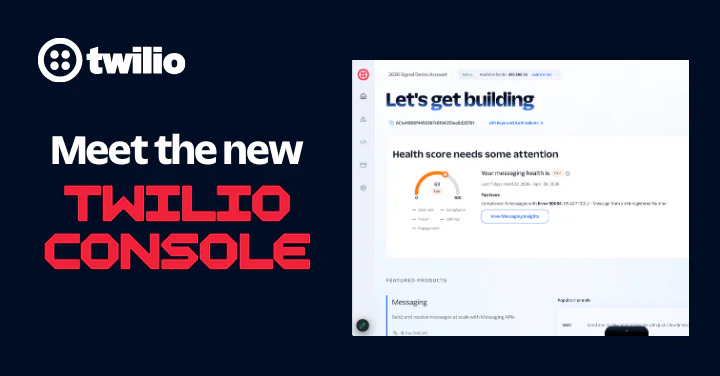 The new Twilio Console: Your mission control for customer engagementBryn Saunders
 -
 The Art of Teaching Algorithms to Listen: What’s New in Conversation RelayJason Spulak
 -
 Intelligent Alerts is now Generally AvailableWill McKenzie
 -
 No Rip and Replace. Add AI to Your Contact Center for Instant ROIApoorva Singh Hadijah Creary
 -
 Activate Warehouse Data Faster with New Advanced Audiences features in Twilio SegmentKyle Turcotte
 -
 Sunsetting Twilio Segment’s Legacy Analytics LibrariesWenxi Zeng
 -
 Introducing A2H: A Protocol for Agent-to-Human CommunicationRyan Ferguson Rikki Singh
 -
 New Twilio Interconnect Location - São PauloBill Harrison
Events & Community
Learn about upcoming opportunities to connect with fellow builders and developers.
-
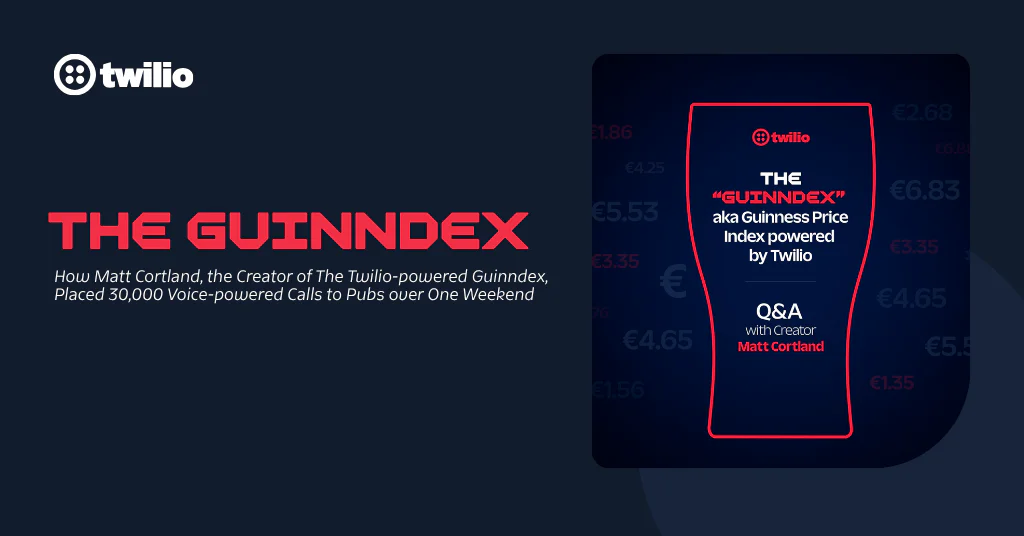 From Idea to Index: How Twilio Voice and AI Helped Bring the Guinness Price Index to LifeTwilio
 -
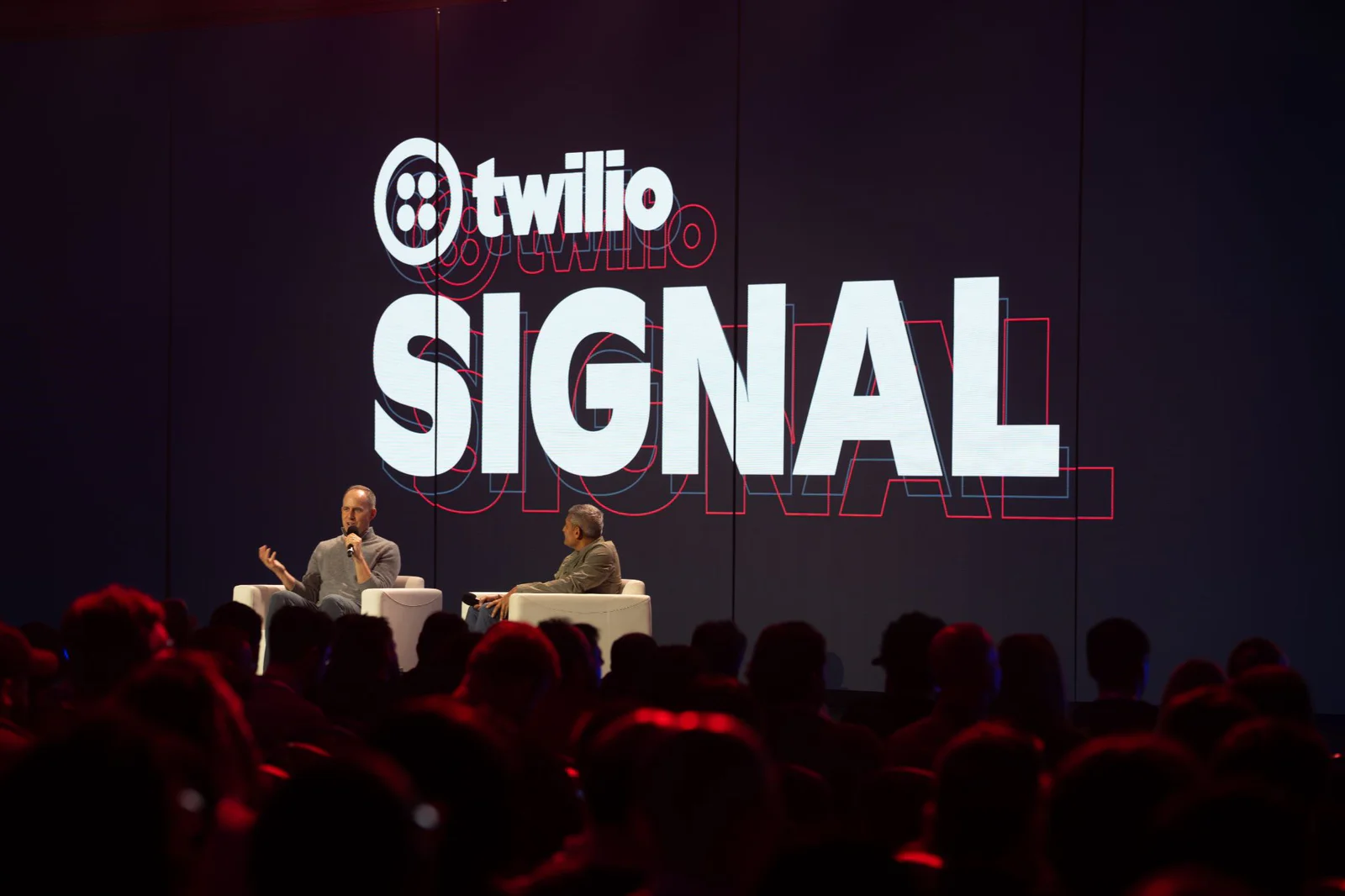 Systems of Agency and Engineering Grit: What You Missed at SIGNAL San Francisco 2026Lisa Eagleson
 -
 Five Reasons You Should Attend SIGNAL San Francisco 2026Leah Lengel
 -
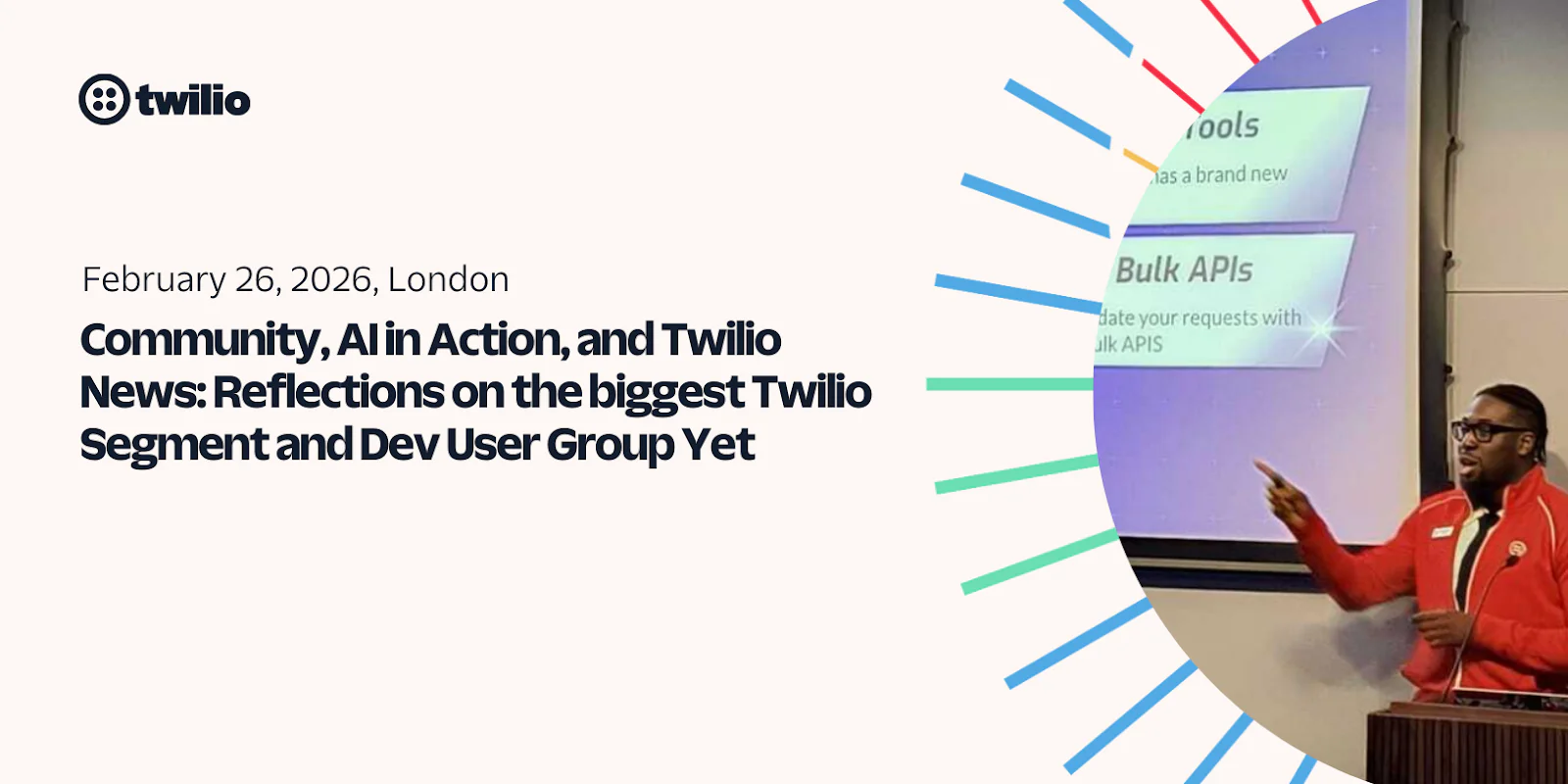 Community, AI in Action, and Twilio News: Reflections on Our Biggest User Group YetPayam Taghizadeh
 -
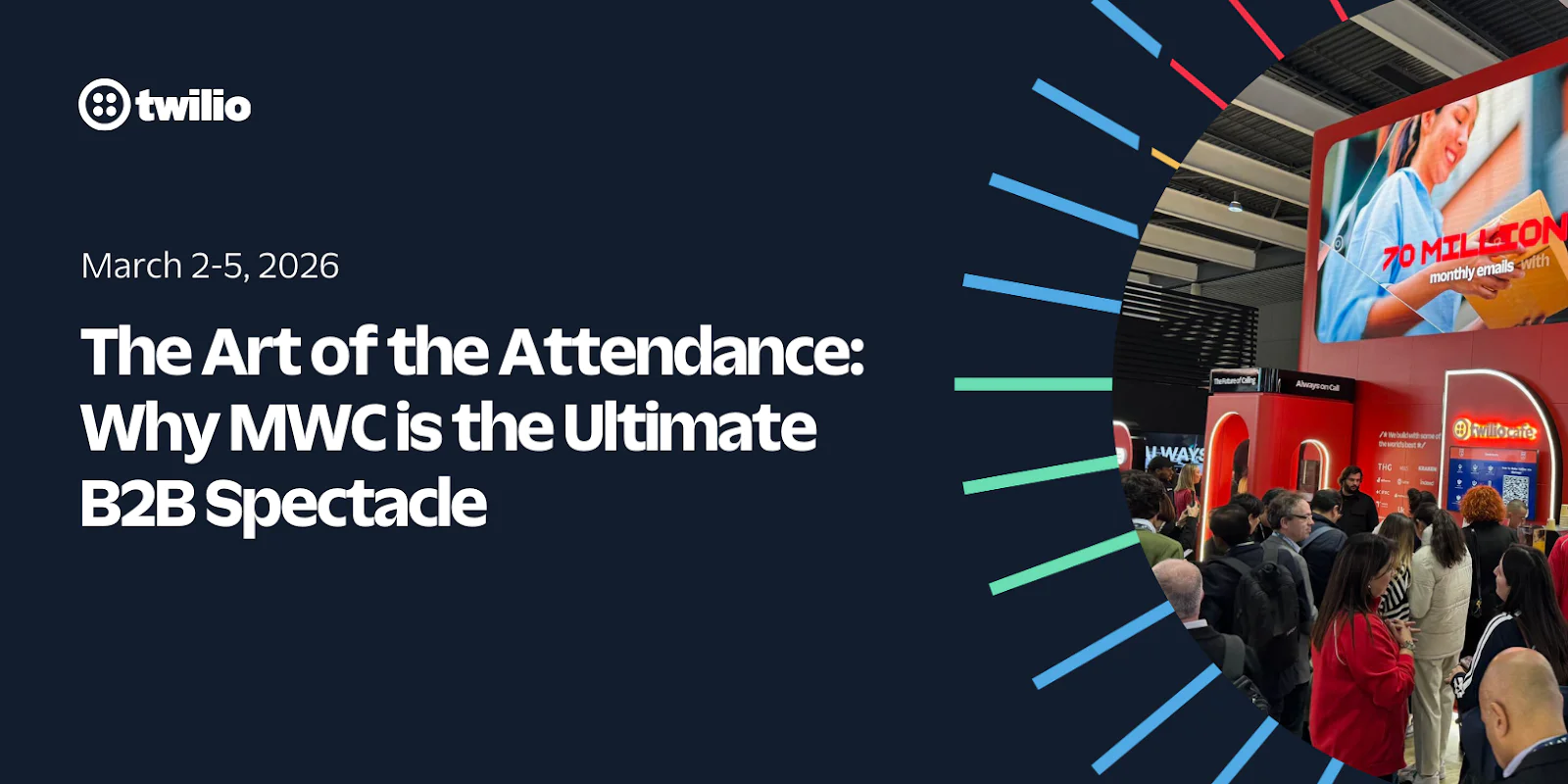 The Art of the Attendance: Why MWC is the Ultimate B2B SpectaclePeter Bell
 -
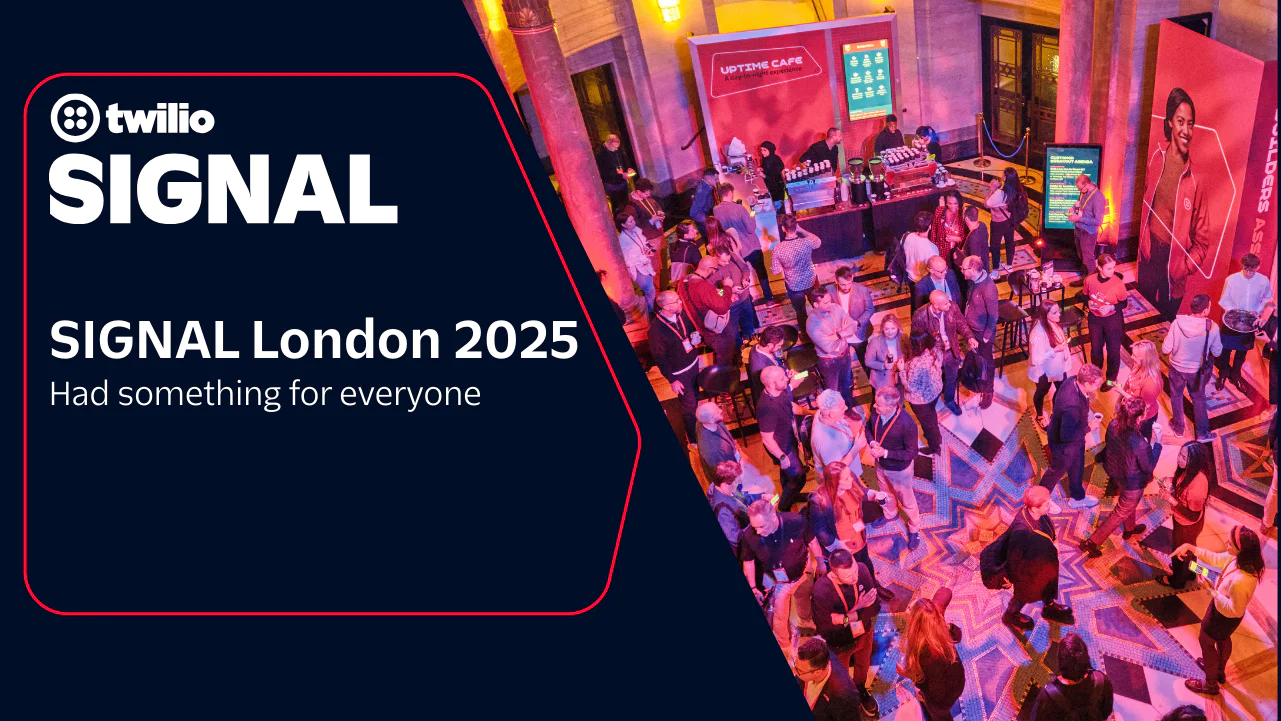 SIGNAL London 2025 had something for everyoneLeah Lengel
 -
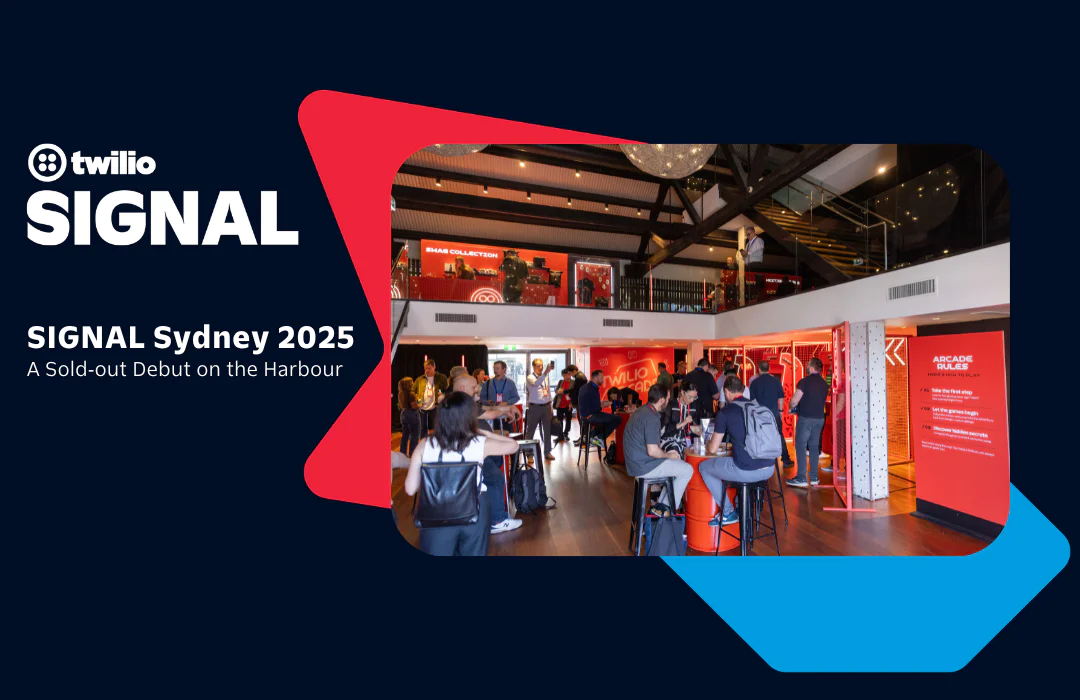 SIGNAL Sydney 2025: A Sold‑out Debut on the HarbourRobin Elrod
 -
 Welcome to the Builder’s Arcade at SIGNAL Sydney 2025Michelle Duke
 -
 What Brand Builders Need Most Right Now? Smarter Data, Real-Time Personalization, and AI That Actually Works | AdWeek 2025 Recap
 -
 Tackling the data management challenge: Insights from Enterprise ConnectRakesh Bhatia
 -
 SIGNAL Singapore 2024: From Communications to ConnectionsAnthony
 -
 SIGNAL Singapore 2024: Fulfilling the promise of customer engagement AI through communications and contextual dataRobin Elrod
 -
 Reflecting on WeAreDevelopers World Congress 2024Marius Obert
 -
 3 Things We Learned at Transform LondonGeoffrey Keating
 -
 SIGNAL London and SIGNAL Singapore 2023: News for DevelopersMatthew Gilliard
Partners & Ecosystem
See how Twilio partners and platform integrations are powering innovation. Explore success stories and new collaborations.
-
 Twilio Brings Customer Engagement Workflows into Claude by AnthropicRikki Singh Seline Chen
 -
 A New Platform Chapter — And Why Partners Are at the Center of ItKevin Wagner
 -
 From Data to Daily Wins: Driving Voice AI ROI with Twilio and SpokeJason Spulak Stillman Wong
 -
 Headless Provisioning via CLI for Twilio with Stripe ProjectsSeline Chen Ryan Ferguson
 -
 Building an Inbound Voice Agent with Twilio and DeepgramCorey Weathers
 -
 Building an Outbound Voice Agent with Twilio and DeepgramCorey Weathers
 -
 Building the Future Together: Introducing the Twilio Partner Advisory BoardKevin Wagner
 -
 Empowering Partners for the AI Era: Twilio AI Certification ProgramStillman Wong
 -
 Rooted in Tradition, Powered by Tech: One Acre Fund’s Digital TransformationClaire FitzGerald
 -
 Innovation Spotlight: How Datadog's integration keeps your Cloud Communications safe while prioritizing uptime
 -
 Twilio Segment Joins the MACH Alliance: Embracing the Future of Extensible ArchitectureKevin Harris
 -
 Experience an out-of-the-box, no-code texting solution powered by SalesmsgWill McKenzie
 -
 Braze: expanding the reach of customer engagement for impactful resultsTwilio
 -
 Twilio Flex Announces Public Beta of Compatibility with Microsoft Azure Virtual DesktopHitesh Manwar
 -
 Unlocking the Power of Facebook's Conversions API with Twilio Segment: A Guide to First-Party Data RetargetingGlenn Vanderlinden
Company
Get the latest updates from inside Twilio—including leadership announcements, culture highlights, and more.
-
Twilio Wins Modern Consumer Award for Excellence in Customer Service
-
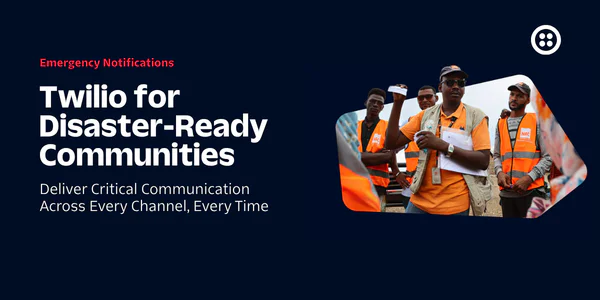 Twilio for Disaster-Ready Communities: Our 2030 GoalErin Reilly
 -
The Total Economic Impact™ of the Twilio Platform
-
 Calling All AI Startups: Twilio’s Startup Searchlight 2026 Is HereFrank Yaw-Owusu Bianca St Louis
 -
 Meet the 2026 finalists of our Excellence in Engagement Awards
 -
 Behind the builder: Dalia Molina, Sr. Manager, Documentation PlatformTwilio Employer Brand Team
 -
 Bringing SendGrid and Segment to Twilio.com: A More Unified Web ExperienceJesse Sumrak
 -
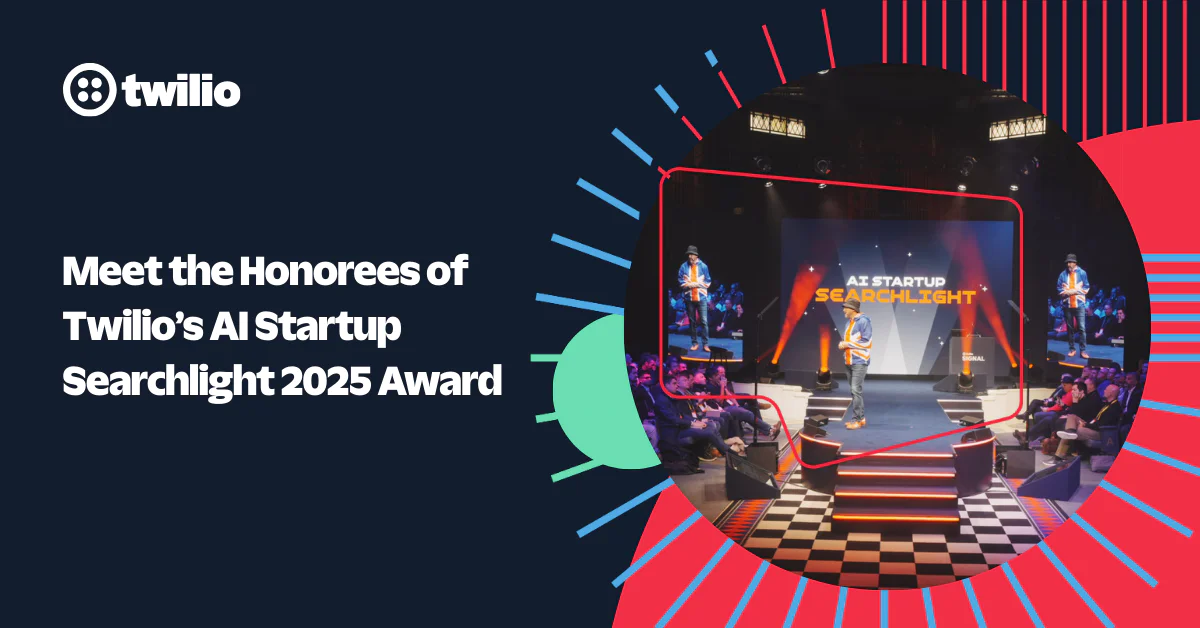 Meet the Honorees of Twilio’s AI Startup Searchlight 2025 Award ProgramFrank Yaw-Owusu Bianca St Louis
 -
 Behind the Builder: Justinus Kho, Staff Product Data AnalystTwilio Employer Brand Team
 -
 Building Holiday Magic: Twilio Powers Real-Time Calls for ‘NORAD Tracks Santa’Kevin Wagner
 -
 Behind the Builder: Stefany Millstein, Director of Sales, Commercial
 -
 Building Trust in the Age of AI: Why Identity Is the Foundation of Customer EngagementInbal Shani
 -
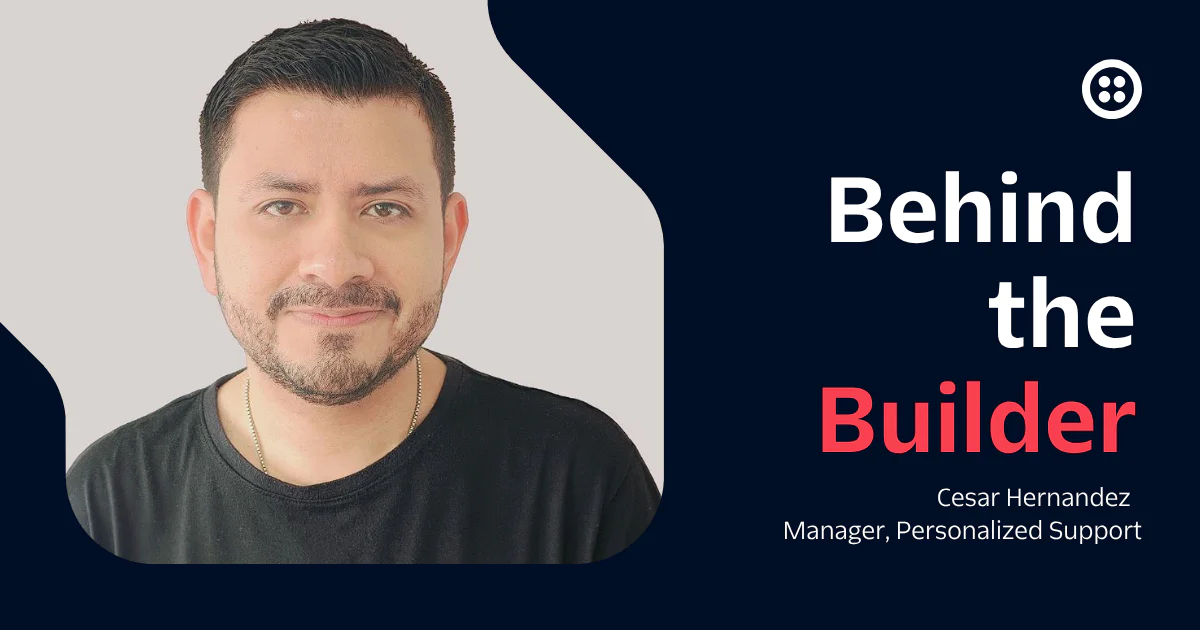 Behind the Builder: Cesar Hernandez, Manager, Personalized SupportTwilio Employer Brand Team
 -
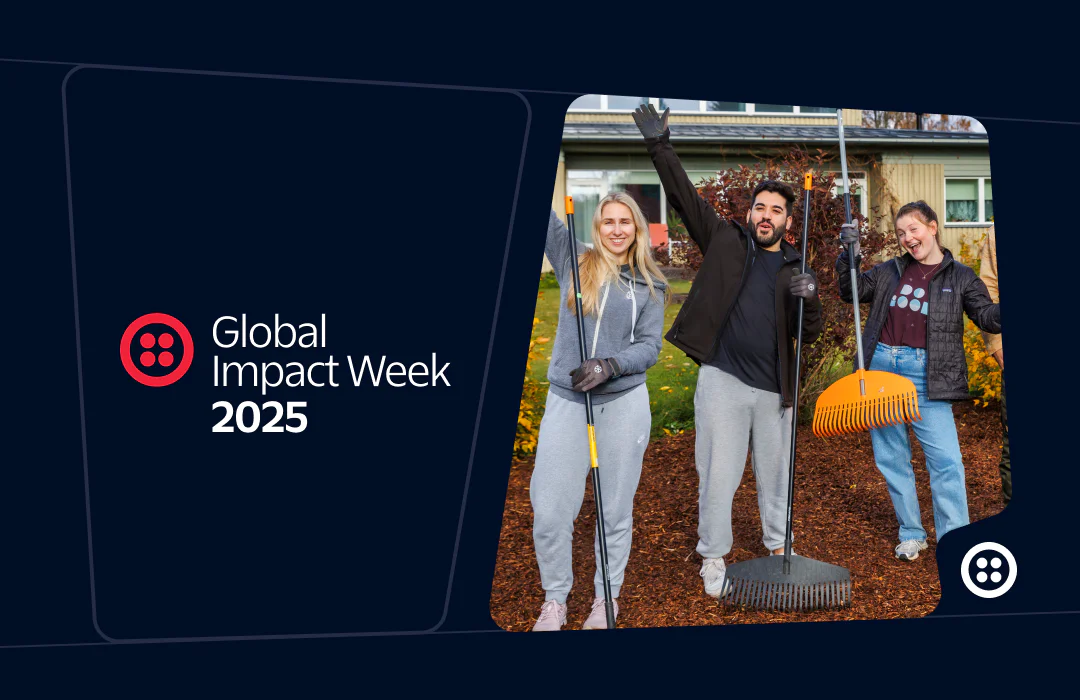 2025 Global Impact Week RecapTanise Love
 -
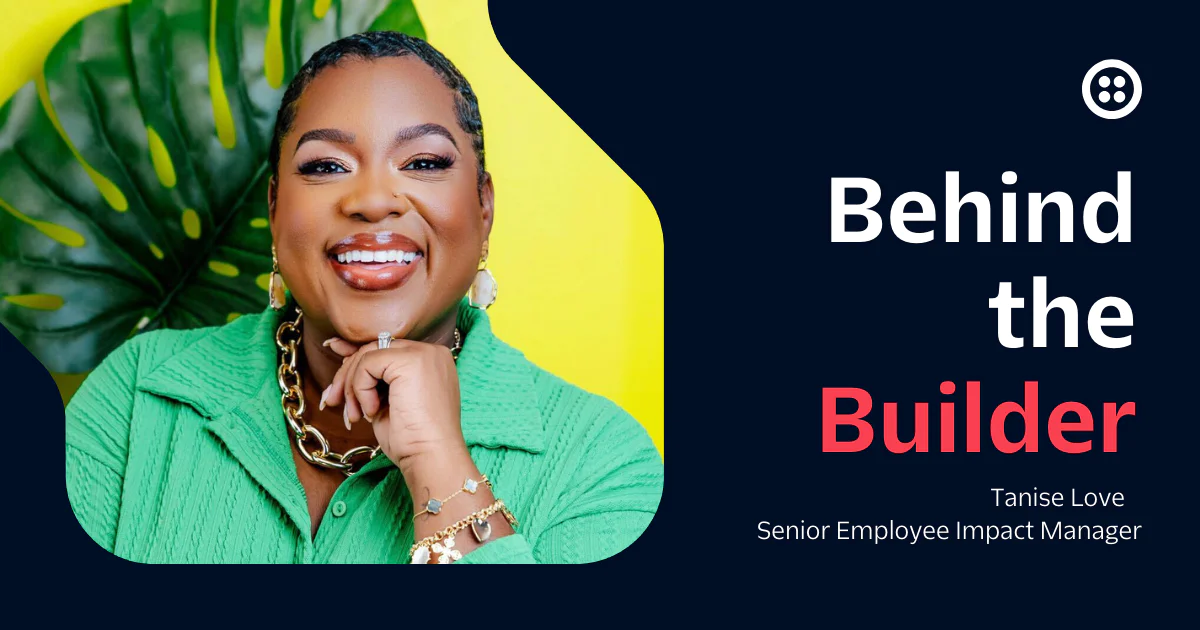 Behind the builder: Tanise Love, Senior Employee Impact ManagerTwilio Employer Brand Team
Archive
Jump into our vault for a look back at past posts and retired content.