Recipe
Build personalized websites and apps with Uniform visual workspace and Twilio Segment
Are you tired of slow and impersonal customer experiences? Our recipe has the solution, showing you how to seamlessly connect customer data from Twilio Segment with Uniform’s integration mesh. Our technique allows you to create visually stunning and high-performing customer experiences across all platforms in under 200ms. Don't let slow load times and generic experiences negatively impact your business - try our recipe today and see the difference for yourself.


What do you need?
-
Uniform
On this page
High-speed personalization is crucial to attract and retain customers in the highly competitive e-commerce and marketing landscape. However, achieving this requires a deep understanding of each customer's preferences and identity. Unfortunately, many brands lack the necessary tools to capture this critical information and put it into action.
Fortunately, by utilizing Twilio Segment's CDP in combination with any CMS or Commerce platform and Uniform's visual workspace, you can deliver outstanding customer experiences across your website and other channels.
Uniform acts as a visual workspace, combining various capabilities, including generative AI, A/B testing, personalization, design systems, content management, commerce, and search in a visual interface that empowers marketers to take action.
This guide will show you how to use these tools in conjunction with each other, so you can say goodbye to one-size-fits-all content and welcome in a new strategy of custom-fit content for each visitor. You and your customers will undoubtedly love the outcome.
Step 1: Build audiences in Twilio Segment
Enable JavaScript source: First, set up the JavaScript Source in Twilio Segment to ensure web traffic can be ingested from Uniform into Twilio Segment. (This data will help us apply personalization to website or app visitors.)
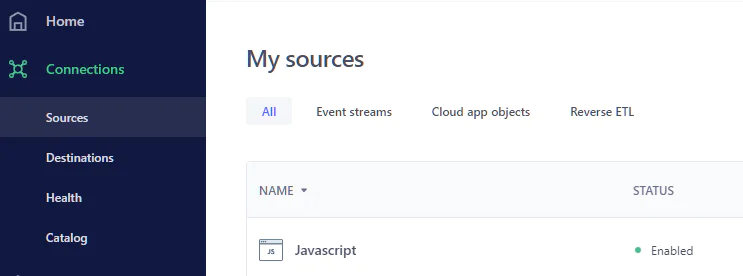
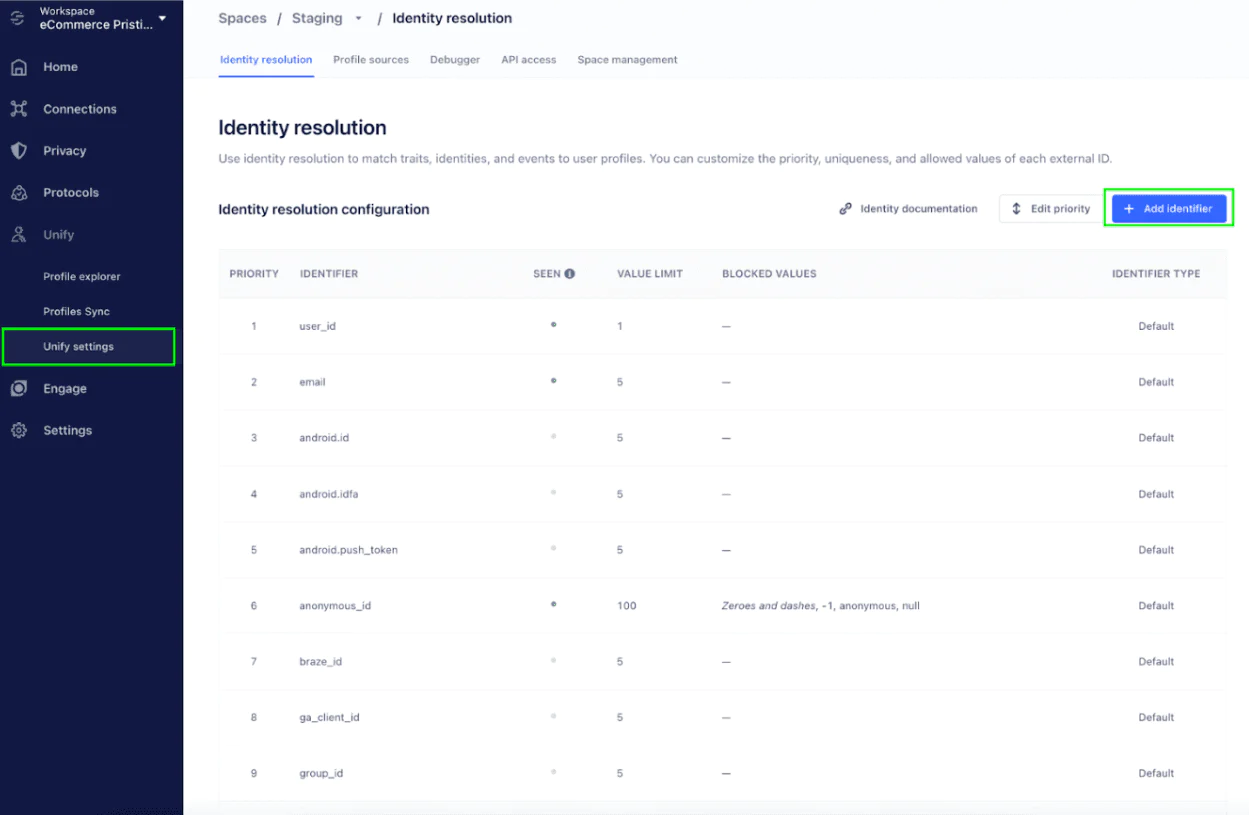
Set up customer profiles in Twilio Segment: You can configure customer profiles based on the identifiers you choose (e.g., user ID, email, device ID, etc.). Twilio Segment will gather this data across various sources like your website, email, cloud apps, and more to create a 360-degree customer profile. (Here’s step-by-step instructions about how to set up a customer profile.)
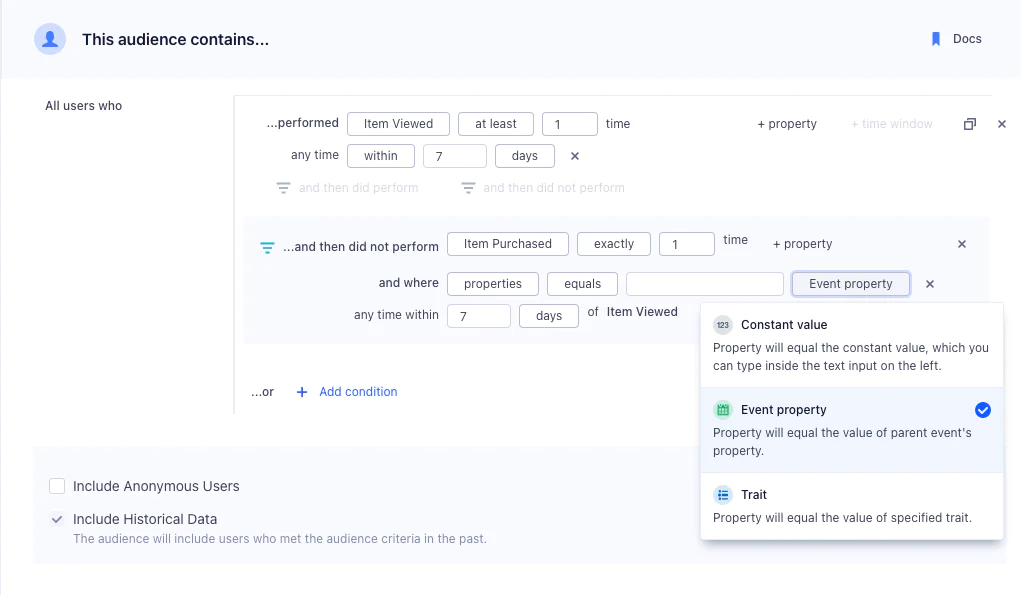
Build audiences in Twilio Segment: You can use identifiers, customer traits, specific events, or advanced AI computations (e.g., predictions) to create highly specific audiences in Twilio Segment. For example, you can create an audience for “Big Spenders,” which would be calculated based on the sum of users’ purchases.
We’ll be using these audiences inside the Uniform visual workspace.
Step 2: Connect audiences in Uniform
To access Uniform, please log in. You can sign up today if you do not have an account yet.
To use the Uniform personalization engine, you must provide signals and intents. Signals can be any criteria, such as cookies, query strings, or geolocation data. You can also use data from the visitor profiles or audiences we set up in Twilio Segment, in Step 1.
To define visitor profile data in Uniform, you need to create quirks, which represent the traits of your customers. For this recipe, we want the quirk and its public ID to match the audiences or customer profiles created in Twilio Segment. This way, Uniform can reference how we’re defining our target audience, and under what circumstances custom content should be activated.
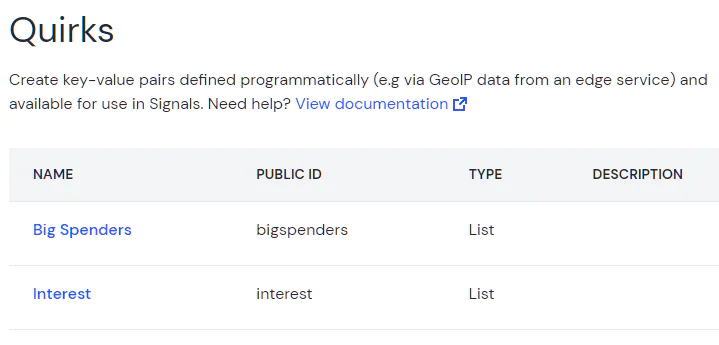
Let’s keep with the example of “Big Spenders.” Since we’ve already created this audience in Twilio Segment, in Uniform we can set a check for true for a current visitor.
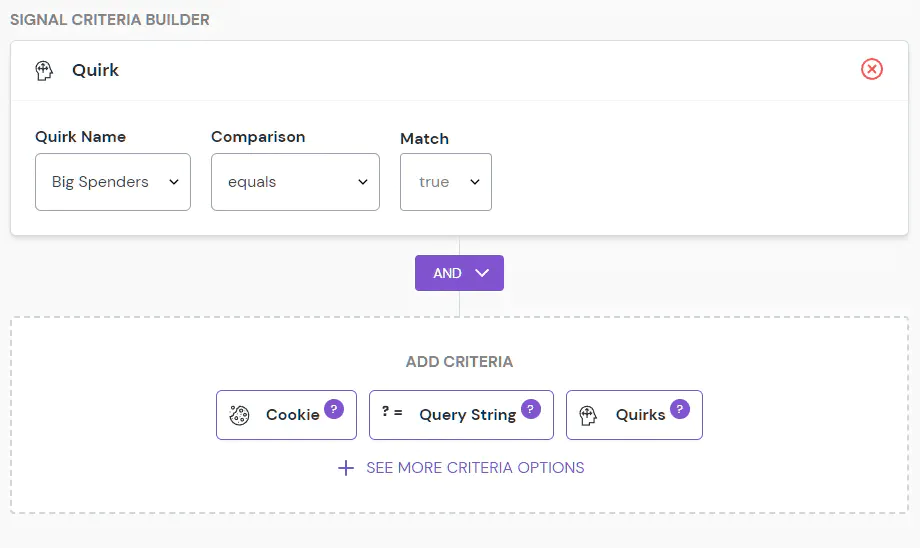
If an end-user qualifies as a Big Spender, based on the identifiers we selected in Twilio Segment, they’ll be shown the appropriate personalized content, which we will create and apply in Step 3.
Step 3: Visually create personalized experiences with content from any CMS, Commerce, Search, or DAM System.
After the required configuration for personalization (i.e. signals) is in place, you can activate personalization on any component in Uniform via our visual interface. To do this:
Click “Personalize This” on any component.
Specify the personalization criteria (the “Big Spender” signal in our case)
Create targeted content that would appeal to the "Big Spender" audience.
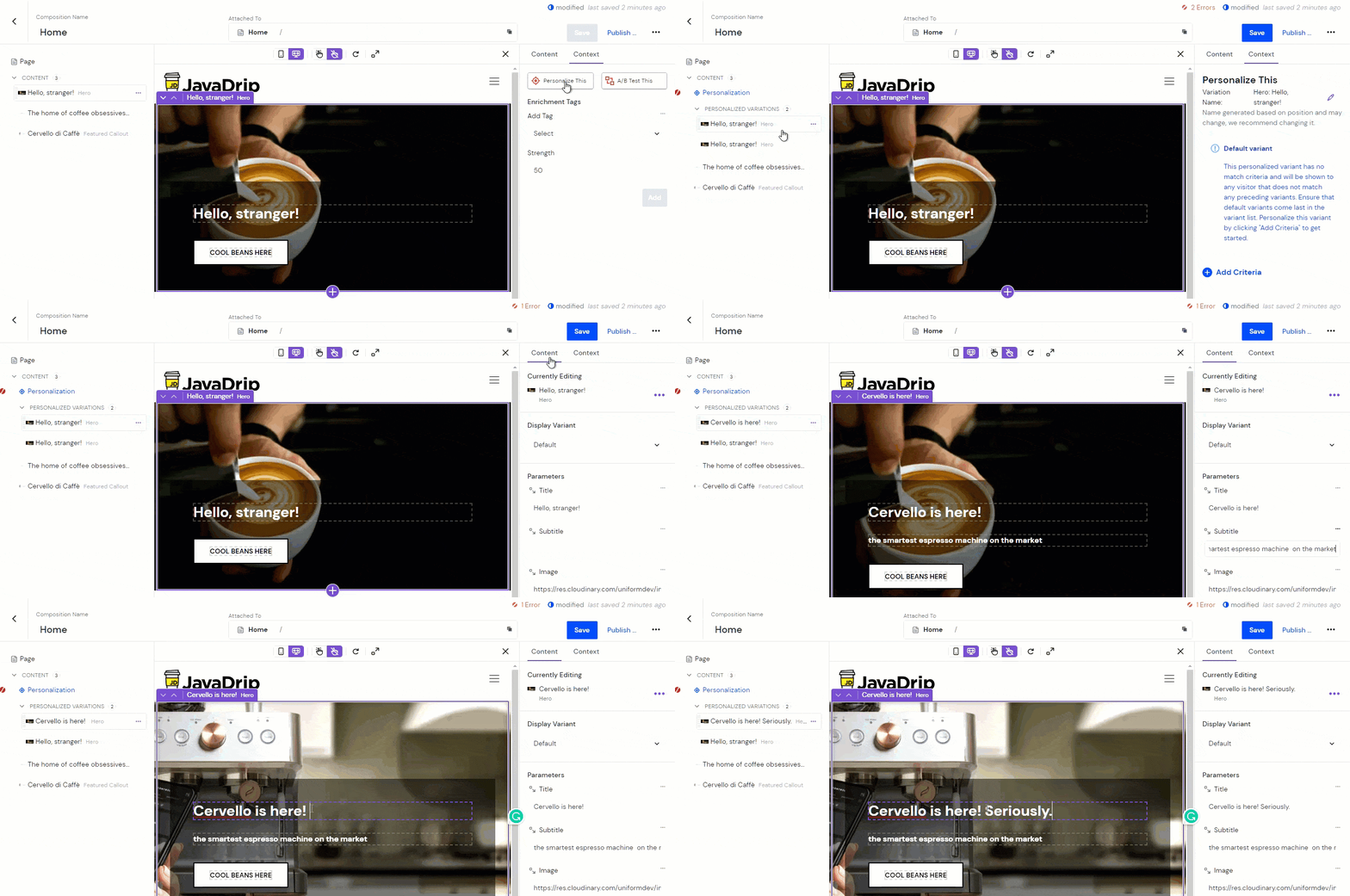
Easily personalize customer experiences with first-party data
With a huge integration catalog and plenty of no-code features, Twilio Segment provides easy-to-maintain capability to your teams with minimal engineering effort. Great data doesn't have to be hard work!