Recipe
Integrate Twilio Segment into your customized data model and use Kubit for unified product insights
Traditional product analytics tools tend to trap your data in siloed systems. If you want product insights from other data sources or your own data model, they require complex ETL integrations which are not only expensive to build and maintain, but also take the data control away from you. Kubit is the first warehouse-native product analytics platform which takes a no-code approach to eliminate data silos and provide self-service product insights directly from your cloud data warehouse.

What do you need?
-
Kubit workspace
-
Twilio Segment workspace
Steps
In this recipe, you will learn how you can integrate your Twilio Segment events into your customized data model and use Kubit to get unified product insights about the full lifecycle of your users. There will be no ETL jobs or data copying required. Kubit will bring One Single Source of Truth to both your product and data teams.
For this recipe, we’ll focus on how the data team can easily stream Twilio Segment events into your own data warehouse first, then integrate them with your existing data model and share access with Kubit. All of these steps can be completed in minutes without any data engineering work. Afterwards, within a couple of days, everyone in your organization will have access to the self-service product analytics platform.
Step 1: Connect your Twilio Segment tracking events to your cloud data warehouse
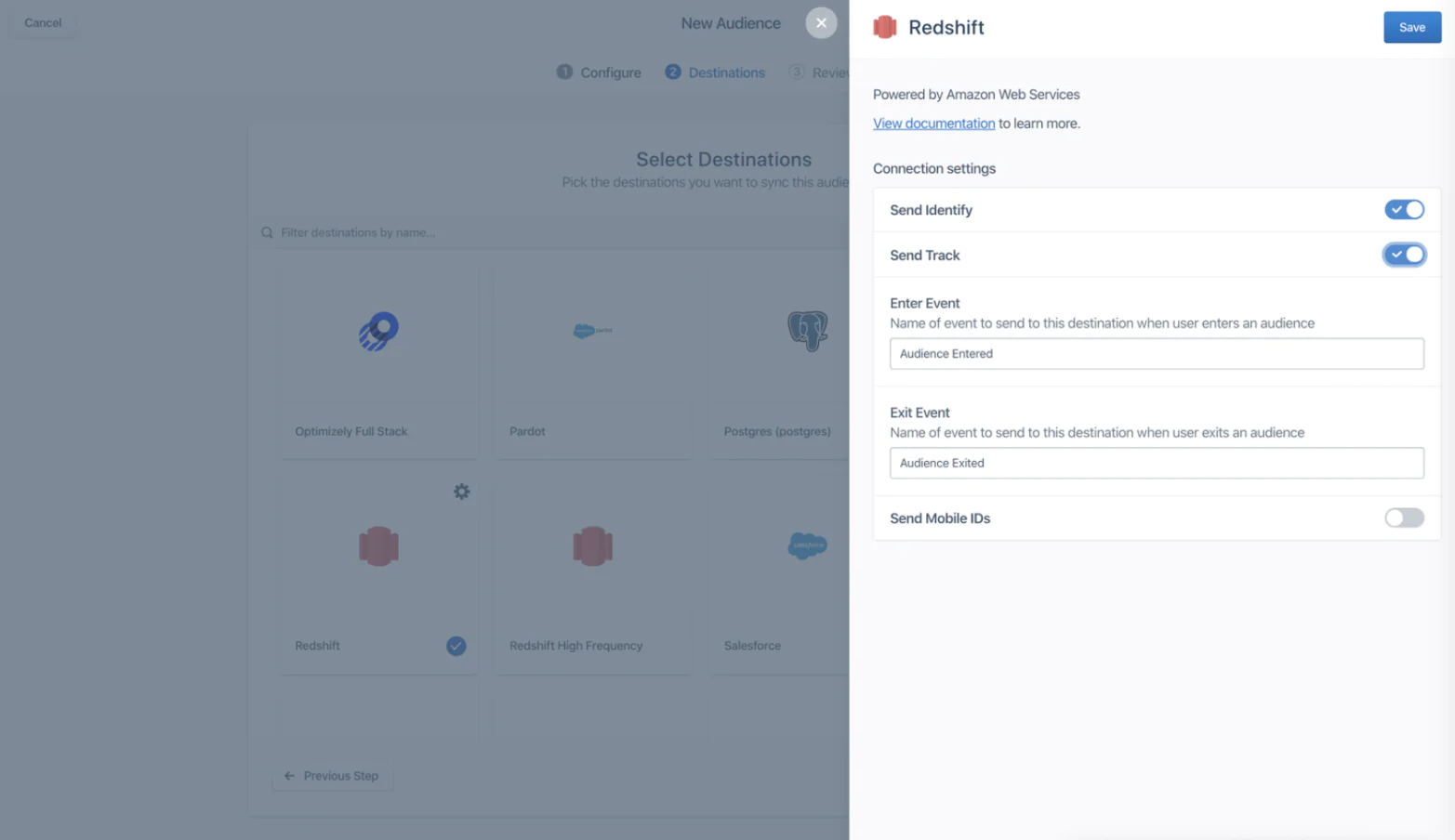
Twilio Segment partners with all your favorites in the cloud data warehouse space: Snowflake, Databricks, BigQuery, Redshift, and more. Head to the Twiilio Segment catalog and connect Twilio Segment to the data warehouse used by your business. Check out these step-by step-instructions on configuring a data warehouse Destination.
Note: if you don’t currently have or need a cloud warehouse, you can also choose to send your Twilio Segment tracking events directly to Kubit. You can find the detailed instructions here.
For product analytics purposes, please send over all of your Screen, Page and Track events.
Step 2: Identify your use cases and config data share
Once the tracking events are flowing into your data warehouse, please engage with Kubit’s support team (email: support@kubit.ai) to discuss your use cases and data model. The conversation topics may include:
- Product KPIs: DAU, MAU, engagement, retention, funnel, path.
- User Attributes: age, gender, country, app version, etc.
- Dimension tables: campaign attribution, A/B testing, subscription, etc.
- Special Cohorts: frequent users, churned subscribers, dropped users during check-out etc.
Kubit will help to consolidate these requirements to match with your existing data model, then provide a technical spec. After the agreement is reached, you have just one thing to do–share access to your data model.
Remember: the architectural advantage of Kubit is that they don’t make copies of your data, nor do they need direct access to your warehouse. You just need to configure data sharing, which gives Kubit real-time secure access to your data storage. There is no impact to your data operations or SLA, and your warehouse cost won’t change either.
You can configure the data share to include a schema, a set of tables, or even a view. For more details, please follow the instructions for each specific warehouse: Snowflake, Databricks, BigQuery, Redshift and AWS S3.
Step 3: Get unified product insights from Kubit’s self-service analytics
All the heavy lifting will be completed by the Kubit team, and your whole organization will get access to the self-service analytics platform within days, getting product insights for your specific use cases.
Features like Query, Funnel, Retention, Path and Cohort will be at your fingertips for quick exploration and collaborative decision-making.
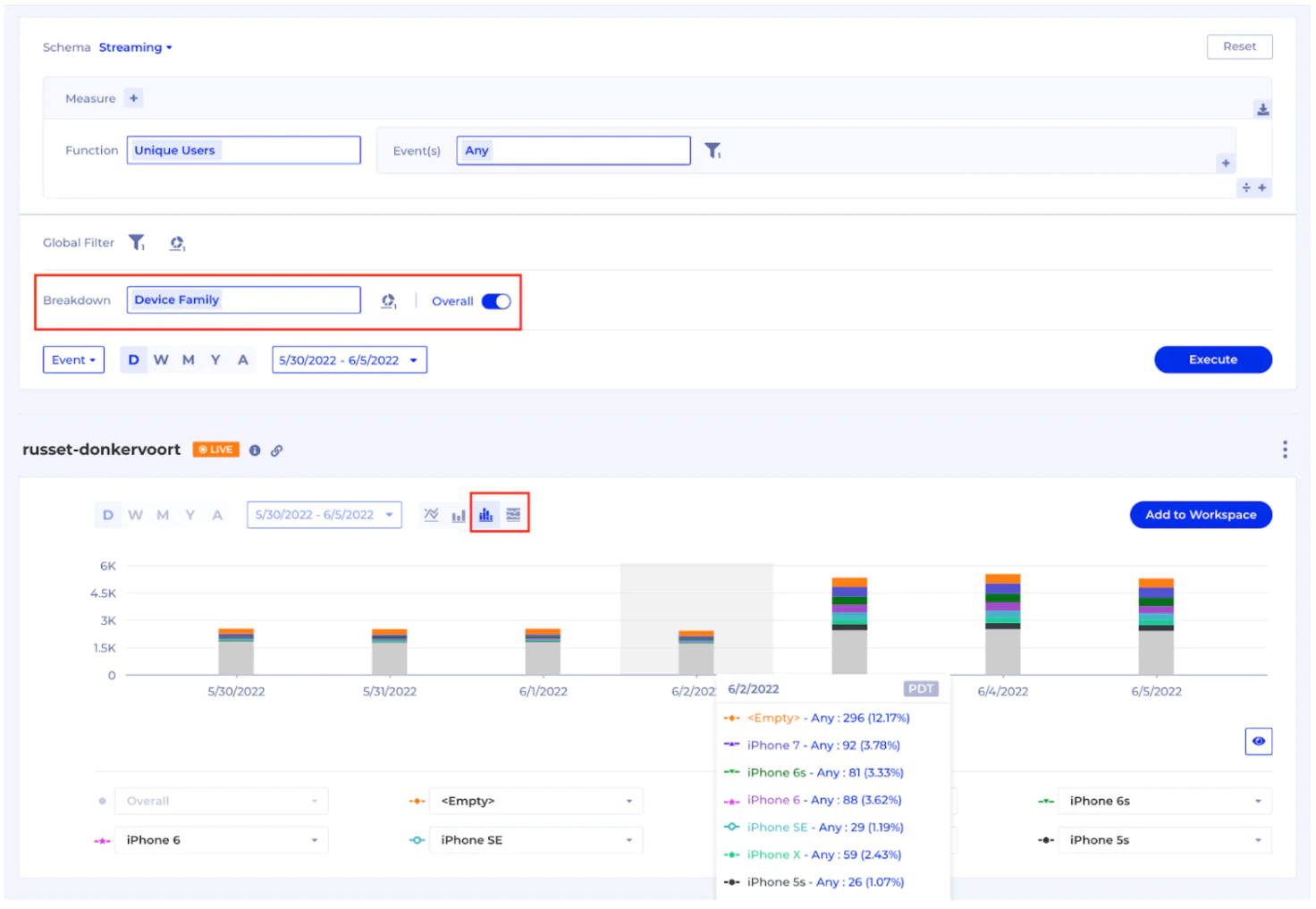
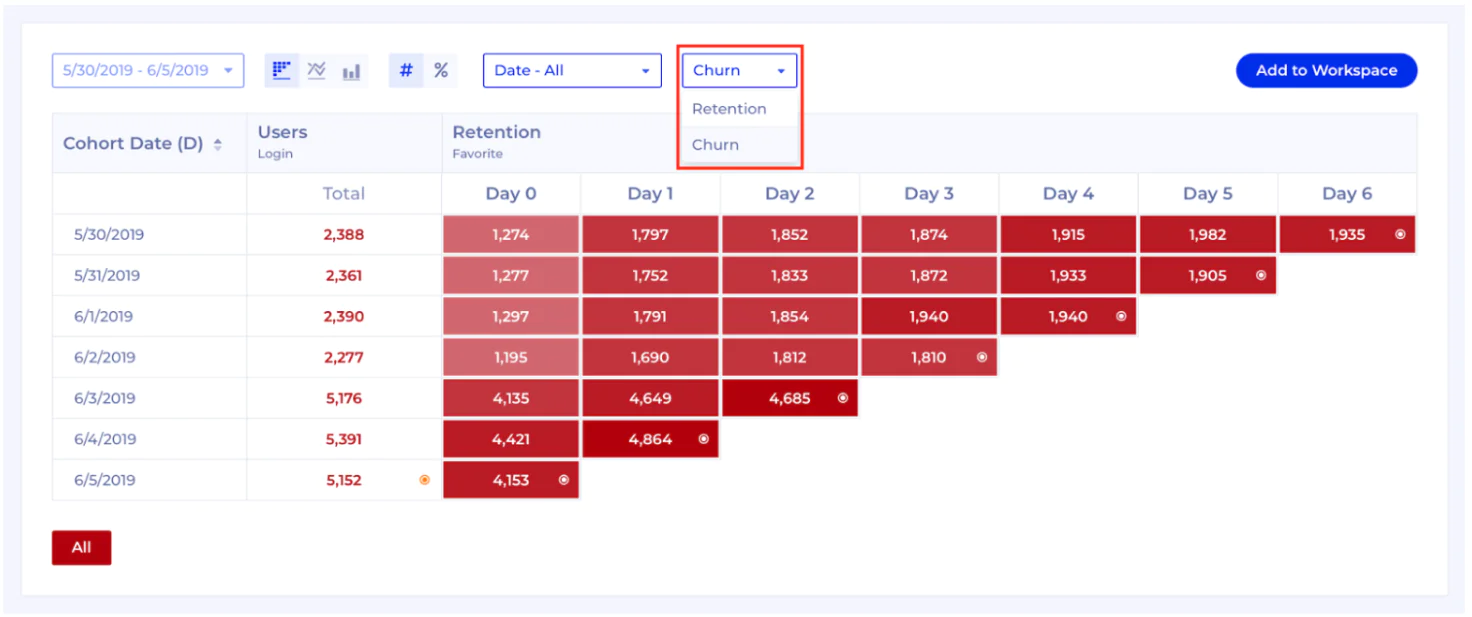
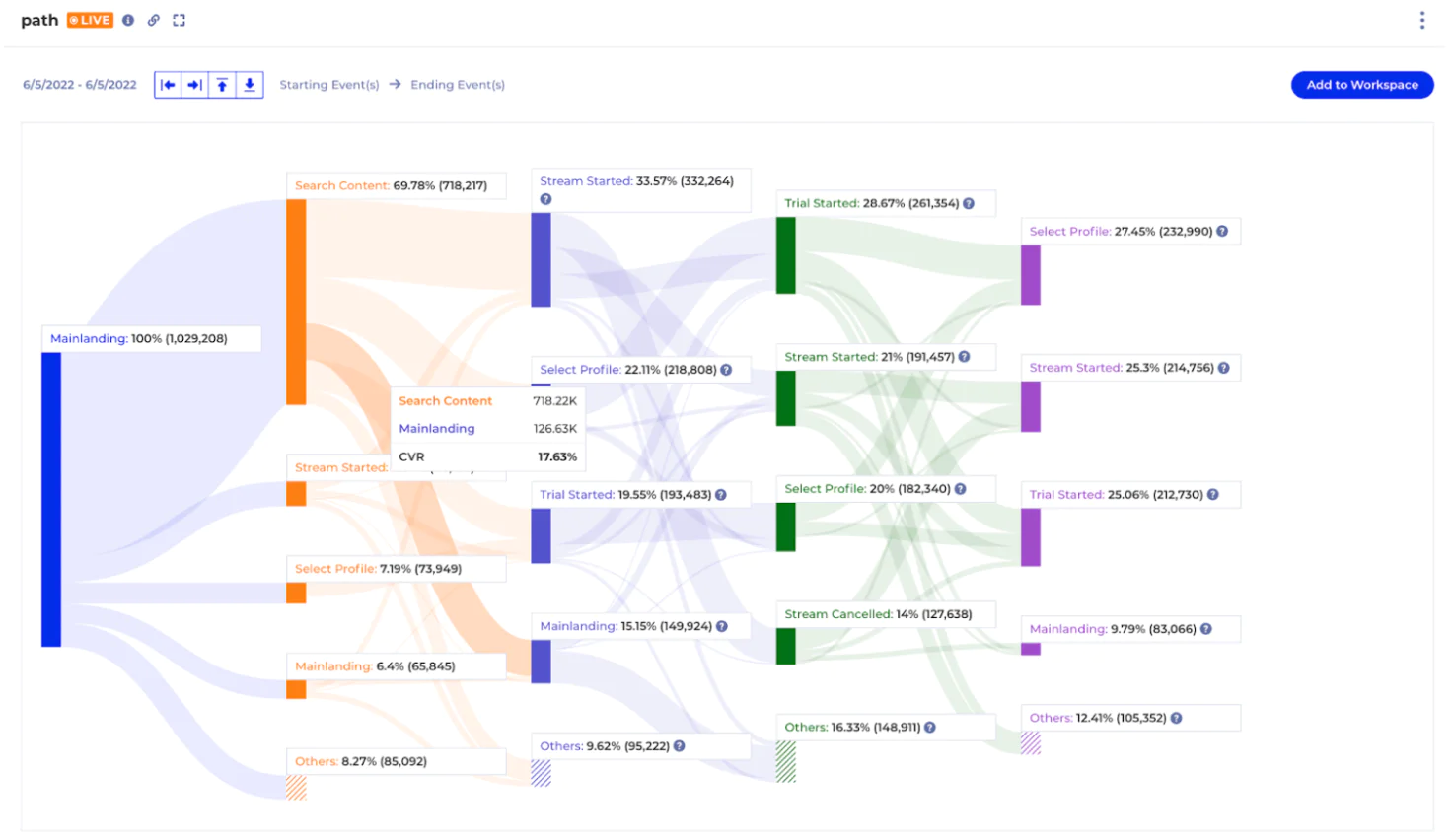
Because Kubit integrates Twilio Segment events with your customized data model, you will get insights from the full lifecycle of your users while maintaining full control of your precious data. You can also add new attributes and dimension tables on-the-fly, without ever needing to develop ETL jobs or backfill the data.
Wrapping up
Here’s what we’ve achieved in this recipe:
- Connect Twilio Segment events to your data warehouse
- Config data share for your unique use cases
- Get product insights from Kubit’s self-service analytics
Easily personalize customer experiences with first-party data
With a huge integration catalog and plenty of no-code features, Twilio Segment provides easy-to-maintain capability to your teams with minimal engineering effort. Great data doesn't have to be hard work!