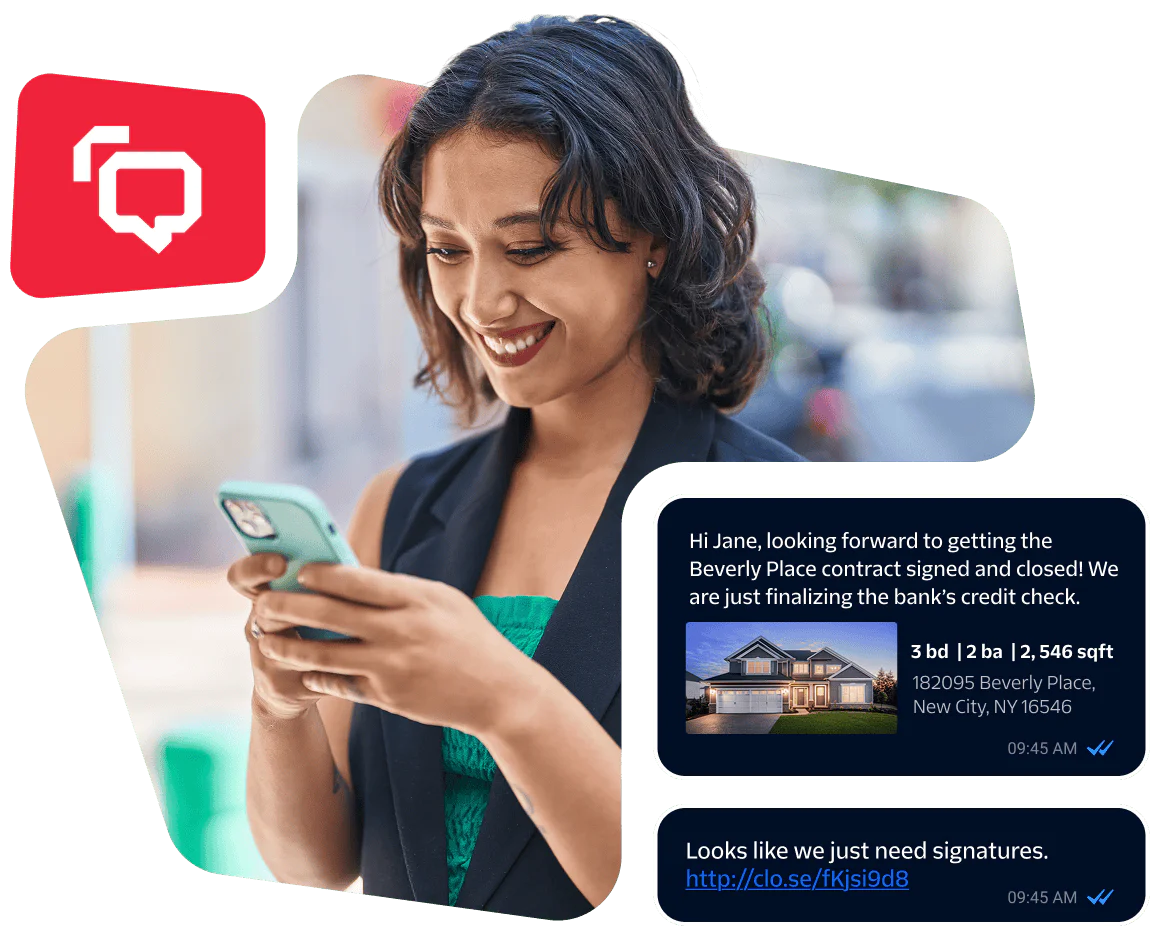
Global reach with a local feel. That’s the power of WhatsApp.
Engage your customers across campaigns, promotions, and live support through WhatsApp messaging and calling—powered by Twilio’s programmable APIs.
Build WhatsApp experiences with less hassle, more hustle
Deliver rich, interactive experiences on WhatsApp to connect with 3+ billion users on the world’s most popular messaging app. With the WhatsApp Business Platform, Twilio Messaging and Voice APIs, you can build a complete solution that moves seamlessly from chat to voice in the same thread.
Twilio simplifies WhatsApp onboarding, creating templates, automating workflows, and meeting compliance so you can get from zero to done faster.
Deliver rich, interactive experiences on WhatsApp to connect with 3+ billion users on the world’s most popular messaging app. With the WhatsApp Business Platform, Twilio Messaging and Voice APIs, you can build a complete solution that moves seamlessly from chat to voice in the same thread.
Twilio simplifies WhatsApp onboarding, creating templates, automating workflows, and meeting compliance so you can get from zero to done faster.
The right tool for every situation
Create a connected experience on WhatsApp that switches from text to calls without losing context.
Real-time alerts and notifications
WhatsApp messaging (primary)
Send critical updates, order statuses, and appointment reminders instantly with an API for WhatsApp. Add in two-way messaging so customers can respond, self-serve, or escalate to a call if necessary.
When Magalu noticed its onboarding messages were getting ignored in email inboxes, it moved the sequence to WhatsApp and then watched its registration rate climb.
seller onboarding conversion rate
increase in sales volume
Verification and identity
WhatsApp messaging (primary)
Fight fraud and build customer trust by verifying users over WhatsApp, SMS, RCS, voice, email, push, and OTPs.
inDrive verifies passengers and drivers on its global ride sharing platform over WhatsApp, SMS, and even voice to offer a seamless experience on any channel.
conversion rate
blocking rate using Fraud Guard
Customer support and service
WhatsApp messaging | WhatsApp Business Calling
Turn WhatsApp into a multichannel customer experience app. Start with automated self-service, then escalate to a voice call in the same thread—without losing any context—for faster, more personalized resolution.
Blue Pin saves hotel guests’ valuable time by providing check-in and check-out assistance, targeted offers, and guest service requests through WhatsApp messages.
tailored WhatsApp messages per month
reduction in check-in times
A personalized journey for product evaluation and conversion
WhatsApp messaging | WhatsApp Business Calling
Send targeted offers and give customers the option for voice assist to ask questions, get recommendations, and complete transactions or payments directly in the same call or chat.
Nova Gestoes connects with customers when it works for them. With WhatsApp messaging and calling, it can embrace the fluid nature of conversations and start a thread or a click-to-call option so customers can respond when they’re available.
conversion rate through WhatsApp
of calls come from WhatsApp
AI-powered conversations
WhatsApp messaging | WhatsApp Business Calling
Empower customers to get information the information they need, when they need it with two-way, interactive support that combines chatbots, LLM-powered generative AI assistants, and live agents.
StaryaAI is making the conversations between patients more efficient, personal, and convenient with AI agents that operate within WhatsApp.
conversion by AI agent
savings with AI agent patient services
Simple APIs that support any interaction
Reliable, scalable, programmable APIs that give you more control of your WhatsApp workflows.
WhatsApp messaging and calling features
For WhatsApp messaging
-
Senders API
Programmatically create, delete, or retrieve your WhatsApp senders
-
Utility direct send (Beta)
Send Utility messages without submitting for pre-approval for faster set up, testing, and scaling
-
Marketing Messages API
Increase deliverability for marketing templates you send on WhatsApp with no code changes
-
Messaging feature support
Set up WhatsApp Flows, typing indicators, PIX payments, and more
For WhatsApp calling
-
Flexible integrations
Integrate a WhatsApp calling stream into an IVR, bots, call recording, or speech-to-text tool
-
Interactive call templates
Set up templates to gain customer consent for calls
-
Click-to-call buttons
Set up call-to-action buttons in templates and free-form interactive messages
-
Consumer or business-initiated calls
Accept, reject, or terminate consumer-initiated calls within WhatsApp. Or request permission via WhatsApp to enable outbound calling.
Build mode, activated
Explore quick-start guides, code snippets, SDKs, and more in our comprehensive resource library to accelerate your WhatsApp solution.
Create a WhatsApp message
// Download the helper library from https://www.twilio.com/docs/node/install
// Find your Account SID and Auth Token at twilio.com/console
// and set the environment variables. See http://twil.io/secure
const accountSid = process.env.TWILIO_ACCOUNT_SID;
const authToken = process.env.TWILIO_AUTH_TOKEN;
const client = require('twilio')(accountSid, authToken);
client.messages
.create({
body: 'This is a message that I want to send over WhatsApp with Twilio!',
from: 'whatsapp:+14155238886',
to: 'whatsapp:+15005550006'
})
.then(message => console.log(message.sid));
# Download the helper library from https://www.twilio.com/docs/python/install
import os
from twilio.rest import Client
# Find your Account SID and Auth Token at twilio.com/console
# and set the environment variables. See http://twil.io/secure
account_sid = os.environ['TWILIO_ACCOUNT_SID']
auth_token = os.environ['TWILIO_AUTH_TOKEN']
client = Client(account_sid, auth_token)
message = client.messages \\
.create(
body='This is a message that I want to send over WhatsApp with Twilio!',
from_='whatsapp:+14155238886',
to='whatsapp:+15005550006'
)
print(message.sid)
// Install the C# / .NET helper library from twilio.com/docs/csharp/install
using System;
using Twilio;
using Twilio.Rest.Api.V2010.Account;
class Program
{
static void Main(string[] args)
{
// Find your Account SID and Auth Token at twilio.com/console
// and set the environment variables. See http://twil.io/secure
string accountSid = Environment.GetEnvironmentVariable("TWILIO_ACCOUNT_SID");
string authToken = Environment.GetEnvironmentVariable("TWILIO_AUTH_TOKEN");
TwilioClient.Init(accountSid, authToken);
var message = MessageResource.Create(
body: "This is a message that I want to send over WhatsApp with Twilio!",
from: new Twilio.Types.PhoneNumber("whatsapp:+14155238886"),
to: new Twilio.Types.PhoneNumber("whatsapp:+15005550006")
);
Console.WriteLine(message.Sid);
}
}
// Install the Java helper library from twilio.com/docs/java/install
import com.twilio.Twilio;
import com.twilio.rest.api.v2010.account.Message;
import com.twilio.type.PhoneNumber;
public class Example {
// Find your Account SID and Auth Token at twilio.com/console
// and set the environment variables. See http://twil.io/secure
public static final String ACCOUNT_SID = System.getenv("TWILIO_ACCOUNT_SID");
public static final String AUTH_TOKEN = System.getenv("TWILIO_AUTH_TOKEN");
public static void main(String[] args) {
Twilio.init(ACCOUNT_SID, AUTH_TOKEN);
Message message = Message.creator(
new com.twilio.type.PhoneNumber("whatsapp:+15005550006"),
new com.twilio.type.PhoneNumber("whatsapp:+14155238886"),
"This is a message that I want to send over WhatsApp with Twilio!")
.create();
System.out.println(message.getSid());
}
}
<?php
// Update the path below to your autoload.php,
// see https://getcomposer.org/doc/01-basic-usage.md
require_once '/path/to/vendor/autoload.php';
use Twilio\\Rest\\Client;
// Find your Account SID and Auth Token at twilio.com/console
// and set the environment variables. See http://twil.io/secure
\$sid = getenv("TWILIO_ACCOUNT_SID");
\$token = getenv("TWILIO_AUTH_TOKEN");
\$twilio = new Client(\$sid, \$token);
\$message = \$twilio->messages
->create("whatsapp:+15005550006", // to
[
"body" => "This is a message that I want to send over WhatsApp with Twilio!",
"from" => "whatsapp:+14155238886"
]
);
print(\$message->sid);
# Download the helper library from https://www.twilio.com/docs/ruby/install
require 'rubygems'
require 'twilio-ruby'
# Find your Account SID and Auth Token at twilio.com/console
# and set the environment variables. See http://twil.io/secure
account_sid = ENV['TWILIO_ACCOUNT_SID']
auth_token = ENV['TWILIO_AUTH_TOKEN']
@client = Twilio::REST::Client.new(account_sid, auth_token)
message = @client.messages
.create(
body: 'This is a message that I want to send over WhatsApp with Twilio!',
from: 'whatsapp:+14155238886',
to: 'whatsapp:+15005550006'
)
puts message.sid
EXCLAMATION_MARK='!'
# Install the twilio-cli from https://twil.io/cli
twilio api:core:messages:create \\
--body "This is a message that I want to send over WhatsApp with Twilio\$EXCLAMATION_MARK" \\
--from whatsapp:+14155238886 \\
--to whatsapp:+15005550006
EXCLAMATION_MARK='!'
curl -X POST "https://api.twilio.com/2010-04-01/Accounts/\$TWILIO_ACCOUNT_SID/Messages.json" \\
--data-urlencode "Body=This is a message that I want to send over WhatsApp with Twilio\$EXCLAMATION_MARK" \\
--data-urlencode "From=whatsapp:+14155238886" \\
--data-urlencode "To=whatsapp:+15005550006" \\
-u \$TWILIO_ACCOUNT_SID:\$TWILIO_AUTH_TOKEN
Your business has entered the WhatsApp chat
Start connecting with customers on WhatsApp with pay-as-you-go, conversation-based pricing.