All-in-one builder toolbox for Engage
Begin your Engage journey with tutorials, videos, and quickstart documentation that walk you through setting up your first campaign, integrating channels, and building automation workflows.
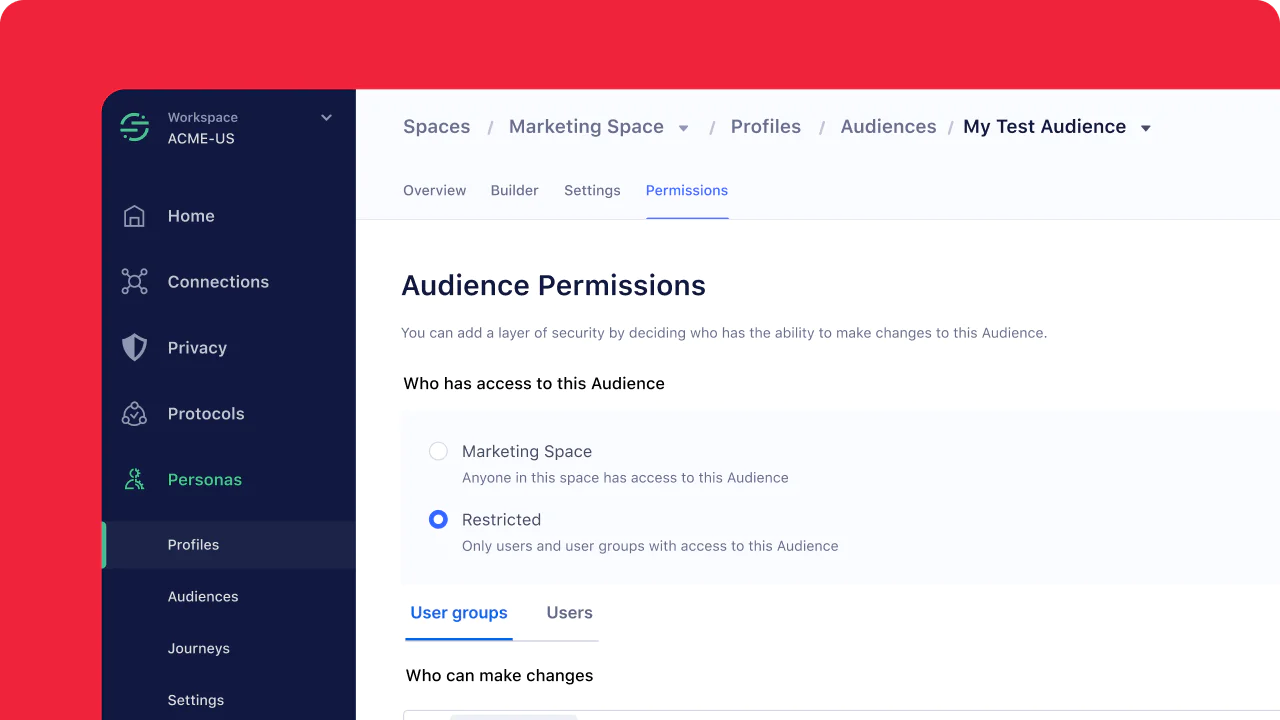
Twilio Segment Engage Overview
A video walkthrough that introduces Twilio Engage, from core capabilities to a visual tour of the UI.
Docs
Tutorials & guides
Partner spotlight

Listen to Builders Wanted
Leveraging Data Across the Customer Lifecycle
Hear marketing expert Chris Koehler unpack how to identify cost-effective events, simplifying tools in a budget-constrained environment, and how to build a culture around testing and iteration.
What we’ve been building lately
What’s new and coming next

The Customer Data Platform Report 2025
Get an in-depth look into how customer data is powering customer engagement around the world.
FAQs
Yes — you can start with Segment sources or event data streaming into Engage directly. Over time, integrating a data warehouse (e.g. Snowflake, BigQuery) allows richer context, relational data joins, and more powerful audience definitions.
Engage uses identity resolution to unify customer profiles by matching identifiers (e.g. email, user ID, device ID). It enables stitching together behavior from different systems so audiences and journeys behave consistently across channels.
Yes — Engage provides APIs (e.g. Audiences API) to query which profiles belong in a given audience or to update audience rules. You can build integrations, automate segment syncs, or check membership via code. (See Engage FAQs in Segment docs.)
Engage offers data observability tools to detect pipeline sync issues, track failures, and alert you when data is stale or didn’t sync. This helps maintain trust and reliability in the audiences you build.
Yes — Engage supports multi-channel campaigns. You can combine email, SMS, and WhatsApp messages in a single journey, applying logic and branching to choose which channel to use based on user behavior or preferences.
Engage supports linked audiences (or entity modeling) so you can bring in relational tables (e.g. line items, orders) from your warehouse into audience logic. That way you can build segments like “users who ordered X product in last 14 days” with full context.
In Engage:
- Events are actions users take (e.g. “added_to_cart,” “logged_in”), with timestamps and properties.
- Traits are persistent attributes of a user (e.g. “lifetime_value,” “signup_date”).
Traits persist and can be used for segmentation, while events provide behavioral signals.
Yes — Engage supports data governance and privacy controls such as PII suppression, consent tracking, region-level data residency (in supported regions), and access control over who can see or export sensitive data.
Elevate Your Customer Engagement
Discover how Twilio Engage can transform your marketing with unified data, powerful automation, and personalized journeys — tailored to your unique business needs.

All-in-one builder toolbox for Engage
Begin your Engage journey with tutorials, videos, and quickstart documentation that walk you through setting up your first campaign, integrating channels, and building automation workflows.
Get started fast
What will you build next? Here are some resources to get started with cross-channel campaigns using Engage.
Twilio Segment Engage Overview
A video walkthrough that introduces Twilio Engage, from core capabilities to a visual tour of the UI.
Get Building
Dig into our up-to-date docs, tutorials, and guides to get started with your Twilio project.
Docs
Tutorials & guides
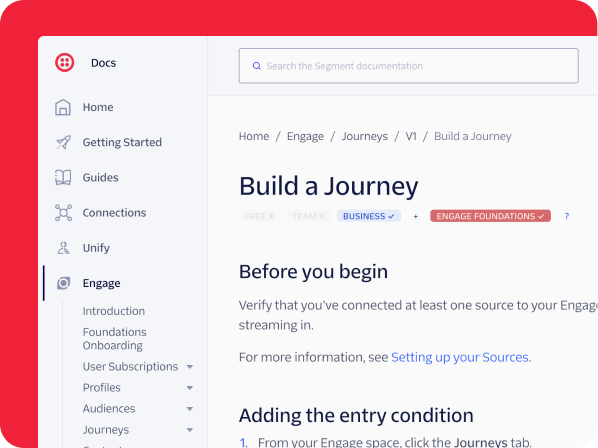
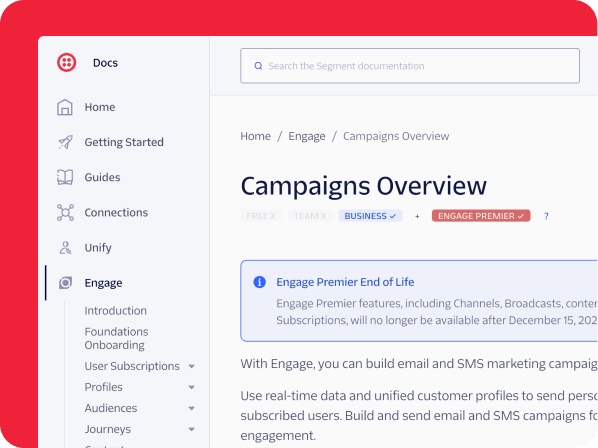
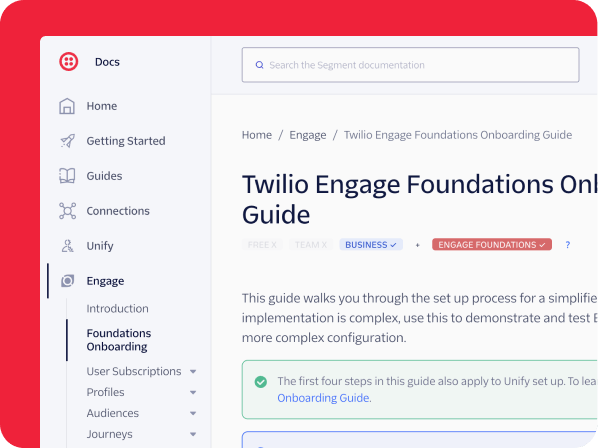
Low-code & no-code friendly
Twilio is for every kind of builder. Get started with our guides or explore partners for pre-built solutions.
Partner spotlight


Listen to Builders Wanted
Leveraging Data Across the Customer Lifecycle
Hear marketing expert Chris Koehler unpack how to identify cost-effective events, simplifying tools in a budget-constrained environment, and how to build a culture around testing and iteration.
Innovation & Trends
Stay ahead of the curve with the latest industry innovations and insights
What we’ve been building lately



What’s new and coming next


The Customer Data Platform Report 2025
Get an in-depth look into how customer data is powering customer engagement around the world.
Best practices & continued learning
We’ve already done the exploration, prototyping, testing, and troubleshooting so you don’t have to.



Product Mastery
Become an expert Twilio builder with advanced tutorials and guides.






FAQs
Yes — you can start with Segment sources or event data streaming into Engage directly. Over time, integrating a data warehouse (e.g. Snowflake, BigQuery) allows richer context, relational data joins, and more powerful audience definitions.
Engage uses identity resolution to unify customer profiles by matching identifiers (e.g. email, user ID, device ID). It enables stitching together behavior from different systems so audiences and journeys behave consistently across channels.
Yes — Engage provides APIs (e.g. Audiences API) to query which profiles belong in a given audience or to update audience rules. You can build integrations, automate segment syncs, or check membership via code. (See Engage FAQs in Segment docs.)
Engage offers data observability tools to detect pipeline sync issues, track failures, and alert you when data is stale or didn’t sync. This helps maintain trust and reliability in the audiences you build.
Yes — Engage supports multi-channel campaigns. You can combine email, SMS, and WhatsApp messages in a single journey, applying logic and branching to choose which channel to use based on user behavior or preferences.
Engage supports linked audiences (or entity modeling) so you can bring in relational tables (e.g. line items, orders) from your warehouse into audience logic. That way you can build segments like “users who ordered X product in last 14 days” with full context.
In Engage:
- Events are actions users take (e.g. “added_to_cart,” “logged_in”), with timestamps and properties.
- Traits are persistent attributes of a user (e.g. “lifetime_value,” “signup_date”).
Traits persist and can be used for segmentation, while events provide behavioral signals.
Yes — Engage supports data governance and privacy controls such as PII suppression, consent tracking, region-level data residency (in supported regions), and access control over who can see or export sensitive data.
Elevate Your Customer Engagement
Discover how Twilio Engage can transform your marketing with unified data, powerful automation, and personalized journeys — tailored to your unique business needs.
Let's find the right products for you
Generating your product picks...
See your product picks
For the best recommendations, tell me your use case, goals, requirements, etc.
Generating...
Complete
Thinking...
Finding the best products for your use case
R.I.P.
Something went wrong.
Generating Toolkit... See your toolkit
Ready, set, build! Resources to get started
Put the toolkit to use
Not quite what you're looking for? You can .
This product recommendation tool is powered by a hybrid AI system (Twilio and OpenAI) and may generate information that is inaccurate or incomplete. Recommendations are algorithmic, not professional advice. You should independently verify this information before use. By using this tool, you agree that your input is processed by both Twilio's internal systems and external OpenAI models to generate a response. You are responsible for any information you share. Twilio is not responsible for your use of this generated information, and this use does not modify your Twilio agreement if one is in place. Review our Privacy Notice for additional details on how we use data.