All-in-one builder toolbox for Flex
Leverage one unified platform to empower service, sales, and in-app concierge experiences with Twilio Flex.
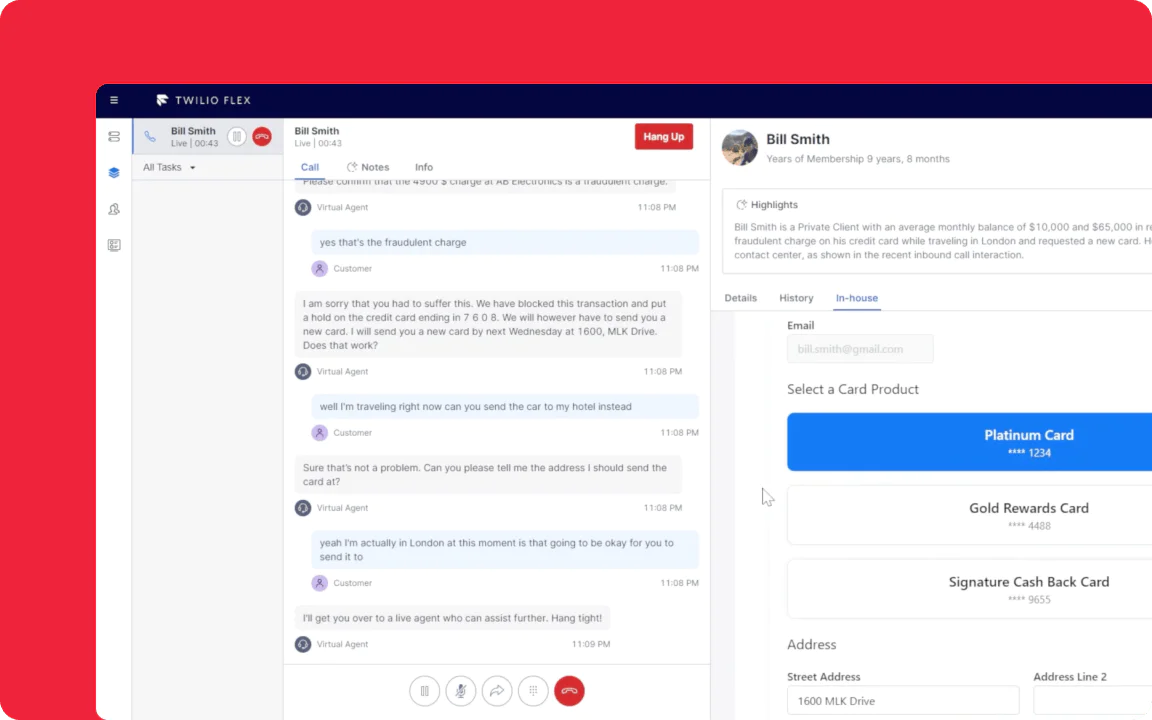
View a Flex Demo
Take a quick walkthrough of Twilio Flex to see what you can build with Flex to serve customers more effectively and efficiently.
Docs
Tutorials & guides
Guides
Partner spotlight
What’s new and coming next
Twilio Developer Hub
Your one-stop shop for all developer resources of Twilio. Find the latest content from our team and resources to get started with Twilio use cases.
Twilio Flex Code Exchange
Get started quickly with code samples. We’ve built a library of code samples you can use to get started with your project.
FAQs
Yes. Flex is an incredibly flexible solution. You can integrate Flex’s contact center functionality and features directly into any homegrown or third-party application like a CRM—and our new Flex SDK makes the process simpler.
Yes. Flex is designed to extend or add new functionality to existing contact center infrastructure. You can keep your PSTN voice carrier and existing phone numbers and connect them to your Flex instance, or integrate with your on-premises systems while using Flex’s cloud-based UI, cross-channel communication flows, and AI assistance.
You can read our Strategies for Migrating an Existing Contact Center to Twilio Flex.
You can deploy a basic Flex instance with minimal coding using our visual editor, Twilio Studio. However, to customize UI components, routing logic, plugins, themes, and integrations you generally need developer resources that can work with JavaScript/React and APIs.
Yes. Flex supports multiple channels (voice, SMS, chat, WhatsApp, web chat) and agents can seamlessly switch between tasks on different channels from a single UI dashboard. You can get an idea of what it looks like in this demo.
Flex lets you turn one-way messages (like product offers or nurture messages) into two-way conversations with an agent. Embed click-to-call or click-to-message entry points in your communications so prospects can reach out to live agents. With Flex, agents can then pull customer profiles in real-time to personalize the interactions, boost conversion, and build loyalty. Flex also integrates with lead management systems like Salesforce to create a single source of truth for agents.
Flex Insights offers dashboards and custom views for KPIs such as handle time, abandoned tasks, queue volumes, and wait times. Supervisors can also drill from high level down into conversation segments, set alerts, and analyze agent performance to keep track of performance.
Everything in Flex is customizable, including the routing logic. With TaskRouter, you can set up flows tailored to your exact set up. You can assign tasks (calls, chats, messages) to agents based on skills, availability, attributes, and escalation/fallback rules.
Yes. The backend services remain hosted by Twilio, but you have the option to host the Flex UI frontend on your own infrastructure if needed.
Build now, buy later.
Start for free. Sign up for a free trial—no credit card required.

All-in-one builder toolbox for Flex
Leverage one unified platform to empower service, sales, and in-app concierge experiences with Twilio Flex.
Get started fast
What will you build next? Here are some resources to get started on your first Flex project.
View a Flex Demo
Take a quick walkthrough of Twilio Flex to see what you can build with Flex to serve customers more effectively and efficiently.
Get Building
Dig into our up-to-date docs, tutorials, and guides to get started with your Twilio project.
Docs
Tutorials & guides
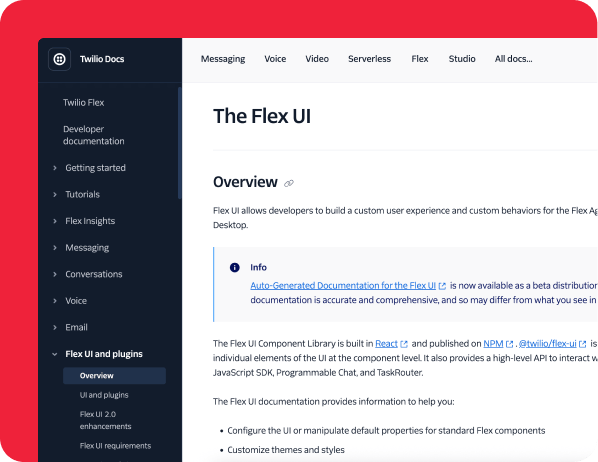
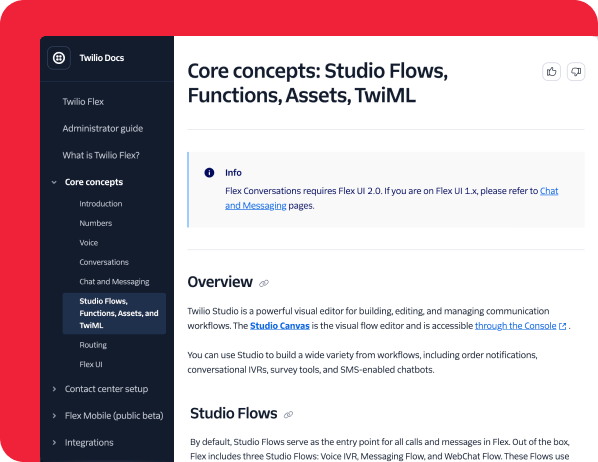
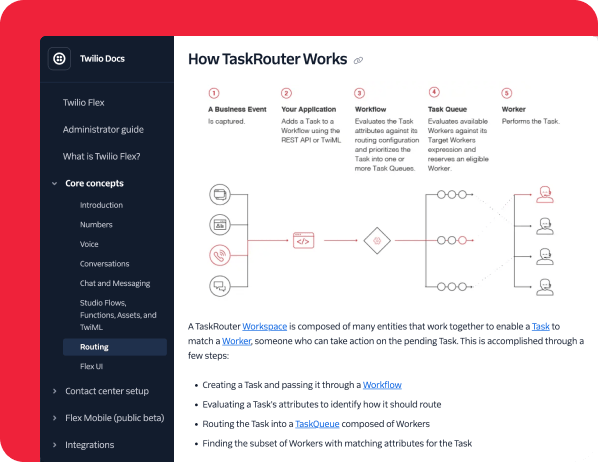
Everyone can be a builder
Twilio is for every kind of builder. Get started with our guides or explore partners for pre-built solutions.
Guides



Partner spotlight



Innovation & Trends
Stay ahead of the curve with the latest industry innovations and insights
What’s new and coming next


Best practices & continued learning
We’ve already done the exploration, prototyping, testing, and troubleshooting so you don’t have to.






Community & Collaboration
Connect, share, and grow with other developers who build with Twilio tools.




FAQs
Yes. Flex is an incredibly flexible solution. You can integrate Flex’s contact center functionality and features directly into any homegrown or third-party application like a CRM—and our new Flex SDK makes the process simpler.
Yes. Flex is designed to extend or add new functionality to existing contact center infrastructure. You can keep your PSTN voice carrier and existing phone numbers and connect them to your Flex instance, or integrate with your on-premises systems while using Flex’s cloud-based UI, cross-channel communication flows, and AI assistance.
You can read our Strategies for Migrating an Existing Contact Center to Twilio Flex.
You can deploy a basic Flex instance with minimal coding using our visual editor, Twilio Studio. However, to customize UI components, routing logic, plugins, themes, and integrations you generally need developer resources that can work with JavaScript/React and APIs.
Yes. Flex supports multiple channels (voice, SMS, chat, WhatsApp, web chat) and agents can seamlessly switch between tasks on different channels from a single UI dashboard. You can get an idea of what it looks like in this demo.
Flex lets you turn one-way messages (like product offers or nurture messages) into two-way conversations with an agent. Embed click-to-call or click-to-message entry points in your communications so prospects can reach out to live agents. With Flex, agents can then pull customer profiles in real-time to personalize the interactions, boost conversion, and build loyalty. Flex also integrates with lead management systems like Salesforce to create a single source of truth for agents.
Flex Insights offers dashboards and custom views for KPIs such as handle time, abandoned tasks, queue volumes, and wait times. Supervisors can also drill from high level down into conversation segments, set alerts, and analyze agent performance to keep track of performance.
Everything in Flex is customizable, including the routing logic. With TaskRouter, you can set up flows tailored to your exact set up. You can assign tasks (calls, chats, messages) to agents based on skills, availability, attributes, and escalation/fallback rules.
Yes. The backend services remain hosted by Twilio, but you have the option to host the Flex UI frontend on your own infrastructure if needed.
Build now, buy later.
Start for free. Sign up for a free trial—no credit card required.
Let's find the right products for you
Generating your product picks...
See your product picks
For the best recommendations, tell me your use case, goals, requirements, etc.
Generating...
Complete
Thinking...
Finding the best products for your use case
R.I.P.
Something went wrong.
Generating Toolkit... See your toolkit
Ready, set, build! Resources to get started
Put the toolkit to use
Not quite what you're looking for? You can .
This product recommendation tool is powered by a hybrid AI system (Twilio and OpenAI) and may generate information that is inaccurate or incomplete. Recommendations are algorithmic, not professional advice. You should independently verify this information before use. By using this tool, you agree that your input is processed by both Twilio's internal systems and external OpenAI models to generate a response. You are responsible for any information you share. Twilio is not responsible for your use of this generated information, and this use does not modify your Twilio agreement if one is in place. Review our Privacy Notice for additional details on how we use data.